


 Written by admin
The following guide shows how to install Drama Player on Firestick, Fire TV, and Android devices.
Drama Player is a video player that integrates with many streaming apps for an improved viewing experience. This includes HDO Box where Drama Player is required in order to stream content from that application.
This video player can be installed on popular streaming devices including the Amazon Firestick, Fire TV, Android TV/Google TV boxes, tablets, phones, and more.
Because Drama Player isn’t available in app stores like Amazon or Google Play, we need to side-load this app on our device. See our installation guide below.
In this guide, we are installing the Drama Player app on an Amazon Firestick 4K Max, but these instructions also work on Android TV/Google TV devices.
Note: This app does NOT work on the Fire TV Stick Select model. This device does not run on Android OS and instead uses “Vega OS” which is Amazon’s in house platform.
1. You must first install the Downloader app on your device. If you haven’t done this, refer to our Downloader Tutorial. Make sure it is the official Downloader app by AFTVNews.
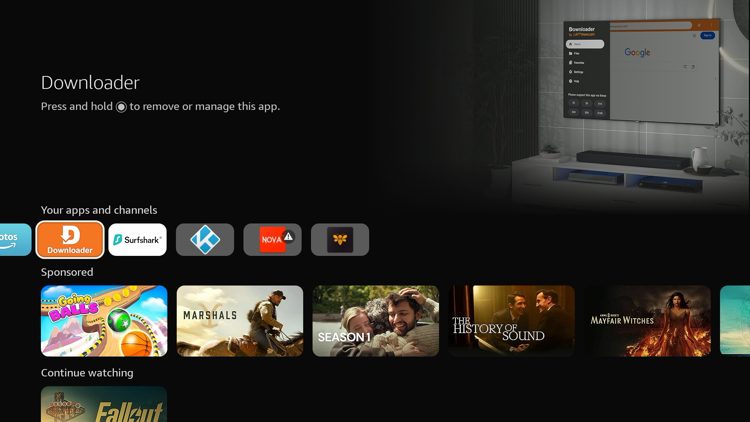
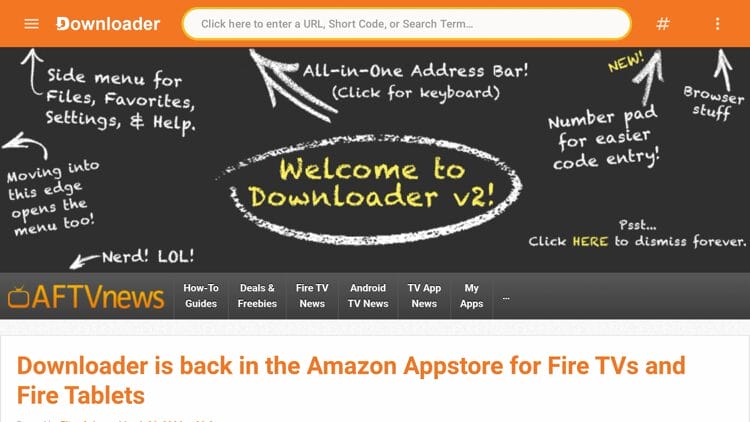
2. Launch Downloader and click the search bar on top.
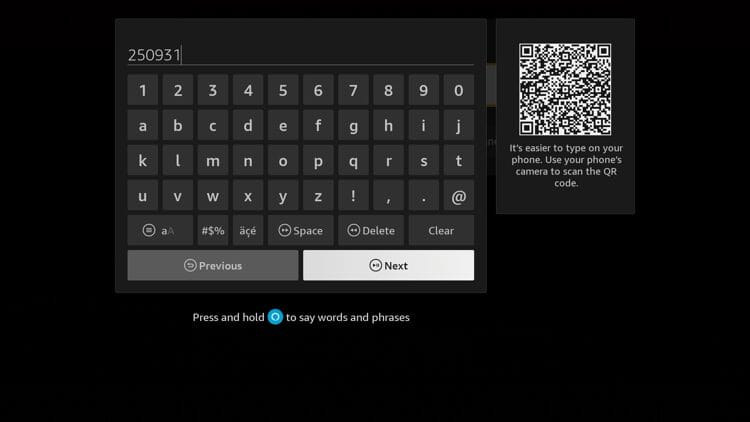
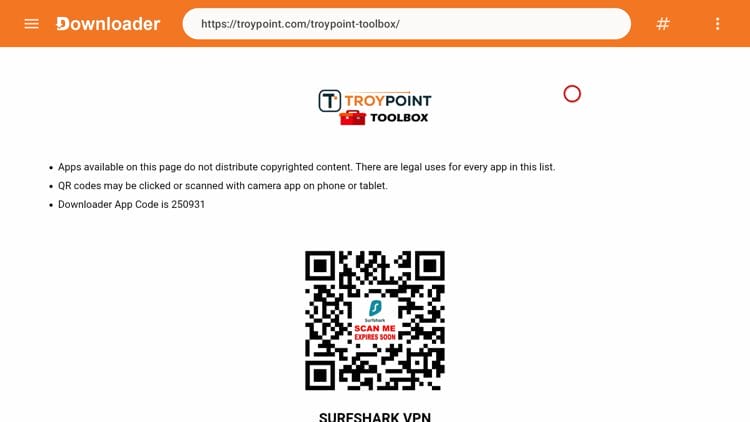
3. Enter the code 250931 and click Next.
4. This will direct you to the TROYPOINT Toolbox.
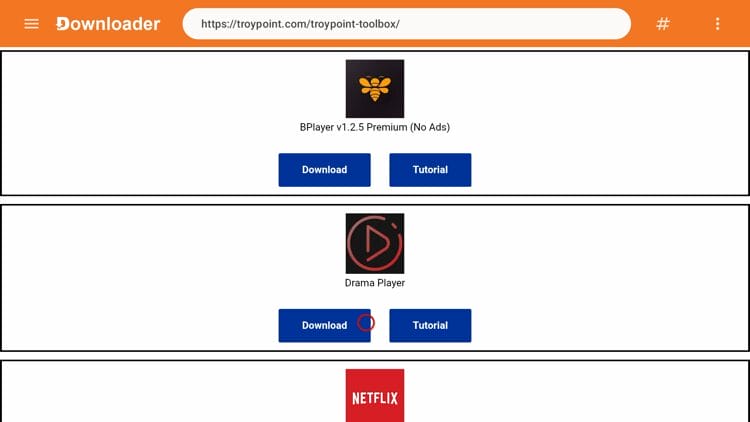
5. Scroll down to find Drama Player and click Download.
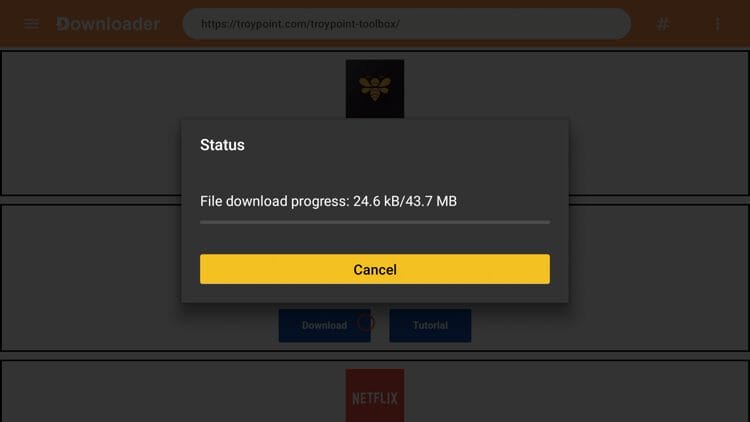
6. Wait for the app to download.
Your online activity is monitored by your ISP, app/addon/IPTV devs, government, and all websites.
🔒 Become anonymous while streaming & downloading with Surfshark VPN
Save 87% with 24-Month Plan + Get 3 FREE Months
Use on Unlimited Devices & Share 1 Account with Entire Family
CLAIM DEAL HERE
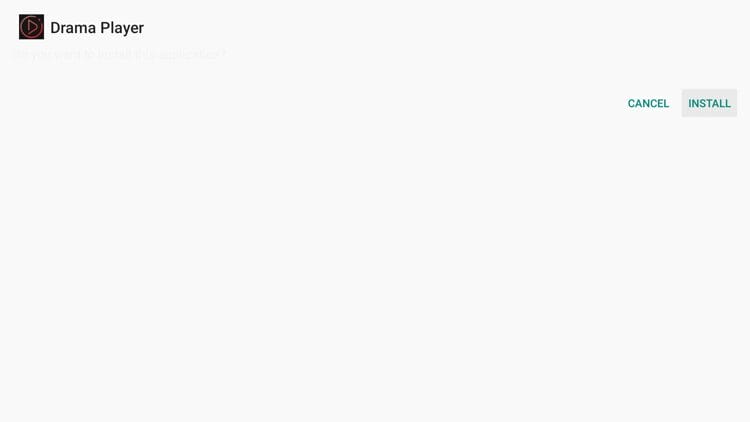
7. Click Install.
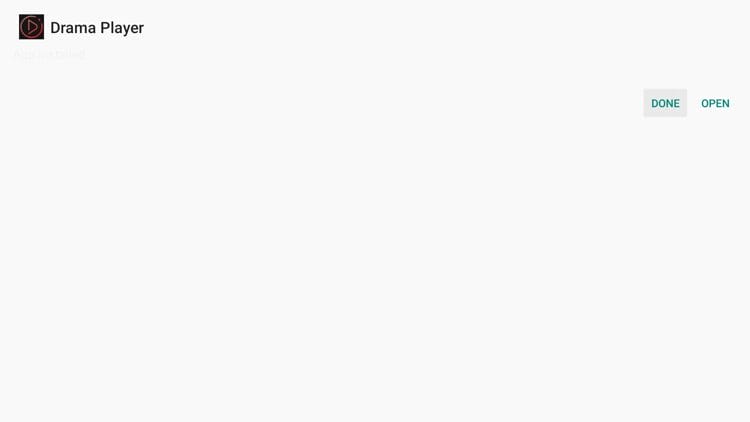
8. Click Open or Done.
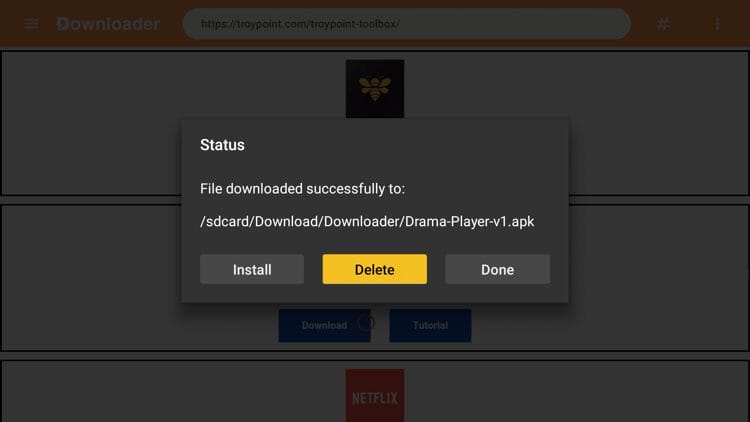
9. Click Delete to delete the installation file.
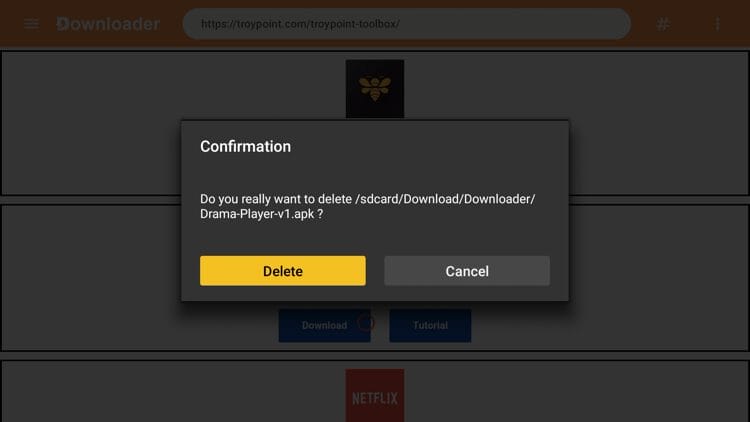
10. Click Delete again.
11. Next launch a streaming app like HDO Box so we can test Drama Player.
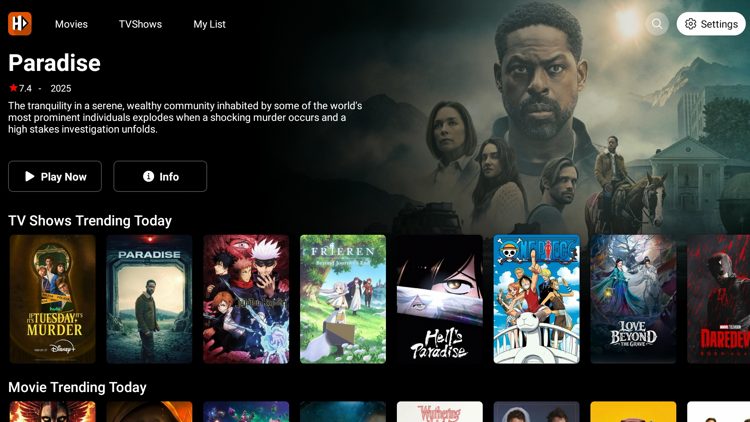
12. That’s it! Drama Player worked well while playing a public domain movie titled ‘Night of the Living Dead.’
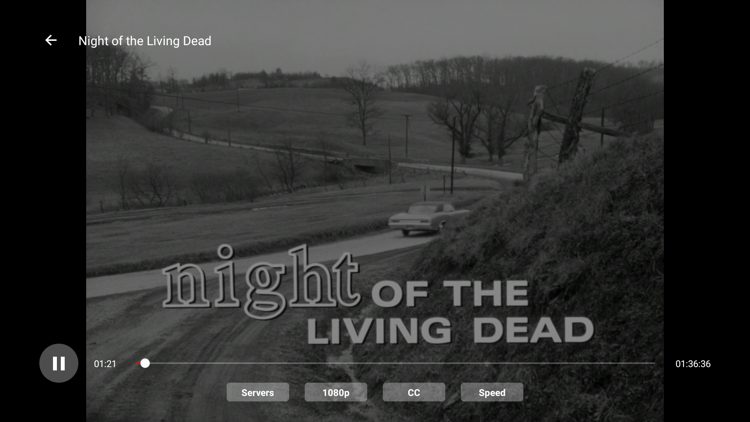
The Drama Player app supports multiple video formats such as MP4, MKV, and AVI. It handles HD and 4K playback without stuttering on most devices.
One standout feature is ‘Smart Buffer Control,’ which adjusts the data cache based on your internet speed. This helps reduce lag during playback, making it a solid choice for those who struggle with buffering issues.
Subtitle support is another strong point. You can load subtitles in over 25 languages and customize the font size and color to match your preference.
The app is lightweight at around 37 MB, so it won’t eat up storage space. For those running an older Firestick or budget Android TV box, this small footprint makes a big difference.
Drama Player has become a must-have for anyone using HDO Box or other streaming apps on a Firestick or Android TV device. The lightweight design and Smart Buffer Control make it a solid external player for cord-cutters dealing with buffering problems.
Have you tried streaming content with Drama Player? Let us know in the comments below.
This page includes affiliate links where TROYPOINT may receive a commission at no extra cost to you. Many times, visitors will receive a discount due to the special arrangements made for our fans. Learn more on my Affiliate Disclaimer page.



© IPTVSub is Proudly Owned by win-design