


 Written by admin
The following guide shows how to install TPlayer on Firestick, Fire TV, and Android devices.
TPlayer is a video player that integrates with many streaming apps for an improved viewing experience. This includes TeaTV where TPlayer is the preferred external media player.
This works similar to MX Player, which is commonly used on Android-powered devices for those familiar with that video player.
TPlayer can be installed on most streaming devices including the Amazon Firestick, Fire TV, Android TV/Google TV boxes, tablets, phones, and more.
While this app is available in the Google Play Store for Android TV/Google TV, we don’t recommend installing from here since you aren’t getting the latest version. And for those using Fire TV we must side-load TPlayer since it’s not in the Amazon App Store.
In this guide, we are installing TPlayer on an Amazon Firestick 4K Max, but these instructions also work on Android TV/Google TV devices.
Note: This app does NOT work on the Fire TV Stick Select model. This device does not run on Android OS and instead uses “Vega OS” which is Amazon’s in house platform.
1. You must first install the Downloader app on your device. If you haven’t done this, refer to our Downloader Tutorial. Make sure it is the official Downloader app by AFTVNews.
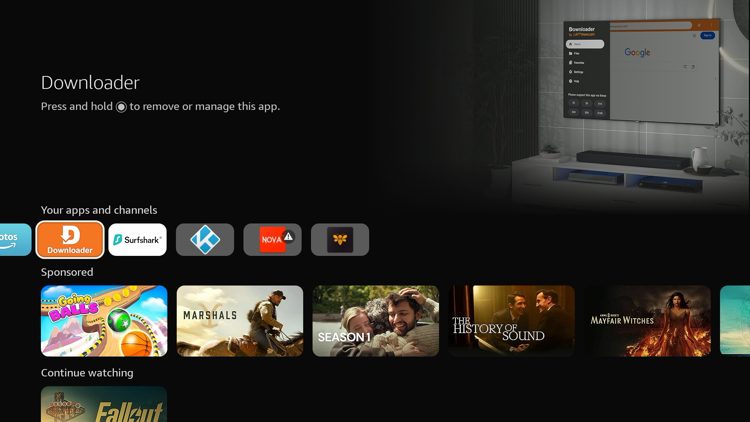
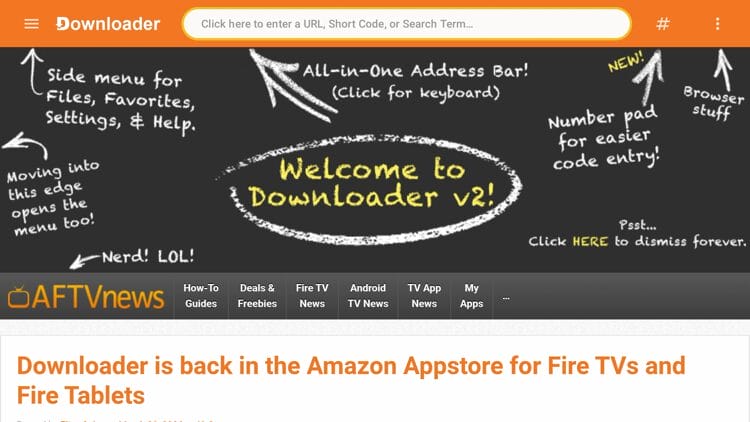
2. Launch Downloader and click the search bar on top.
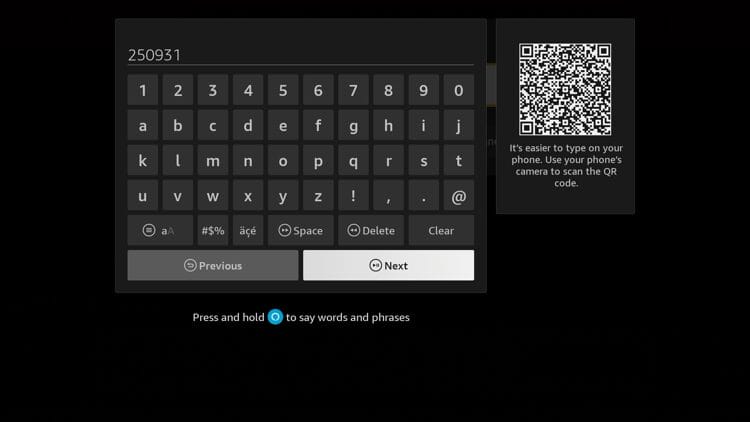
3. Enter the code 250931 and click Next.
4. This will direct you to the TROYPOINT Toolbox.
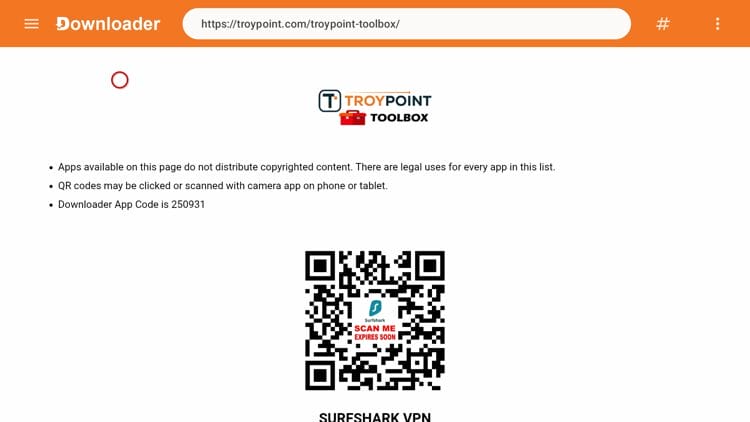
5. Scroll down to find TPlayer and click Download.
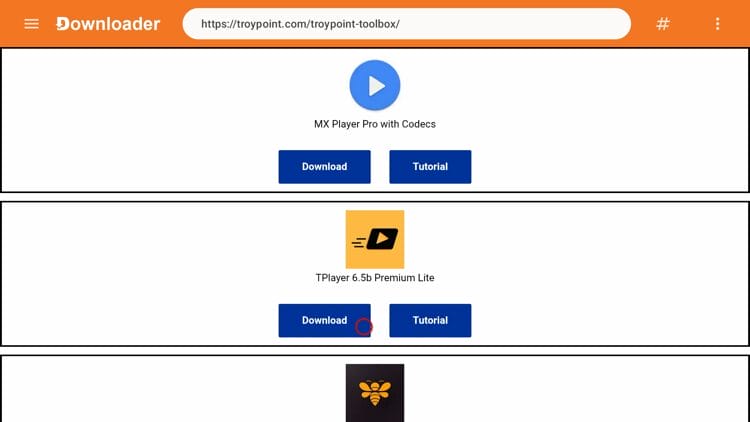
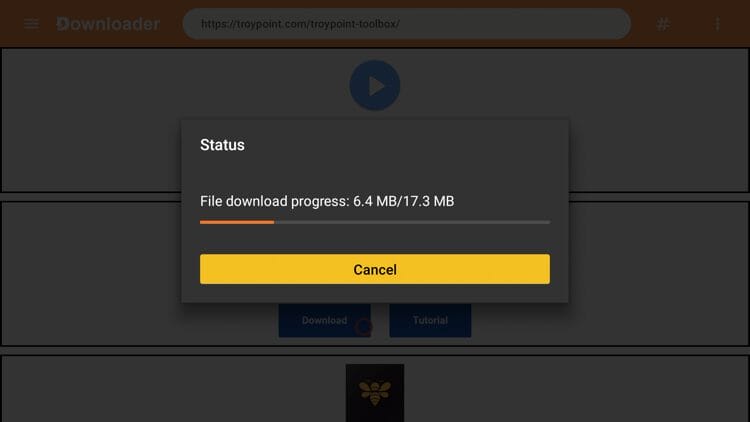
6. Wait for the app to download.
Your online activity is monitored by your ISP, app/addon/IPTV devs, government, and all websites.
🔒 Become anonymous while streaming & downloading with Surfshark VPN
Save 87% with 24-Month Plan + Get 3 FREE Months
Use on Unlimited Devices & Share 1 Account with Entire Family
CLAIM DEAL HERE
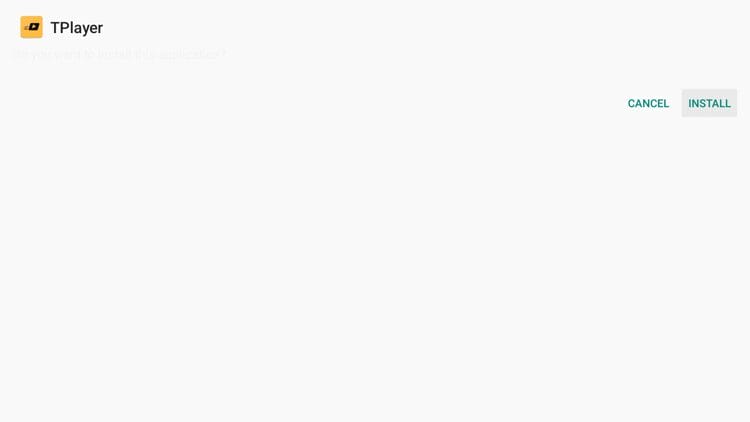
7. Click Install.
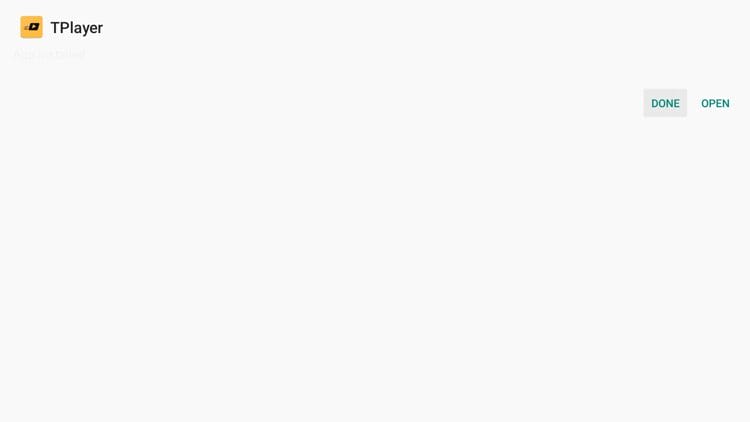
8. Click Open or Done.
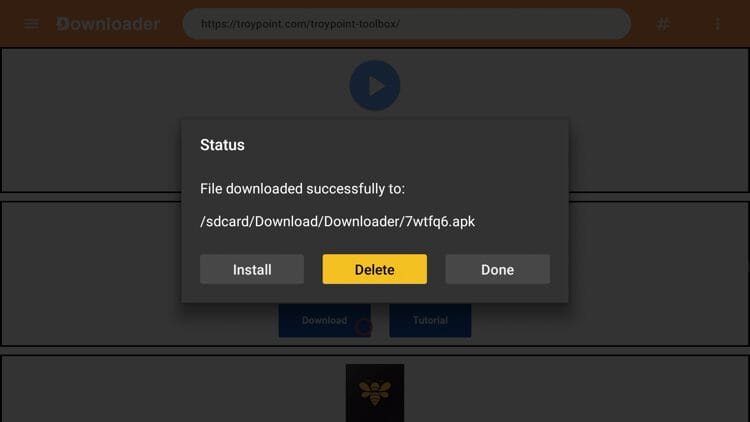
9. Click Delete to delete the installation file.
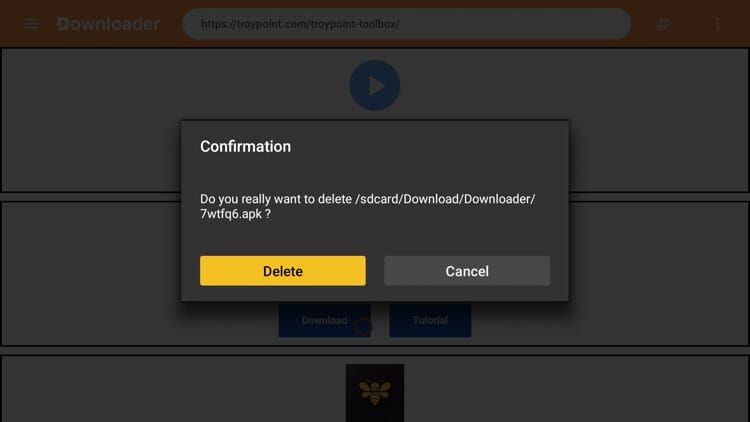
10. Click Delete again.
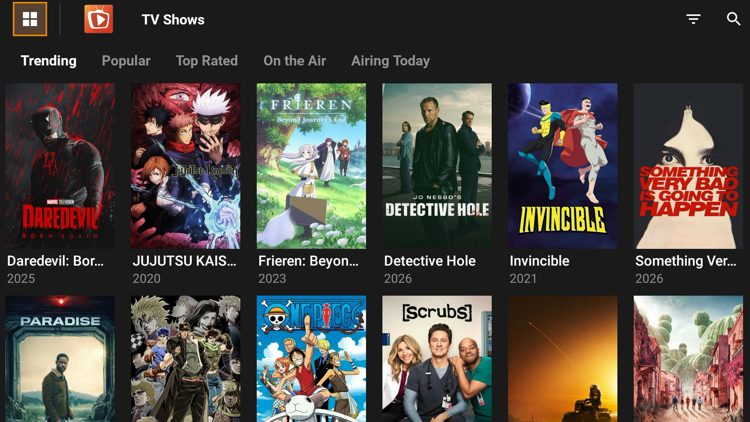
11. Next launch a streaming app like TeaTV so we can test TPlayer.
12. That’s it! TPlayer worked well while playing a public domain movie titled ‘Night of the Living Dead.’
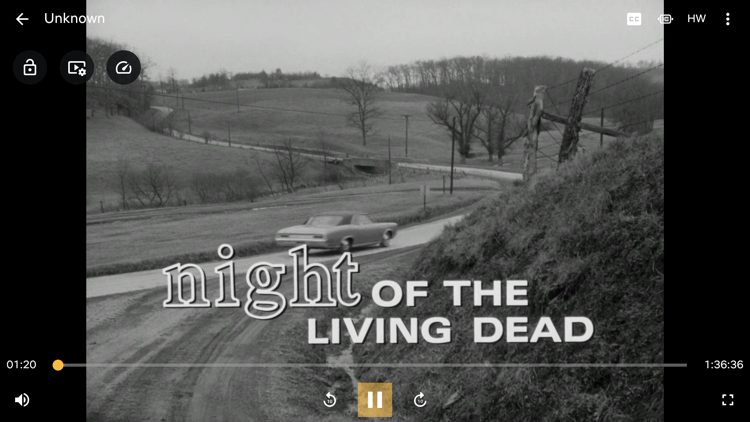
Users often find that streaming apps buffer when playing content through default media players. Using an external video player like TPlayer is a great way to reduce those buffering problems.
TPlayer also supports a wide range of video formats including MKV, MP4, AVI, MOV, Ogg, FLAC, TS, M2TS, and more. You won’t need a separate app to convert files before watching them.
This is also a lightweight video player at around 33 MB and runs well even on older or budget devices. It can automatically scan your device storage and SD card to identify all video files, organizing them into folders based on their source.
TPlayer remains a reliable external video player for anyone looking to improve playback quality on a Firestick or Android TV device.
If you struggle with buffering or ads in your favorite streaming apps, this is worth a try.
Have you tried streaming content with TPlayer? Let us know in the comments below.
This page includes affiliate links where TROYPOINT may receive a commission at no extra cost to you. Many times, visitors will receive a discount due to the special arrangements made for our fans. Learn more on my Affiliate Disclaimer page.



© IPTVSub is Proudly Owned by win-design