


 Written by admin
The Downloader app just received its biggest update in years, and version 2 brings some welcome changes for Fire TV and Android TV/Google TV users.
I’ve been using the Downloader App since its early days, and the developer at AFTVNews (Elias Saba) deserves a lot of credit for keeping it free and functional all this time.
Here’s a full breakdown of every new feature and how to get the update on your streaming device.
Get Free Ultimate Stremio Setup Guide
The separate browser tab is gone. Version 2 merges two redundant URL fields into a single address bar that handles URLs, short codes, and Google searches from one place.
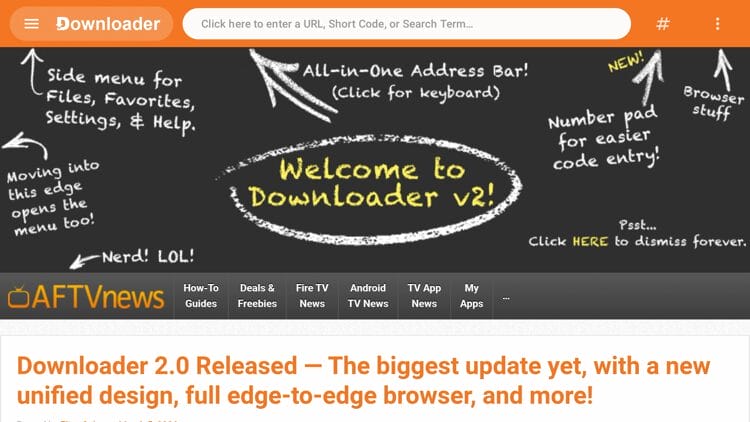
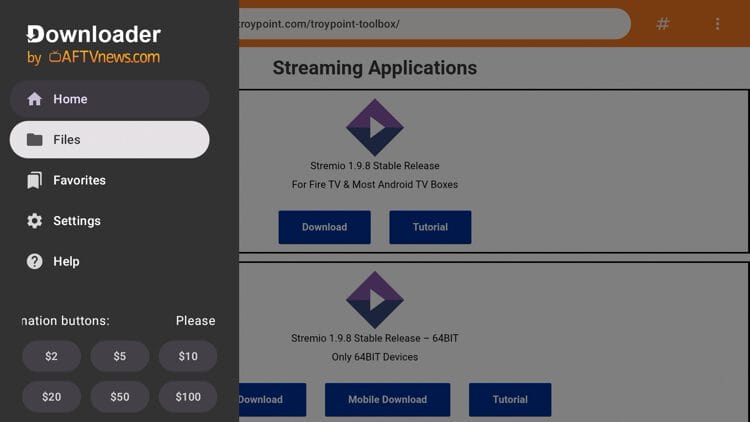
AFTVNews also redesigned the sidebar menu so it auto-hides when inactive, expanding the browser view by 38% compared to V1.
To open the sidebar, press your cursor to the left edge of the screen or click the Downloader tab in the top left corner. With the extra space, many websites now display full desktop layouts instead of cramped mobile views.
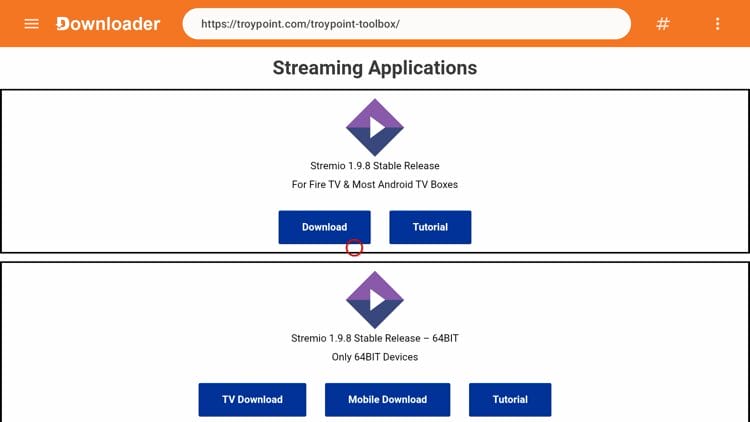
A pound sign icon now sits to the right of the address bar. Tapping it opens a number pad, making it faster to enter short codes like the one for the TROYPOINT Toolbox (250931).
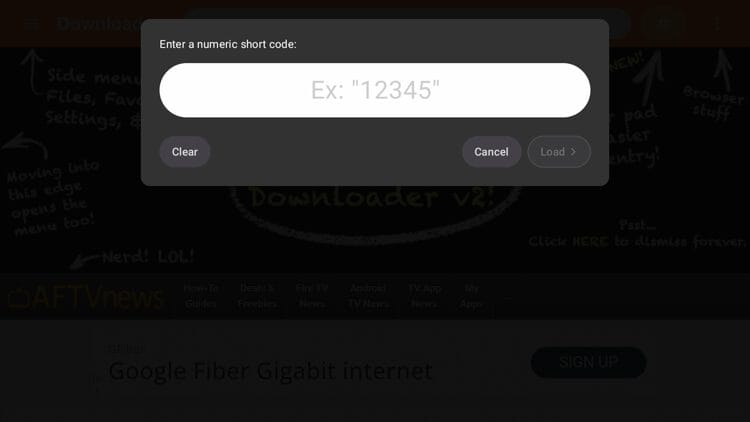
This is especially helpful on Android TV/Google TV devices where the on-screen keyboard lacks a dedicated number row. You can still click the URL box itself to pull up the full keyboard if you prefer.
The browser cursor now tracks more smoothly and responds better to the directional pad on your remote. Clicking small web links, like the ones inside the TROYPOINT Toolbox, is noticeably easier with this improvement.
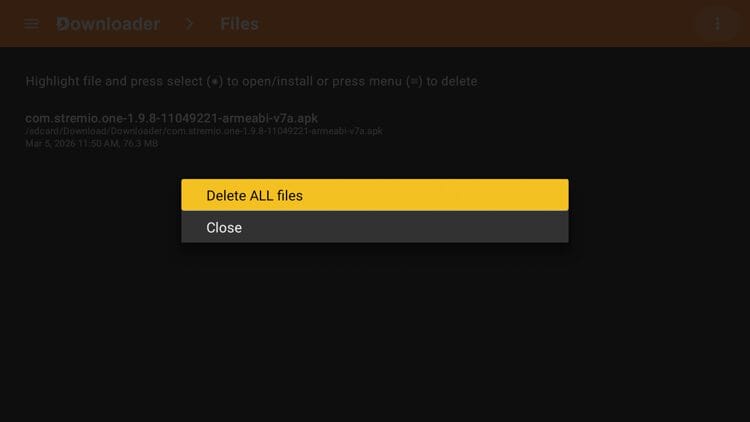
A new “Delete All Files” option on the Files screen lets you wipe every APK at once instead of removing them one at a time. I always recommend deleting installation files after sideloading apps, and this feature saves a lot of time.
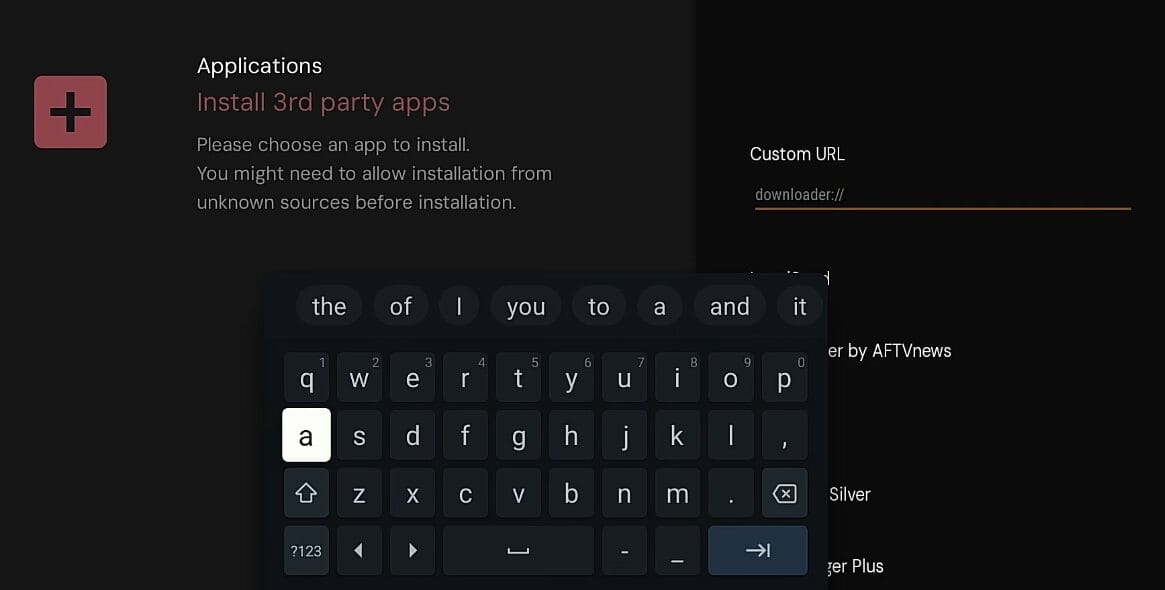
Third-party apps and websites can now send URLs, short codes, or search terms directly into the app using custom downloader:// links. Projectivy Launcher already supports this feature under Settings > Install Third-Party Apps > Custom URL.
On Android TV or Google TV, open Google Play, tap your avatar, go into updates, and look for Downloader.
On Fire TV, open the Amazon App Store, search for Downloader, and hit update. You can also uninstall and reinstall the app to grab the latest version.
NOTE: Make sure you grab the official app by AFTVNews. Fake Downloader apps continue to appear in both stores. The real Downloader is 100% free and relies on donations to stay available.
The Downloader App V2 update is a well-executed refresh that addresses long-standing community requests. From the expanded browser view to bug fixes and the number pad shortcut, every change here serves a clear purpose.
This app is 100% free and relies on donations, so consider supporting the developer through the in-app buttons if you use it regularly.
Your online activity is monitored by your ISP, app/addon/IPTV devs, government, and all websites.
🔒 Become anonymous while streaming & downloading with Surfshark VPN
Save 87% with 24-Month Plan + Get 3 FREE Months
Use on Unlimited Devices & Share 1 Account with Entire Family
CLAIM DEAL HERE
For more details on this Downloader V2 update, refer to the official report from AFTVNews.
We want to know your thoughts. What do you think about this story? Let us know in the comment section below!
Be sure to stay up-to-date with the latest streaming news, reviews, tips, and more by following the TROYPOINT Advisor with updates weekly.
This page includes affiliate links where TROYPOINT may receive a commission at no extra cost to you. Many times, visitors will receive a discount due to the special arrangements made for our fans. Learn more on my Affiliate Disclaimer page.



© IPTVSub is Proudly Owned by win-design