


 Written by admin
Surfshark just released a new feature called Web Content Blocker that focuses on household protection by letting you block access to entire website categories across all devices with the same account.
Web Content Blocker prevents access to website categories you select from a provided list. Once enabled, these restrictions apply to every device logged into your Surfshark VPN account.
You can secure the settings with two-factor authentication (2FA). This ensures only you can change which categories are blocked. Other household members can’t modify these protections, even with access to the Surfshark app.
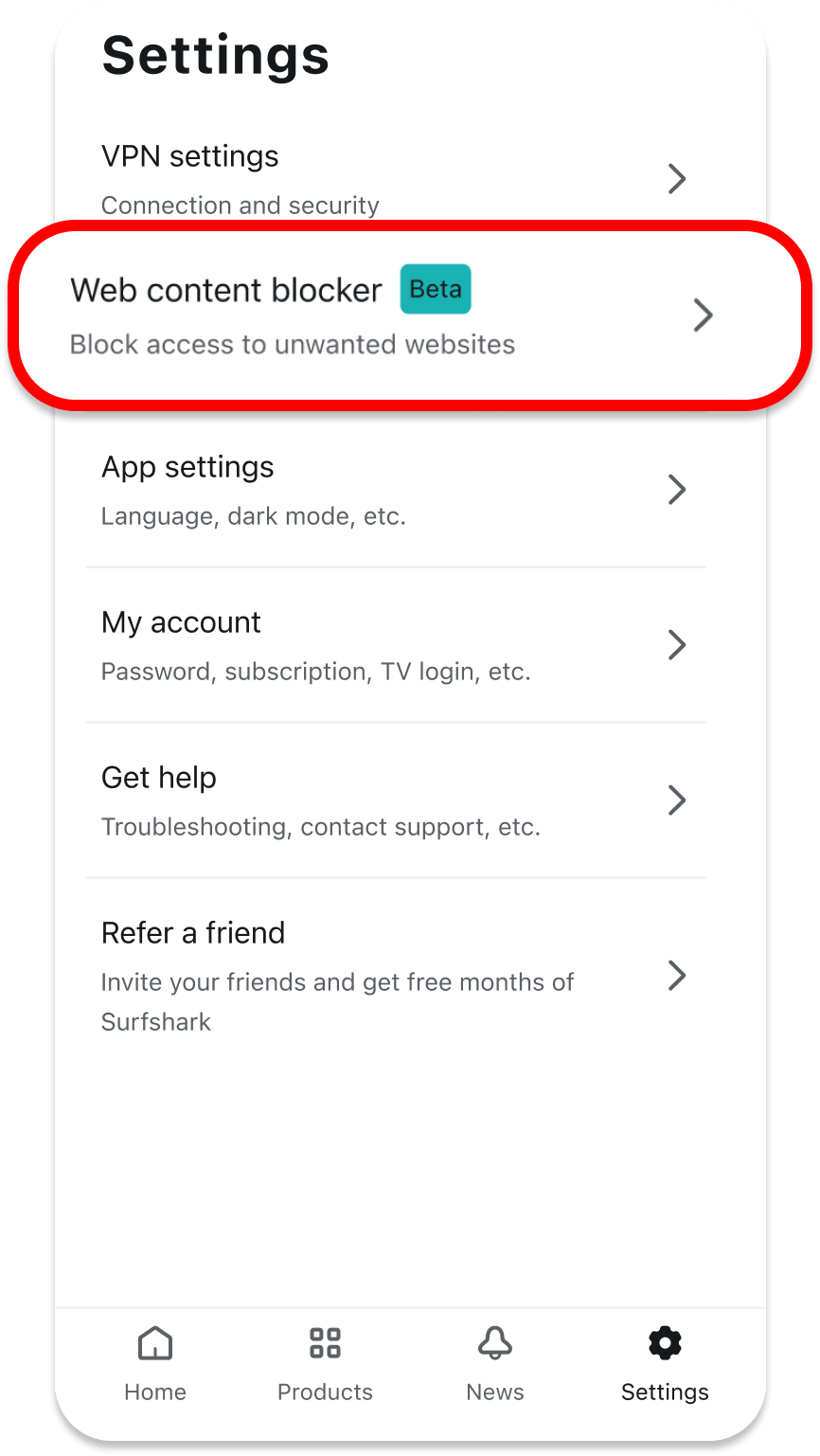
The feature works with or without an active VPN connection. However, combining both provides maximum privacy and security.
Parents can protect children from explicit content without constantly monitoring their activity. You can help older relatives avoid scam websites. Shared homes can block distracting sites during work or study hours.
This tool doesn’t monitor browsing activity. There’s no tracking or surveillance involved. This respects everyone’s privacy while still providing protection.
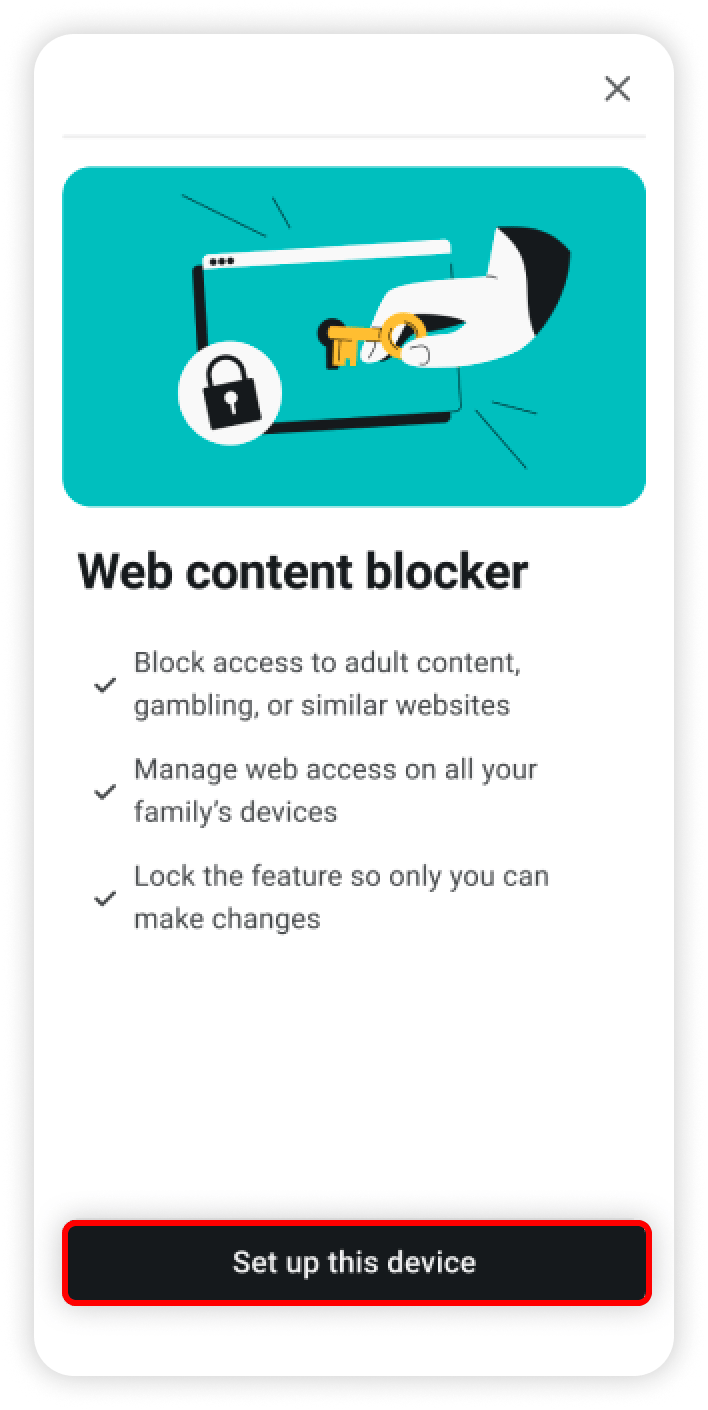
Surfshark’s CleanWeb removes ads, popups, and malware from websites and streaming apps you visit. If you’ve used Surfshark VPN on your Firestick or Android TV box, you know how well it eliminates those annoying banner ads and video interruptions.
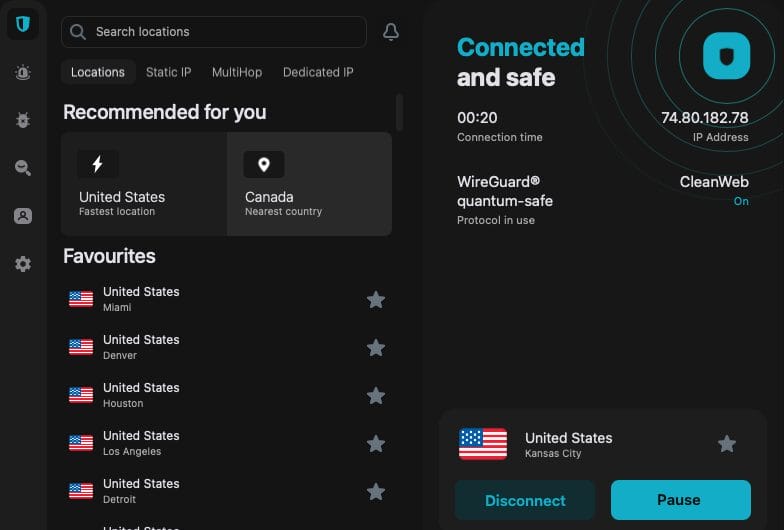
Web Content Blocker takes a broader approach. Instead of stripping unwanted elements from sites, it prevents access to entire categories. Think of CleanWeb as a filter and Web Content Blocker as a gatekeeper.
Both features work together to create a safer online environment. CleanWeb cleans up the sites you can access. Web Content Blocker stops access to sites you don’t want anyone reaching.
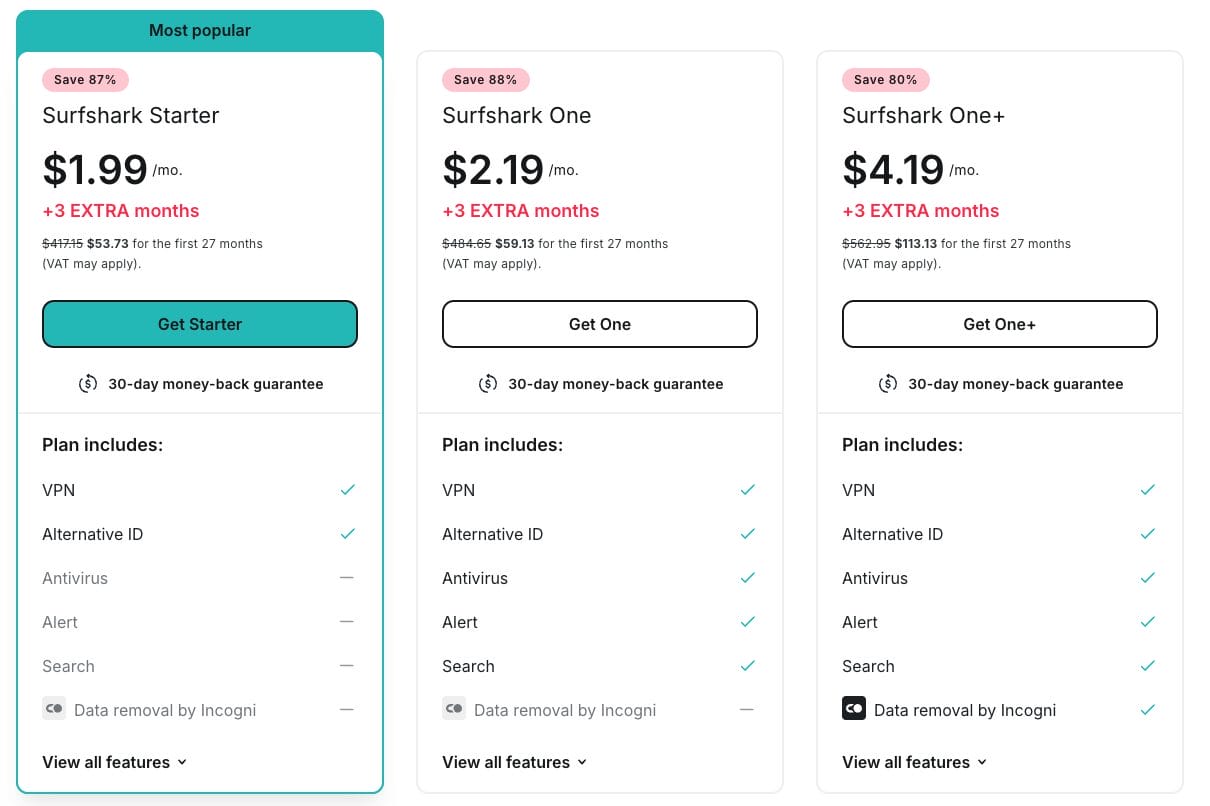
Web Content Blocker comes included with Surfshark One and One+ plans. Current subscribers get access at no additional cost. Users on the Starter plan need to upgrade.
Open your Surfshark app and go to Settings. Select the Web Content Blocker tab and toggle it on. Choose your blocked categories from the list provided.
Name your device and enable 2FA for extra security. Repeat this process on other household devices using the same account credentials. You can manage all connected devices from the Your Devices section.
Web Content Blocker adds another layer of protection for Surfshark users. This new tool blocks entire website categories before anyone can access them.
Combined with CleanWeb’s ad and malware blocking, these features create a safer online environment for everyone in your household without monitoring or privacy invasion.
For more details on this update, refer to the official article from Surfshark’s website.
We want to know your thoughts. What do you think about this new Surfshark VPN update? Let us know in the comment section below!
Be sure to stay up-to-date with the latest streaming news, reviews, tips, and more by following the with updates weekly.
This page includes affiliate links where TROYPOINT may receive a commission at no extra cost to you. Many times, visitors will receive a discount due to the special arrangements made for our fans. Learn more on my Affiliate Disclaimer page.



© IPTVSub is Proudly Owned by win-design