


 Written by admin
The following guide shows how to stream UFC on Firestick, Fire TV, or any other device you prefer.
UFC Paris is the next event of 2025 and will take place on Saturday, September 6th at the Accor Arena in Paris, France.
Top middleweight contenders Nassourdine Imavov and Caio Borralho will face off in an important fight that will have major title implications in the division.
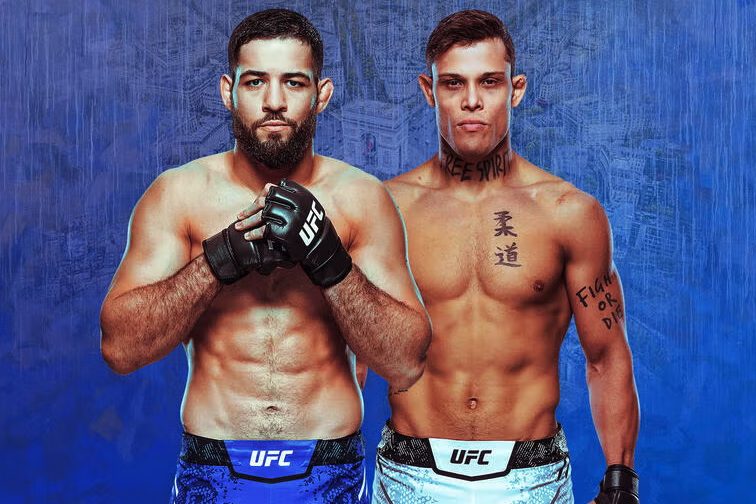
Other notable fights on the main card include Benoit Saint Denis vs Mauricio Ruffy, Modestas Bukauskas vs Paul Craig, and Bolaji Oki vs Mason Jones.
UFC Paris starts at 3 PM ET with the Prelims starting at 12:00 PM ET. This event is available for purchase with the ESPN+ app as well as other outlets across the world which we describe below.
In addition to ESPN+ there are several other options to stream UFC on Firestick through sports websites, streaming apps, cable providers, or live TV (IPTV) services.
Important Update: Starting in 2026 cord-cutters will be able to stream UFC events on Paramount+ for just over $100/year. This means viewers will no longer have to pay for every PPV event in addition to the ESPN+ subscription. This is big news!
Listed below are the best verified options to watch UFC on Firestick or any other device including Android Box/Google TV, Roku, and more.
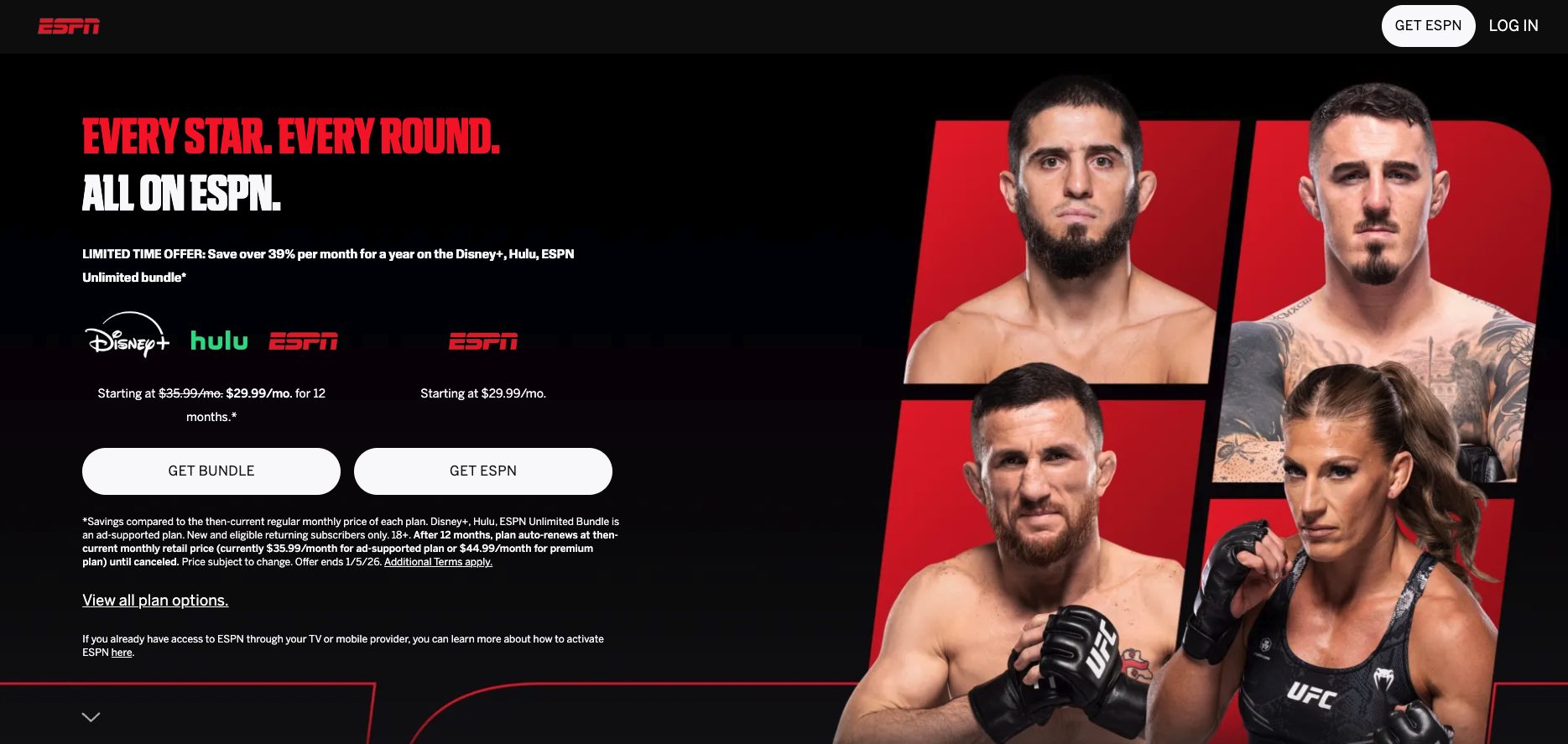
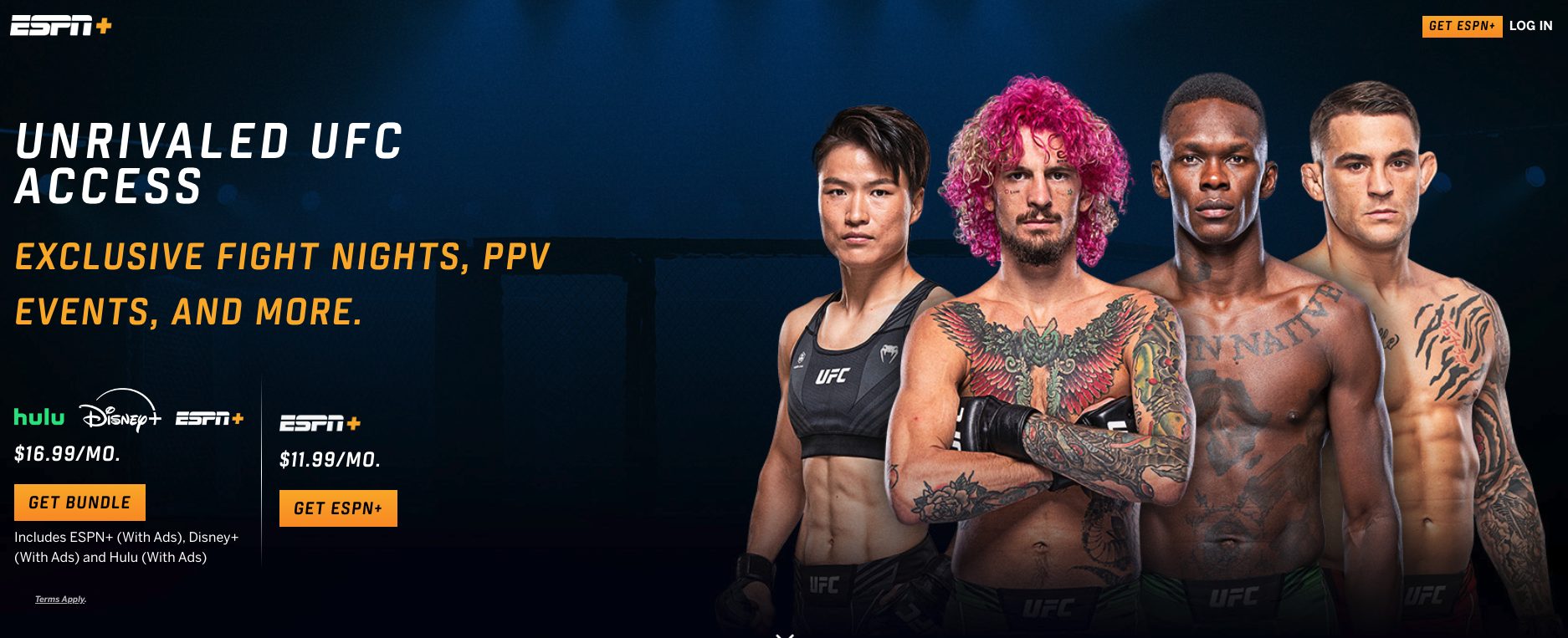
If you already have ESPN Plus, then it’s very straightforward. Watching UFC Fight Nights on Firestick is included with any subscription package.
However, for major UFC PPV events, it’s a classic pay-per-view scenario. You would need to purchase the event through ESPN Plus.
This is the official source for UFC Paris and all other UFC events for those located within the United States & more.
See the quick guide below for installing ESPN Plus on your Firestick or
1. First Register for an ESPN Plus account if you haven’t already.
2. From the home screen of your device hover over the find tab and click search.
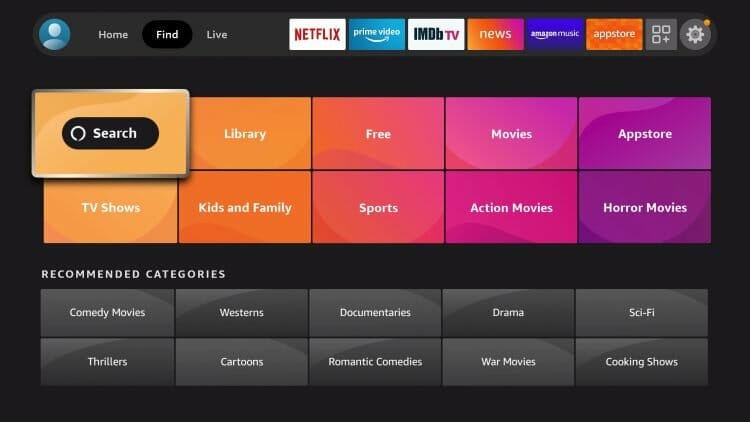
3. Search for ESPN.
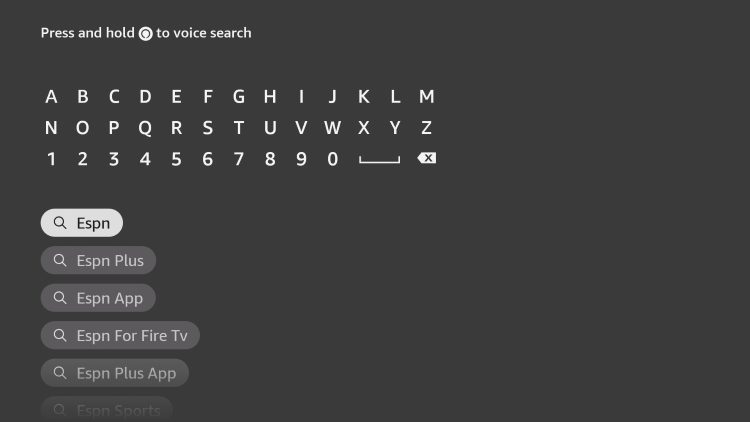
4. Select the ESPN App.
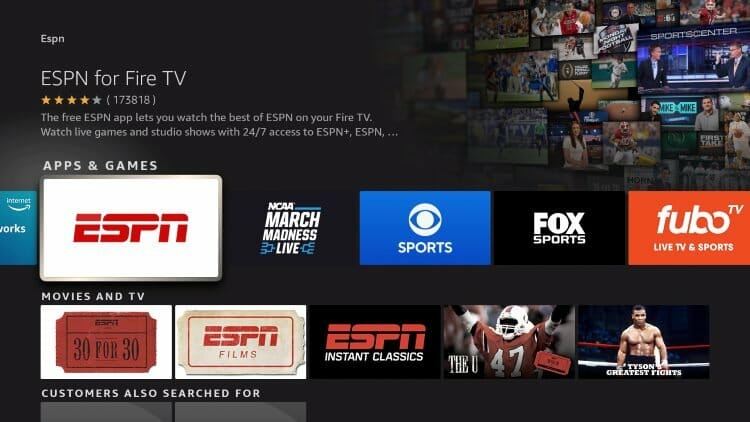
5. Click Get or Download.
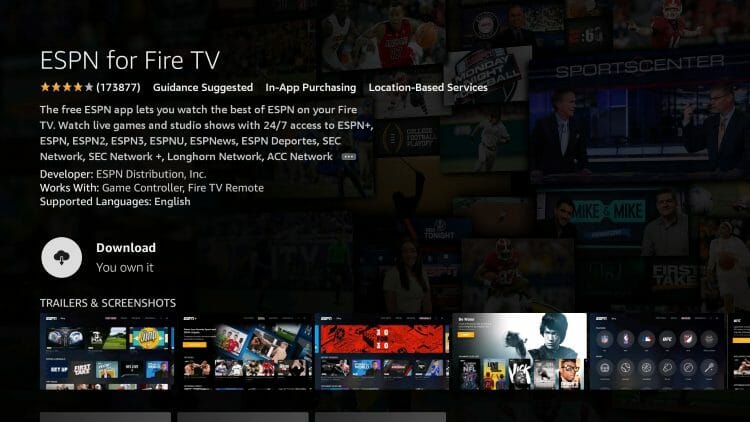
6. Wait for ESPN Plus on Firestick App to install.
7. You will then encounter ESPN for Fire TV Ready to launch message.
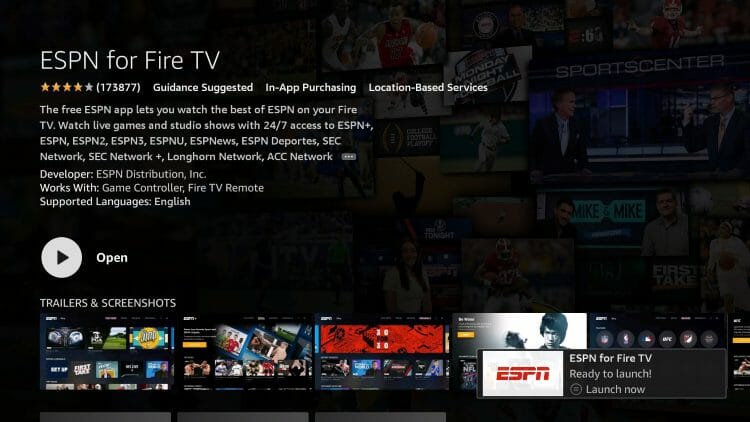
8. Click to Open the app.
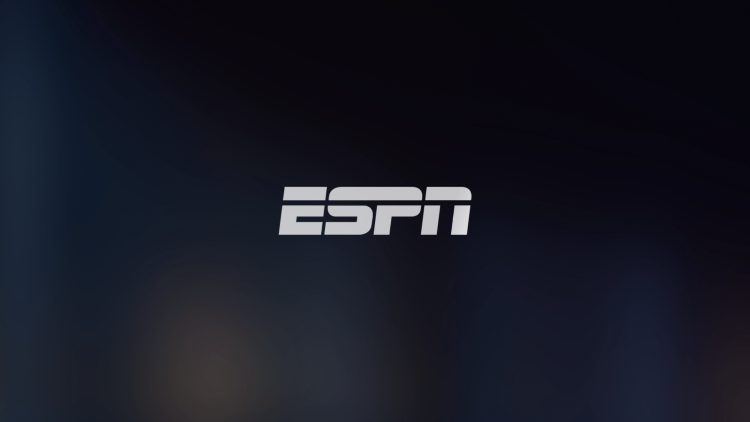
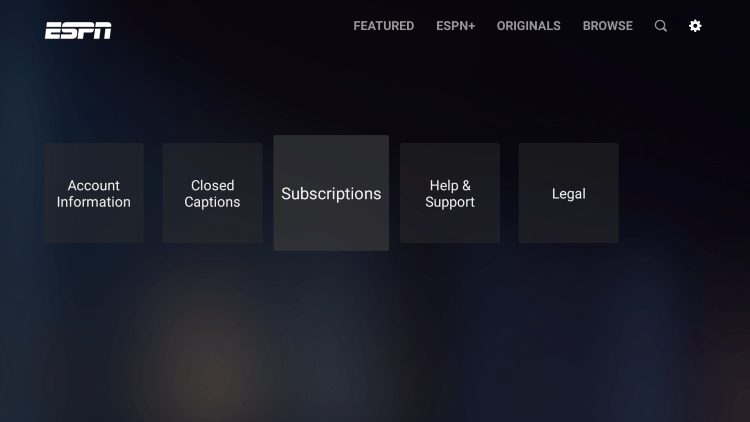
9. Select the Settings Gear Icon in the upper right-hand corner of the app. Then click Subscriptions.
10. Click ESPN+.
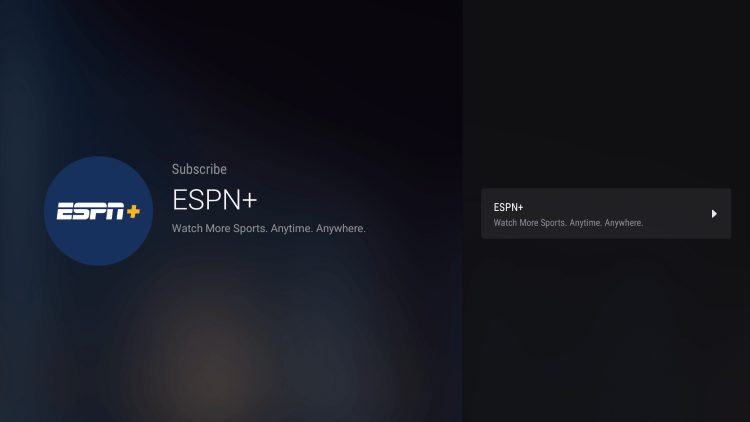
11. You are then provided purchase options or if you already have an account can select Login.
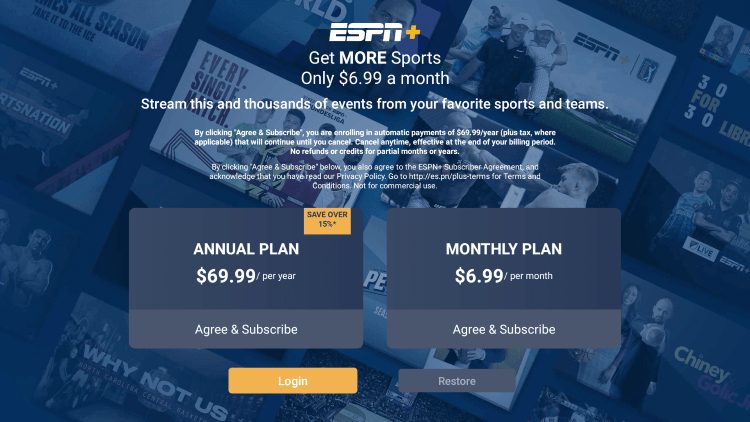
12. You are now given an activation code. Make note of this.
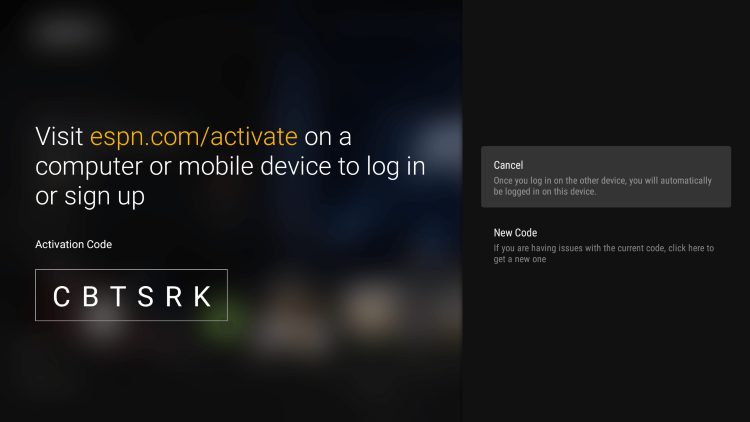
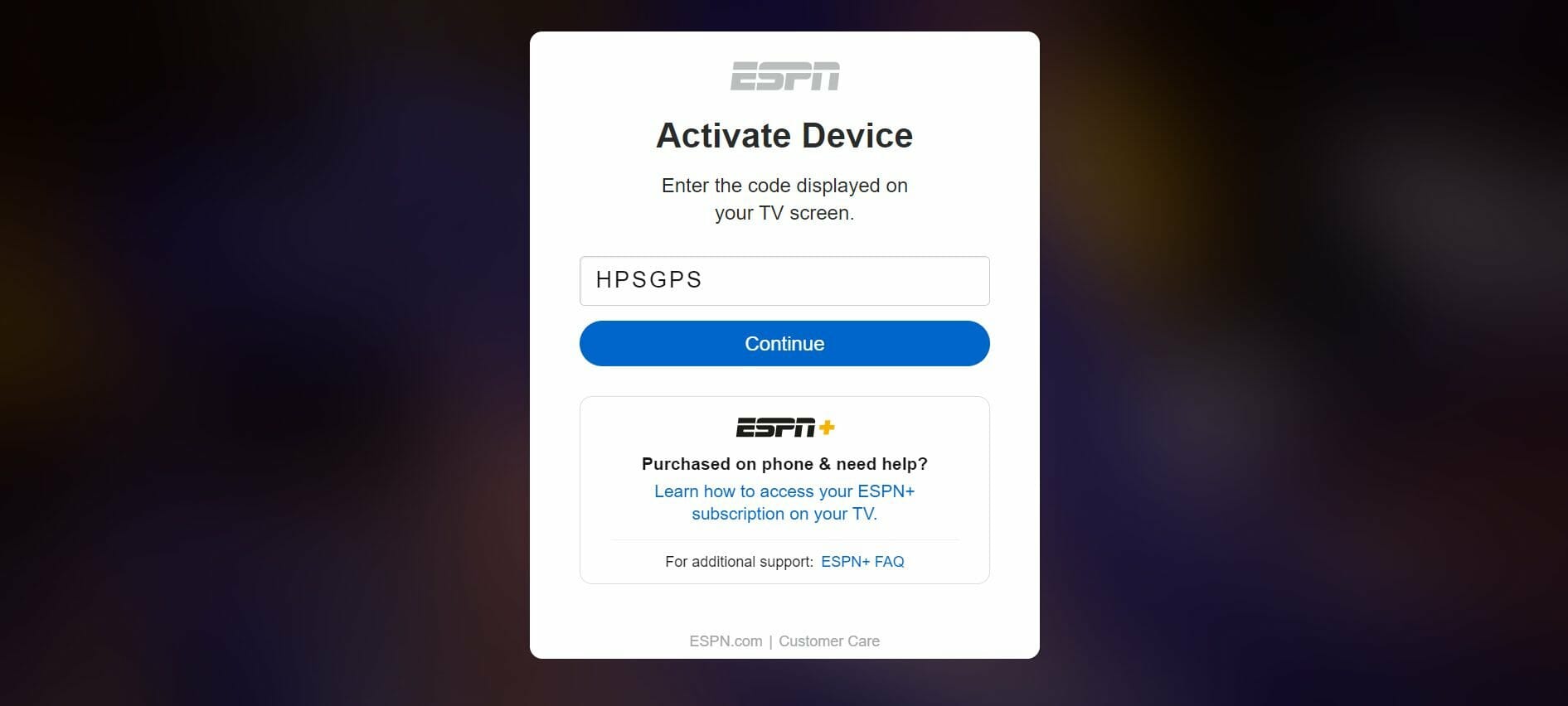
13. Open your preferred browser and any device and go to espn.com/activate. Type in the code you were provided with and click Continue.
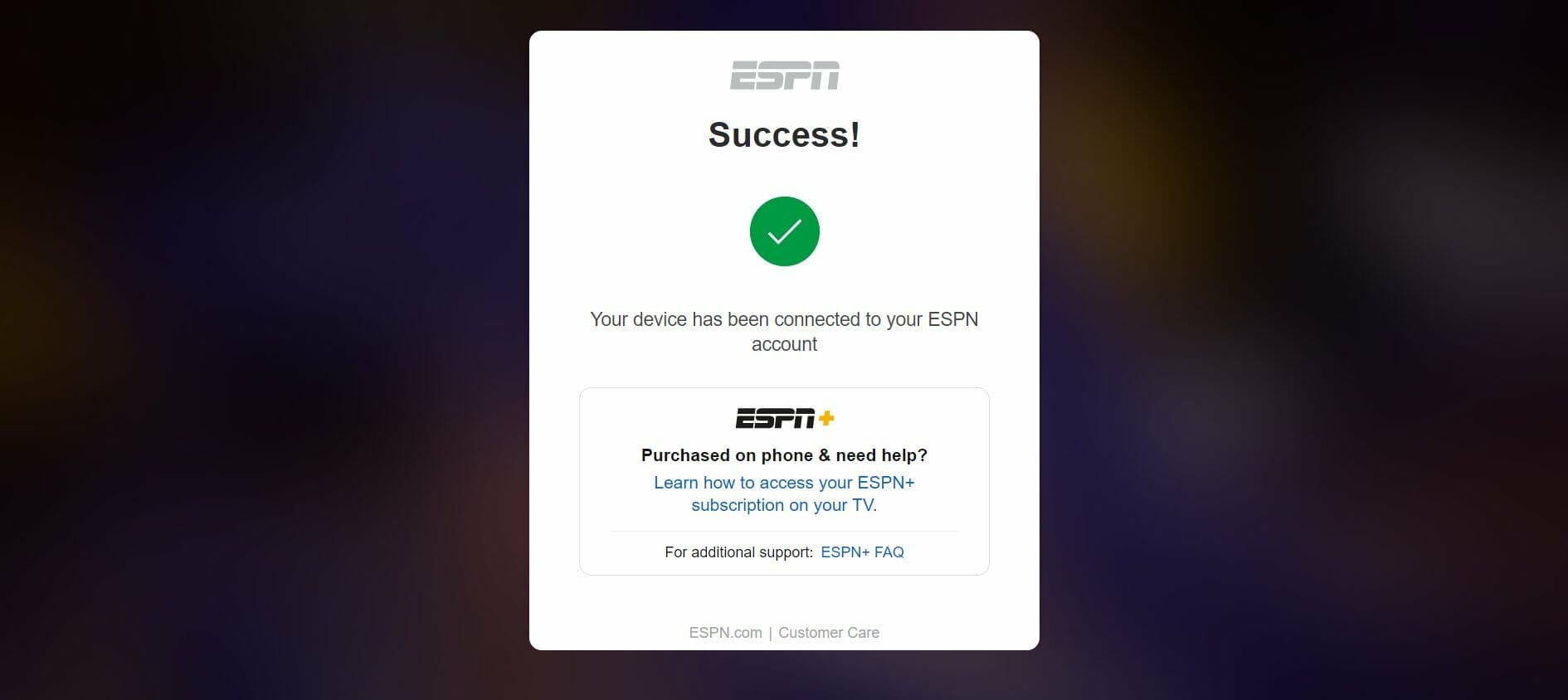
14. You will then see an activation successful message.
15. Return to your Firestick device and click Finish.
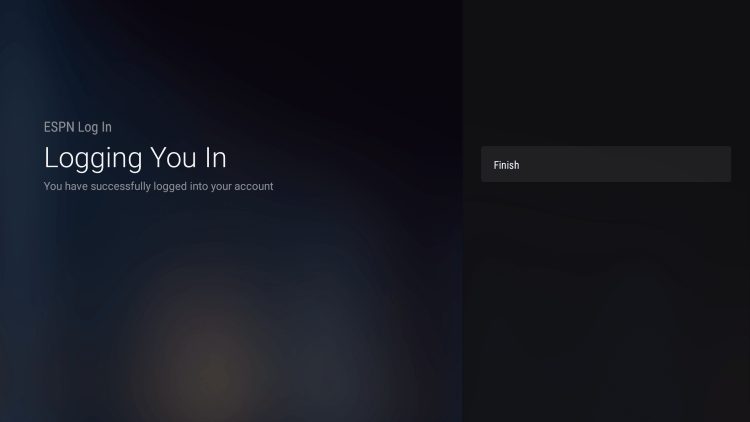
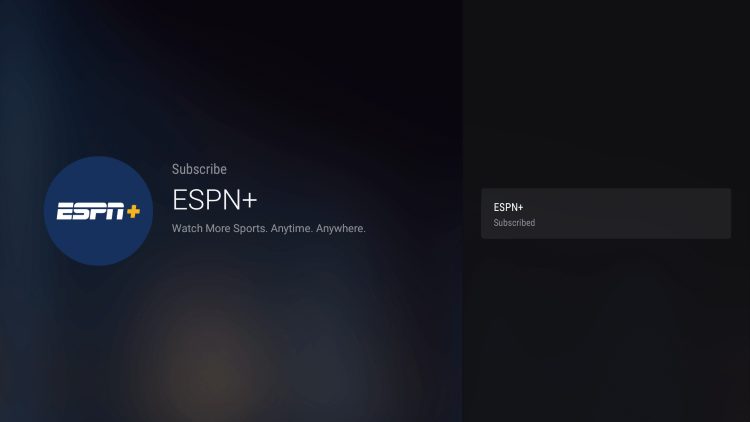
16. Click ESPN+. That’s it! You have successfully installed and signed up for ESPN Plus to start watching UFC.
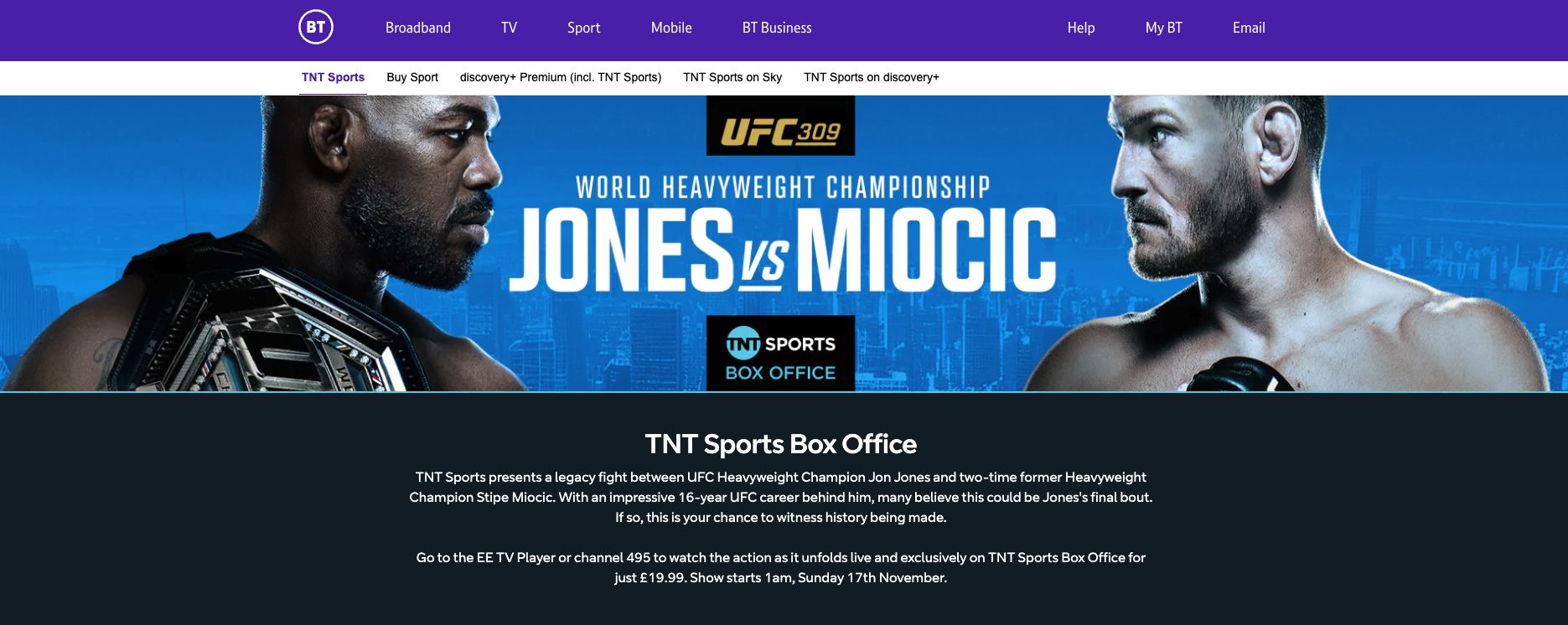
BT Sport also makes our list of best services for watching UFC on Firestick.
This option is for those located outside of the United States looking to stream the big UFC events.
Outside of UFC, this streaming provider offers major PPV events for boxing, MMA, and professional wrestling while also providing coverage for other sports.
You can install the BT Sport app available in the popular app stores to pair with your BT Sport package.
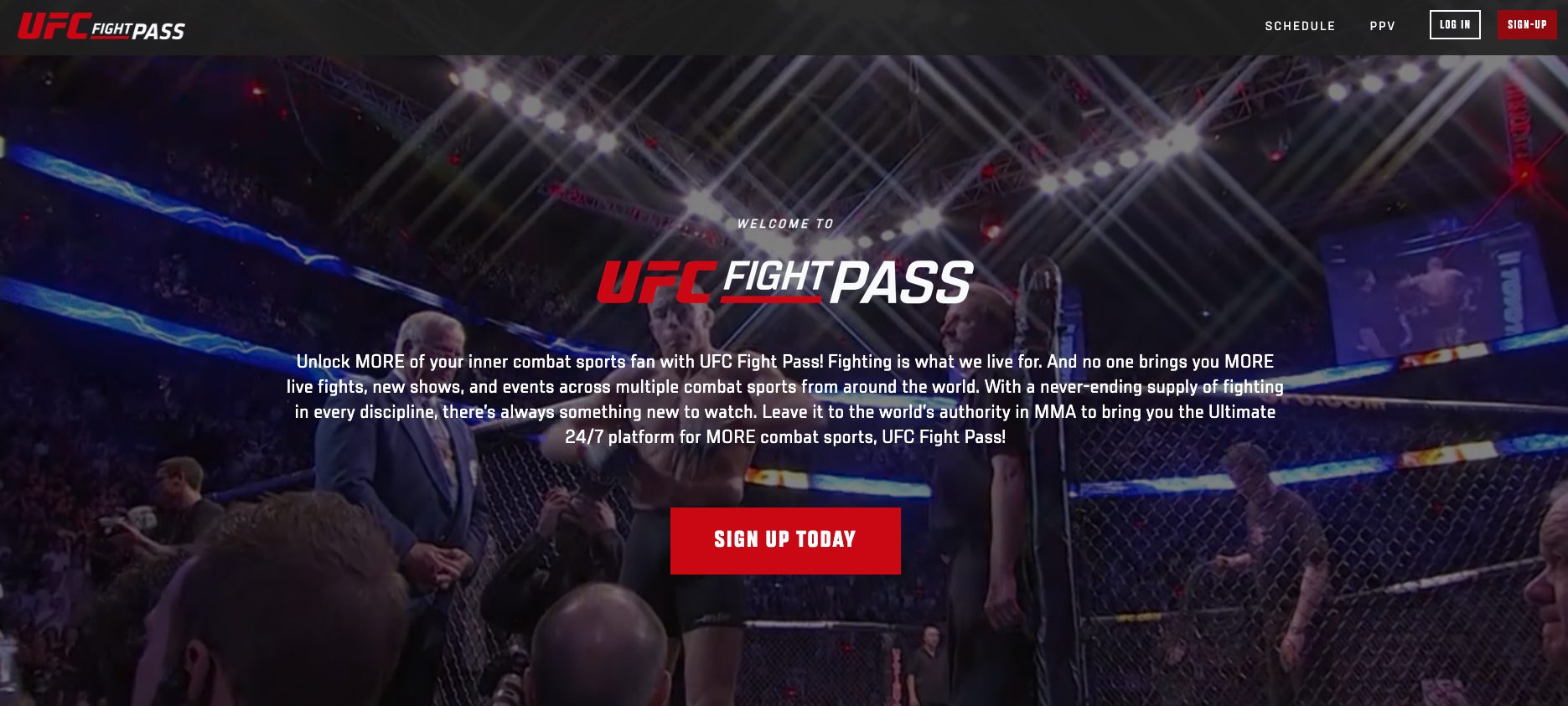
The UFC Fight Pass is arguably the most popular option for those wanting to watch UFC on Firestick.
Outside of the live events, the UFC Fight Pass also offers an exclusive library full of legendary fights, documentaries, and original programming.
Users can install the UFC app available in the popular app stores to pair with their UFC Fight Pass subscription.
Free Trial? No.
Base Price: $95.99 for the annual plan or $9.99 per month
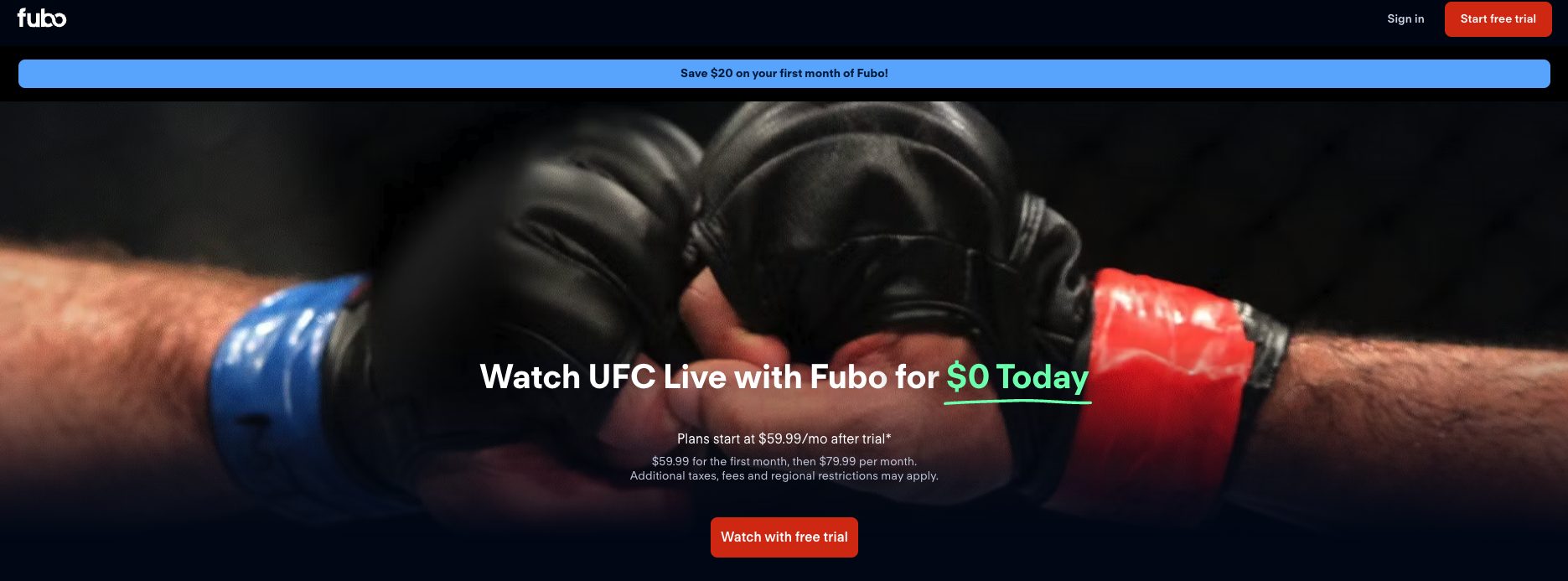
fuboTV is one of the most popular live TV providers available across the world among UFC, MMA, and sports fans in general.
The best part is that fuboTV offers a 7-Day Free Trial for new users.
Although fuboTV doesn’t carry the main card for PPV events, this service provides both ESPN and ESPN 2 which stream many UFC prelim fights at no extra cost.
This service offers 3 different plans with the most popular for $79.99/month for over 150 channels and 1000 hours of DVR.
fuboTV Review
fuboTV Free Trial – What’s Included?
Free Trial? Yes – 7 days free (Click Here to Sign Up)
Base Price: $79.99/month for 150+ channels
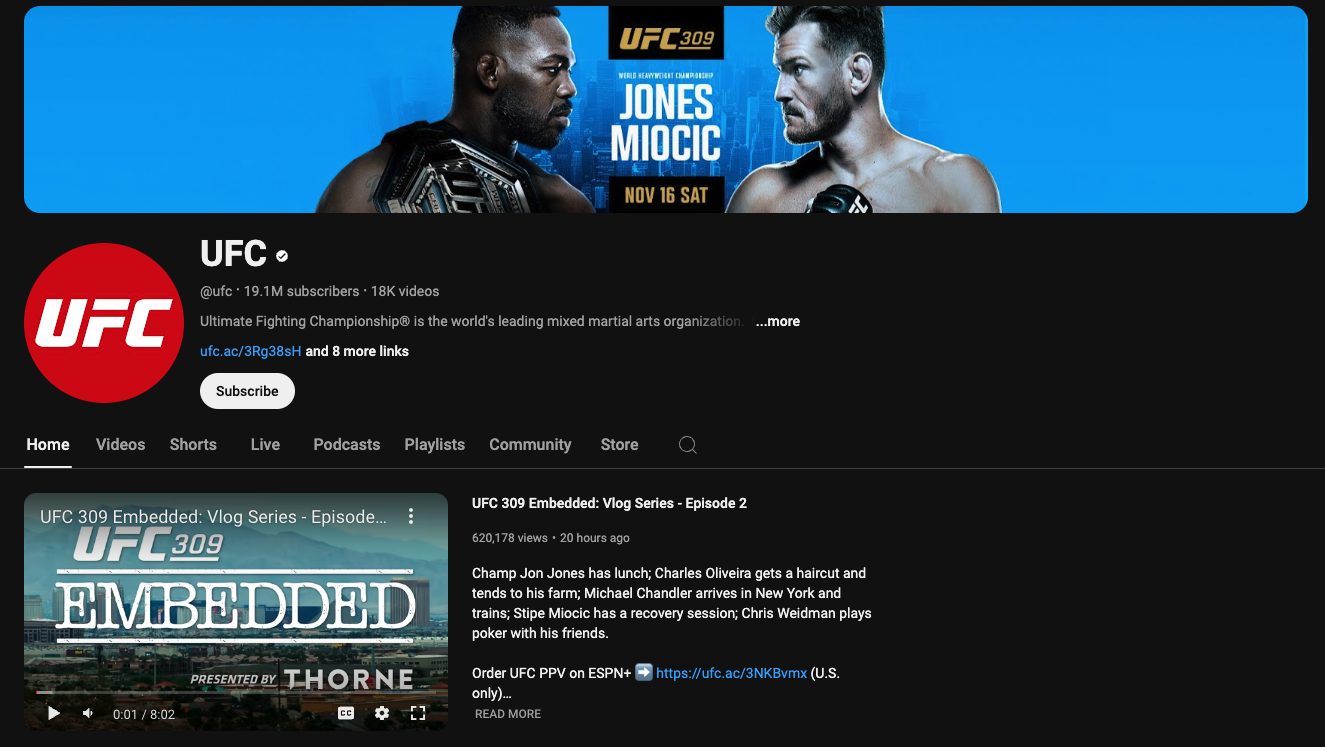
While you can’t access the live PPV events here, the UFC YouTube channel is excellent for watching big highlights, recaps, talk shows, interviews, and more. In case you missed any live events, you can also watch full fights from a few years ago.
The biggest drawback of YouTube of course is the ads. See our guide below for watching YouTube without ads.
How to Watch YouTube Without Ads
While the providers listed above are the most reliable ways to watch UFC on Firestick, it’s worth mentioning there are several third-party apps and add-ons available that provide free streams.
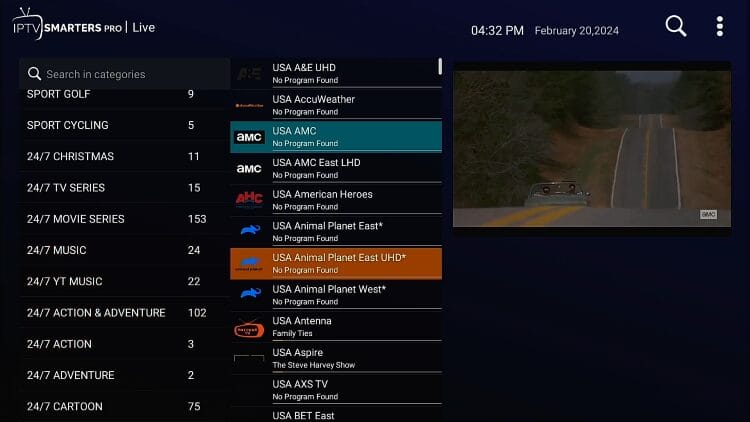
Most unverified IPTV services provide unlimited access to all UFC events and other pay-per-view events but we can’t verify whether these services carry the proper licensing so use with caution.
Some notable providers include Xtreme HD and Apollo Group TV. See our IPTV resource guide below for more details.
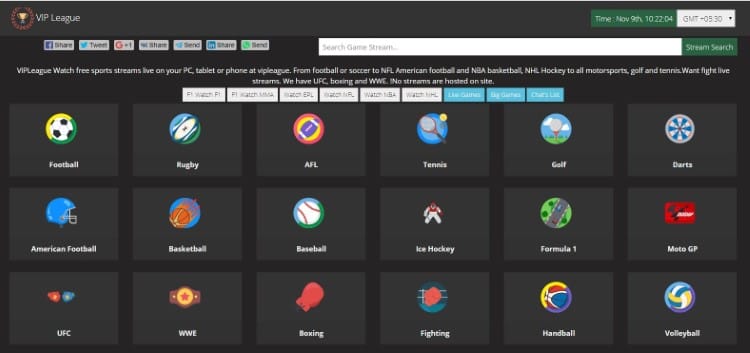
Sports streaming sites have become a popular option among cord-cutters for catching the latest games, highlights, and PPV events. The TV App and StreamEast are common names we have seen in various streaming forums. See our guide below for more information.
Top Sports Streaming Sites
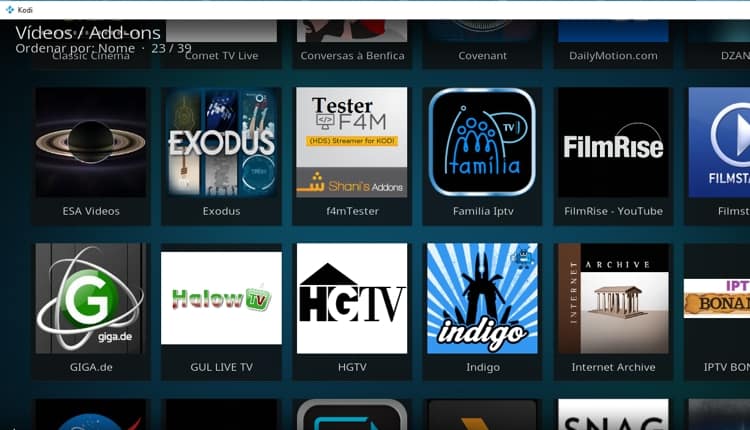
Kodi sports add-ons are another popular streaming method among cord-cutters for viewing live sports. Mad Titan Sports and Daddylive are a few options the Kodi community has raved about. Visit our guide below to find popular sports add-ons.
Best Kodi Sports Addons
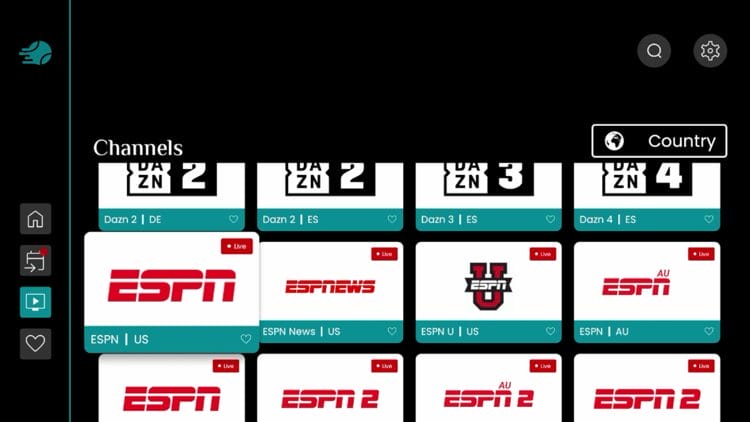
Free IPTV apps are increasing in popularity around the world, especially with sports fans looking to catch the latest game or fight! The SportsFire app has become a popular choice among users.
Best Free IPTV Apps
Note: As stated throughout our website, TROYPOINT can’t verify whether these third-party apps hold the proper licensing for the content they broadcast, as they aren’t available in reputable app stores. The end-user is responsible for all content accessed through unverified streaming applications, websites, add-ons, and services.
Date: Saturday, September 6th
Location: Paris, France
Start Time: Main Card – 3 PM ET, Prelims – 12 PM ET
Streaming: ESPN Plus and other streaming providers
The complete Fight Card for UFC Paris is listed below. The Main Card for this event is set to begin at 3 PM ET.

For more information on UFC Paris including matchups, cards, times, and more refer to the UFC link below.
MMA and more specifically the UFC is one of the most popular sports betting events available.
Sports Betting Special: UFC fans interested in betting can get a special Sign Up Bonus on MyBookie.
CLICK HERE to get the MyBookie Welcome Bonus!

Moneyline:
Nassourdine Imavov: +105
Caio Borralho: -125
Over/Under 2.5 Rounds:
Over 4.5 Rounds: -195
Under 4.5 Rounds: +150
Using a VPN when streaming UFC events on Firestick will ensure anonymity and safety online.
While many companies rent servers from their party providers, Surfshark owns all of its servers for blazing-fast download speeds.
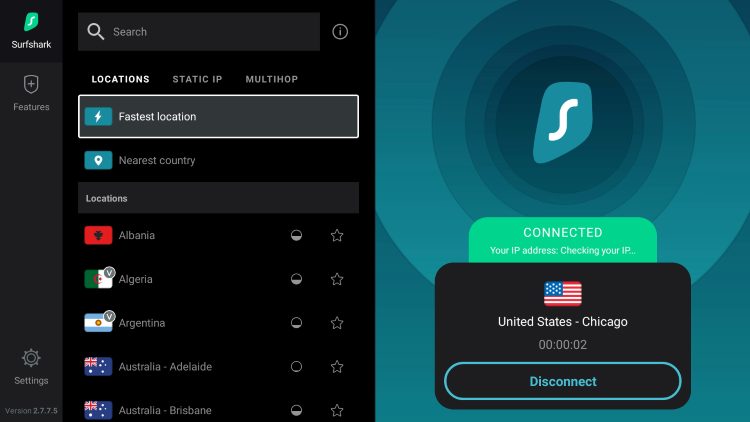
Surfshark operates its own network that offers over 3,200 secure servers in 100+ different countries around the world.
This means that no matter your location, you can access a VPN Server for 100% security and anonymity.
This is perfect for UFC fans around the world who are trying to access the fights but are blocked by geo-restrictions.
If you are an MMA fan and want to watch UFC on Firestick, the best way to do so is by installing a VPN.
Yes, we can confirm that all of the verified options listed above are 100% legal to install and use for watching UFC on Firestick or any other device.
However, when it comes to unverified websites/apps/services, there is no way for us to determine whether an unverified service holds the proper licensing for the streams that they broadcast.
See our guide on IPTV legality that references this in more detail.
Will you be watching UFC on your Firestick? Let us know in the comments below!
This page includes affiliate links where TROYPOINT may receive a commission at no extra cost to you. Many times, visitors will receive a discount due to the special arrangements made for our fans. Learn more on my Affiliate Disclaimer page.



© IPTVSub is Proudly Owned by win-design