



 Written by admin
This guide shows how to install Kodi IPTV Simple Client on any device for watching live television.
Many cord-cutters enjoy the Kodi platform for its ability to install various add-ons that provide on-demand movies, TV shows, documentaries, and more.

However, many do not know that we can also integrate just about any live TV (IPTV) service into Kodi as we show in this tutorial.
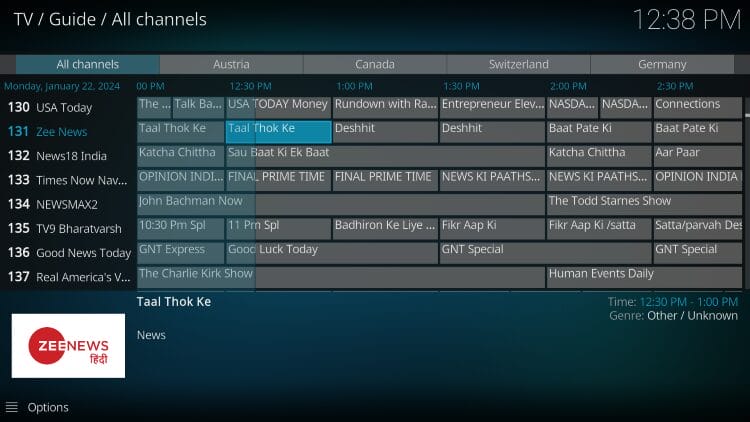
Typically, a live TV service is streamed on a separate player application such as IPTV Smarters Pro or TiviMate.
But we can also use Kodi as our live TV player and seamlessly integrate almost any provider using the IPTV Simple Client, which is available in Kodi’s official repository.
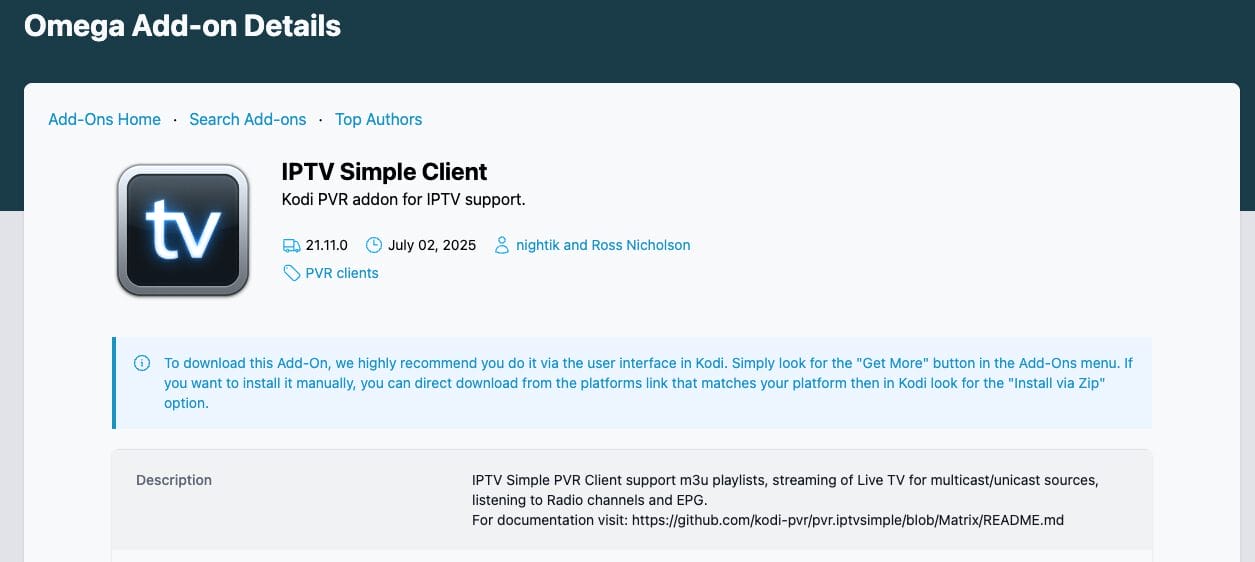
It is important to note that this tutorial will only work if you have an active IPTV subscription and an M3U URL. The IPTV Simple Client does not provide any content.
If you are looking for an add-on that offers live channels, we suggest installing one of these Kodi live TV add-ons.
This guide will work on any compatible Kodi device including the Amazon Firestick, Fire TV, Android TV & Google TV devices, and more.
1. You must first install the Kodi application on your device.
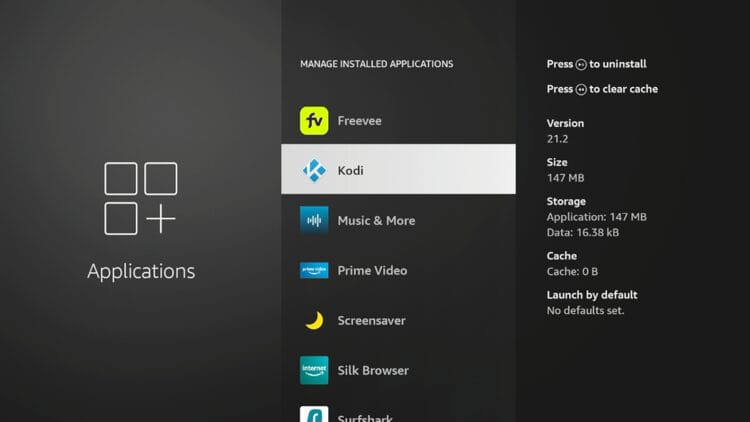
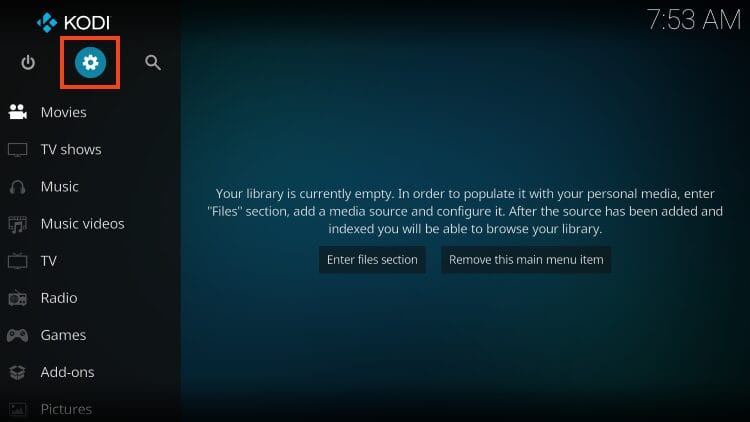
2. Open the Kodi app and click the Settings icon.
3. Choose Add-ons.
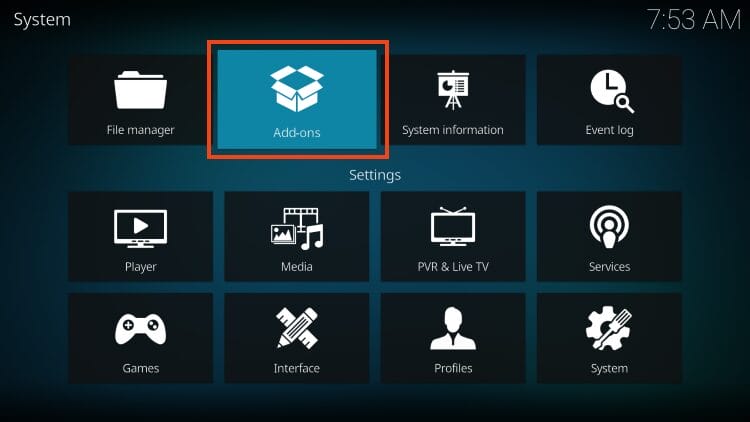
4. Choose Install from repository.
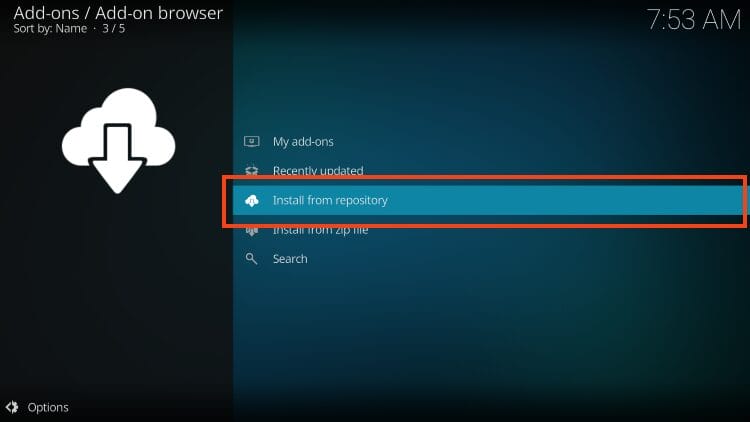
5. Now, select PVR clients.
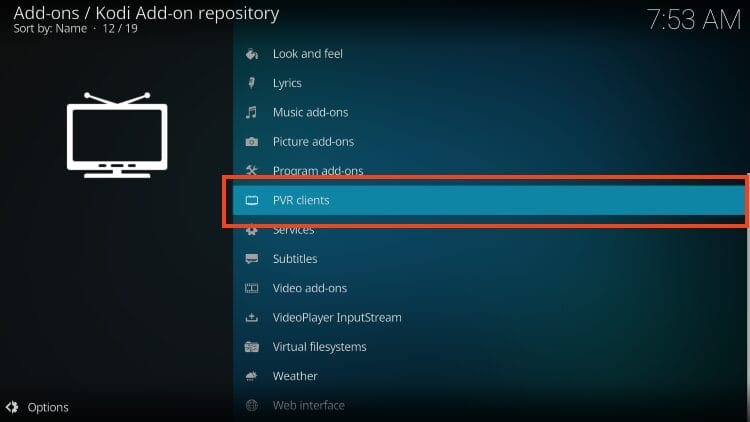
6. Scroll down and choose IPTV Simple Client.
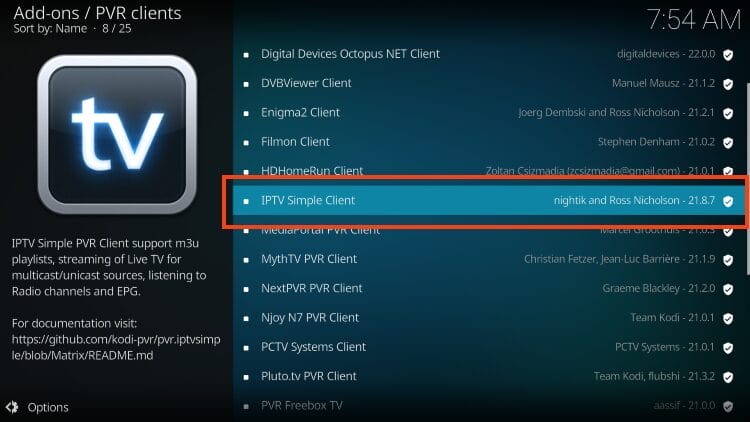
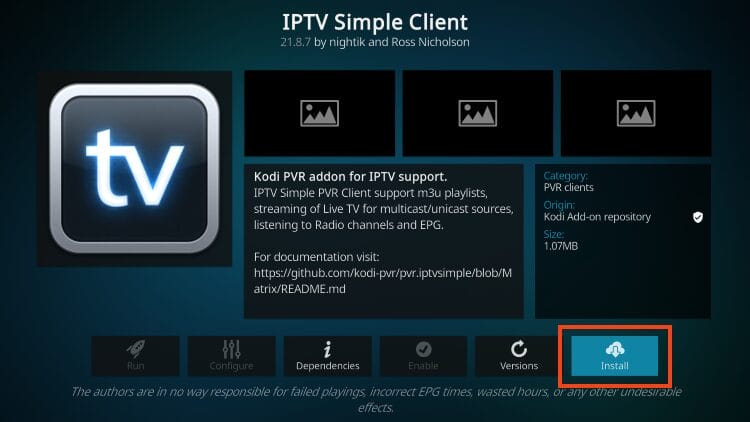
7. Click Install.
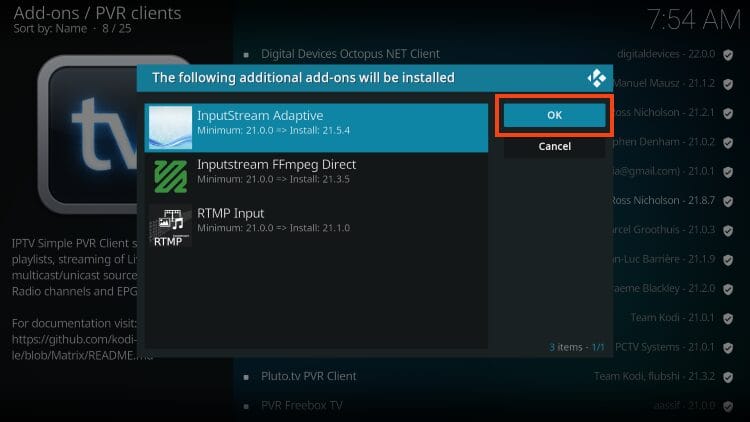
8. Select OK when you see “The following additional add-ons will be installed” message.
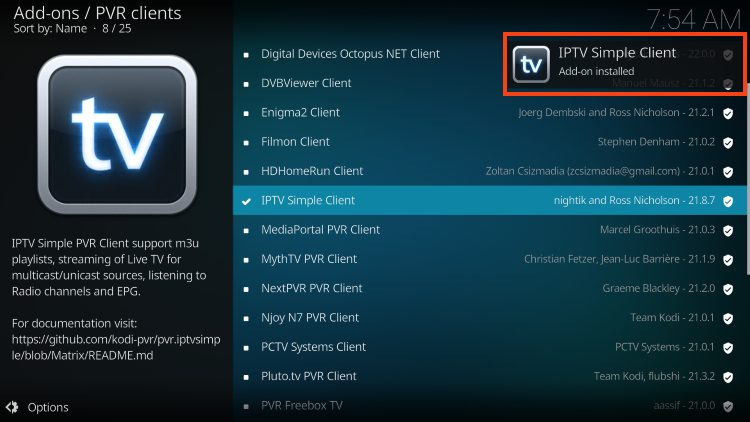
9. Wait until you see the IPTV Simple Client Add-on installed message.
After installing the IPTV Simple Client add-on we must now integrate a live TV service using an M3U URL, which is usually available in the welcome email from your provider.
1. Click IPTV Simple Client again.
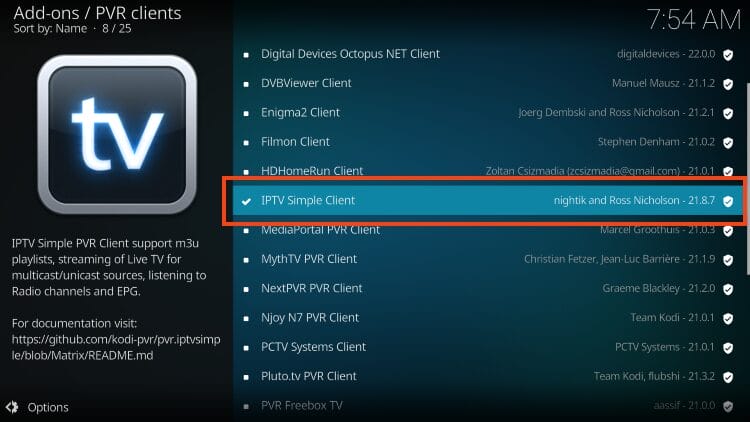
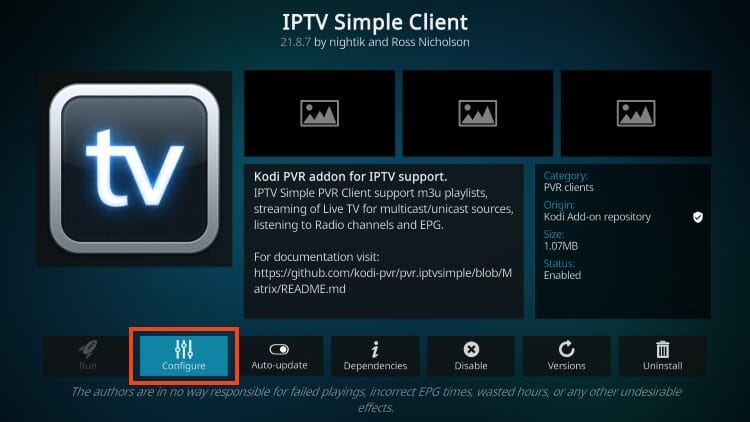
2. Select Configure.
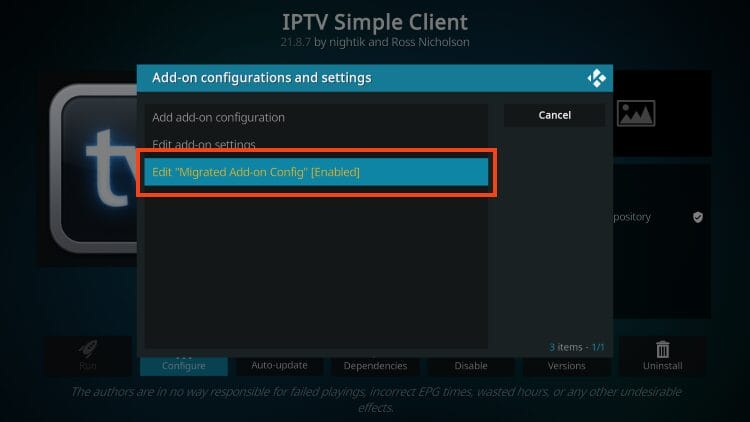
3. Choose Edit “Migrated Add-on Config”.
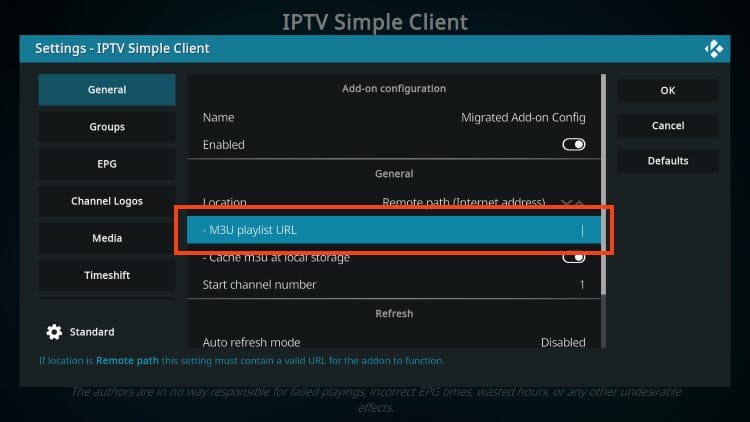
4. Under General, hover over and select M3U Playlist URL.
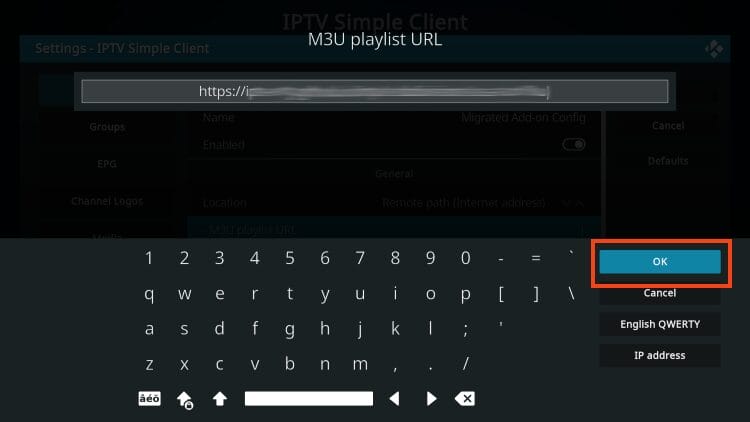
5. Input your M3U URL from your IPTV provider and click OK.
TROYPOINT Tip: You can use the bit.ly service and shorten your M3U URL so it is easier to input as these can often be very long. Make sure to enter your URL with no mistakes as it won’t work if there are any errors.
6. If you have an EPG URL (Electronic Program Guide), you can input the XMLTV URL for it here.
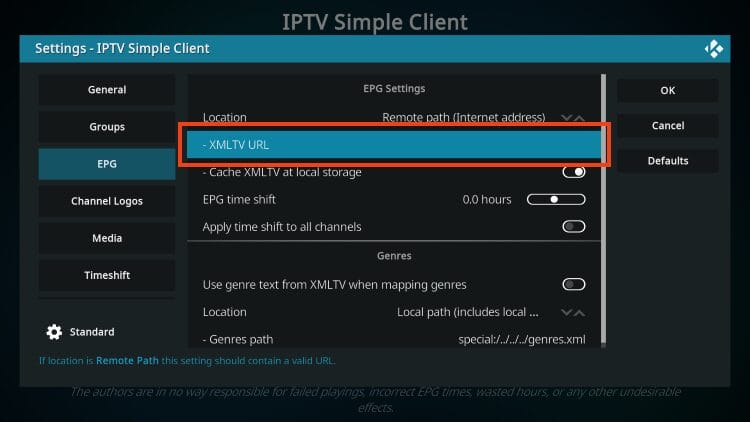
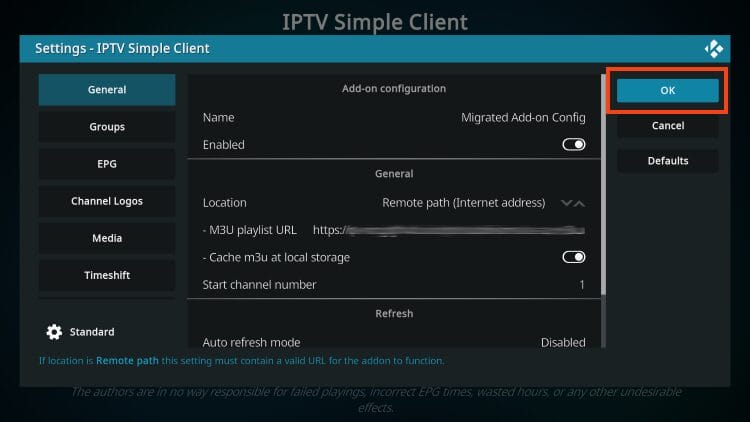
7. Click OK.
8. Return to the home screen of Kodi and hover over the TV tab and your channels will now appear!
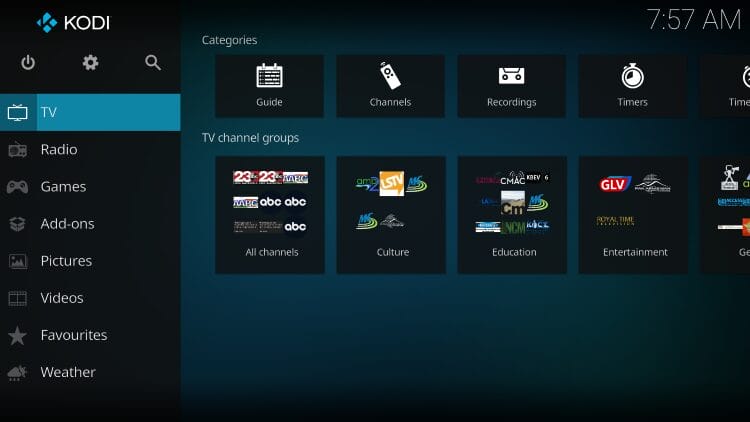
After integrating your IPTV service, you can easily browse the channels and Kodi does a great job of sorting these for you.
You will find various categories to choose from for live streaming including Channels, Guide, Recordings, Timers, and more.
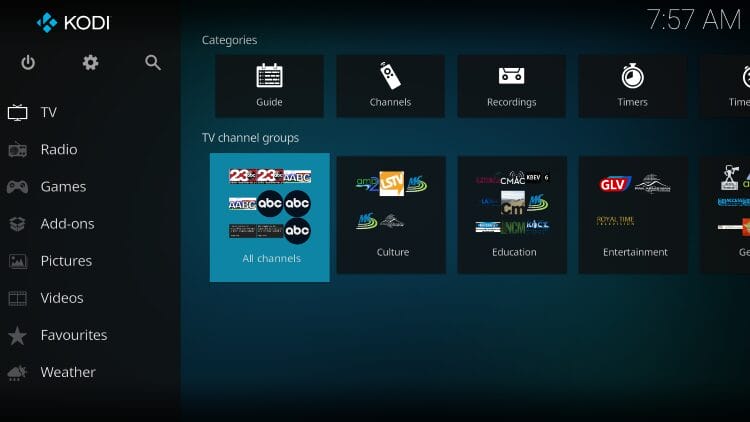
The TV Guide option is shown below:
Users can also scan all channel options to stream live channels on Kodi in high definition.
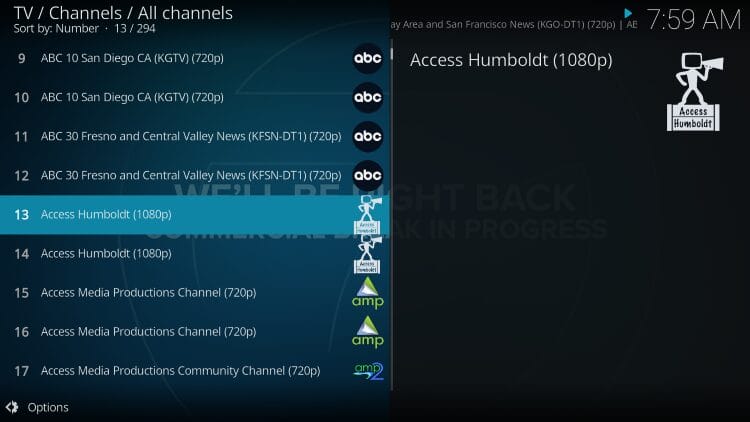
While your current channel plays in the background, you can choose another option by selecting it and then clicking Switch.
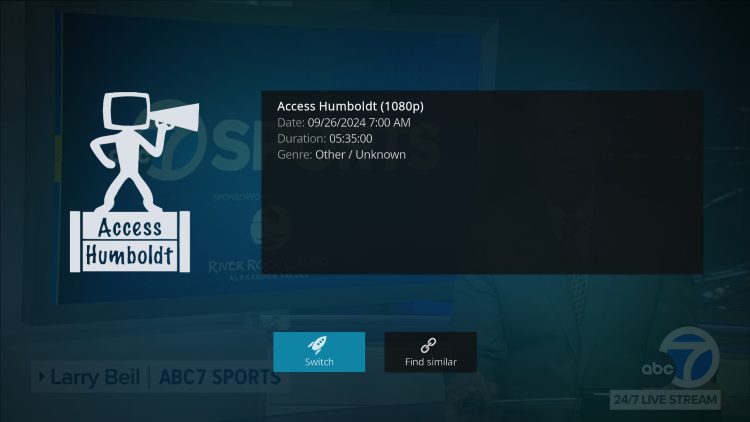
After making a channel selection, you can find various options by clicking the select button on your remote.

The Settings will provide you with these options:
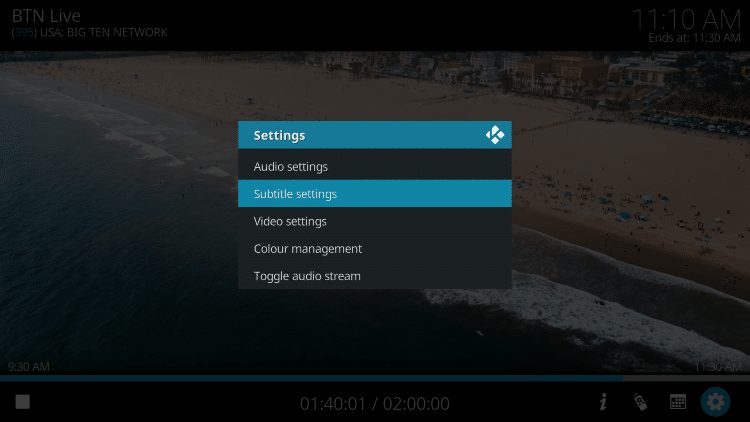
After testing we have found that subtitles do not work properly with Kodi’s IPTV Simple Client. However, if you are using Kodi for on-demand content you can still sync Kodi subtitles through the OpenSubtitles platform.
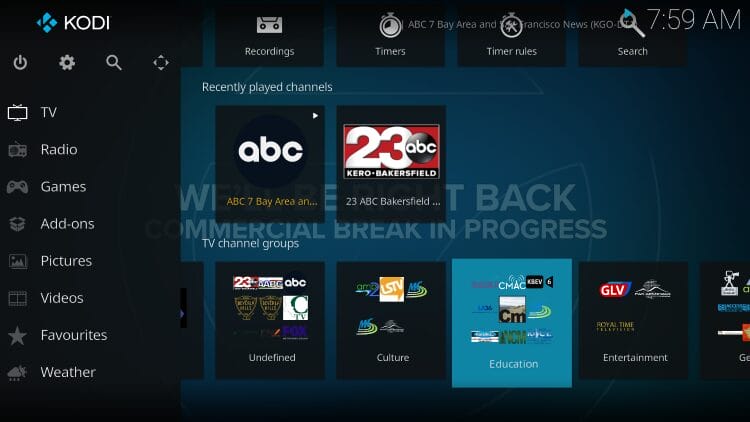
One great feature that you can take advantage of is the Recently played channels category to find previous selections!
The IPTV Simple Client is not the only client available to watch live channels on Kodi and there are numerous other options that users prefer. You can also find these within Kodi’s official repository.
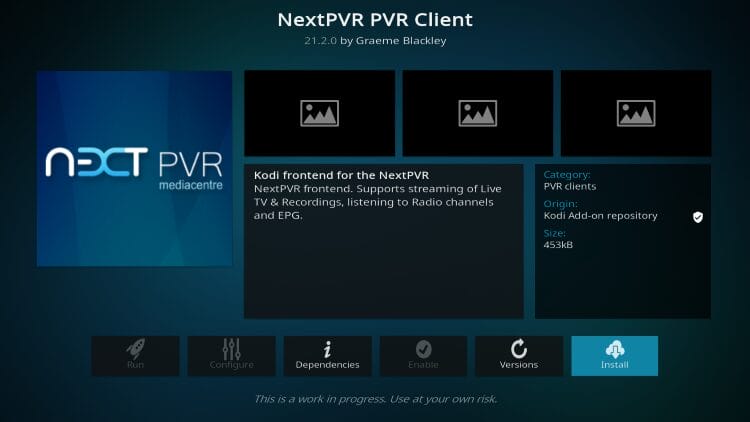
As you can see, NextPVR is a frontend client that supports IPTV Providers and lets you access your favorite media as well as radio networks and even an EPG.
Many love HDHomeRun for its ease of use that brings your favorite live content to numerous platforms in your household. Many love the app but you can also use it on Kodi with the client addon.
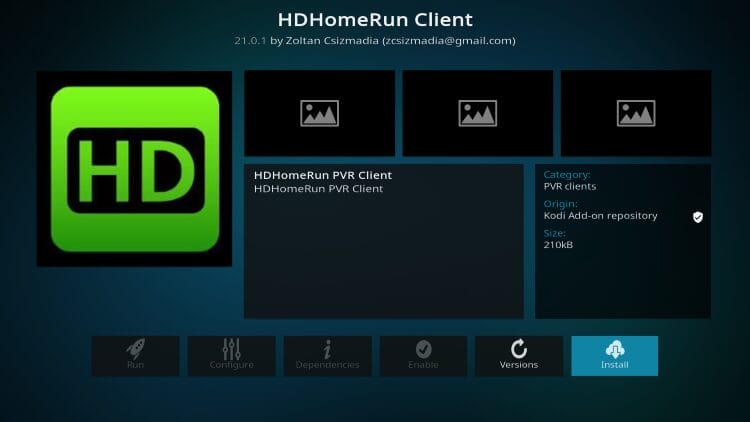
HDHomeRun Client Add-on Details
This free media center is oftentimes considered an alternative to Windows Media Center and is compatible with numerous apps such as Plex, Emby, and Kodi.
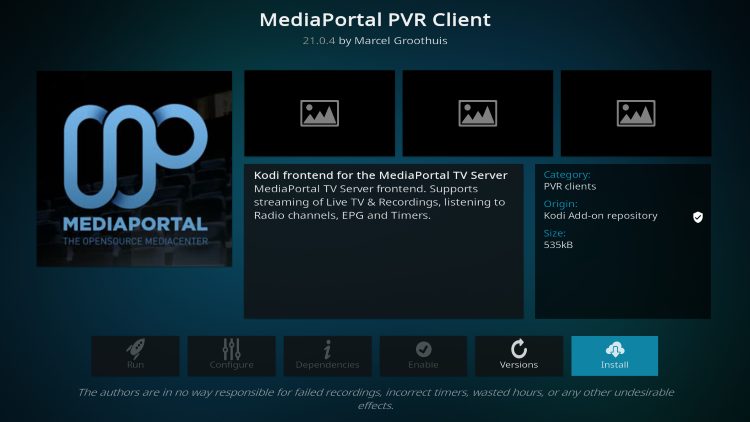
MediaPortal Client Add-on Details
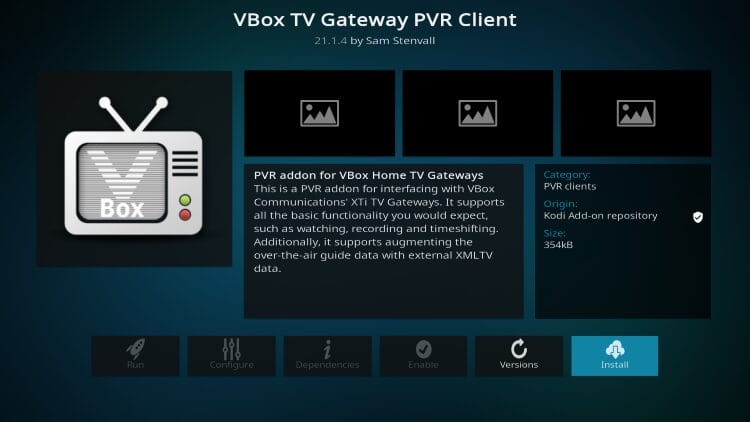
Users can stream, record, and time shift with VBox TV Gateway. It is compatible with all streaming boxes and is especially popular in European countries.
The official Kodi wiki for Demo PVR lists it as a dummy addon with fake backend for PVR skinning and regression testing.
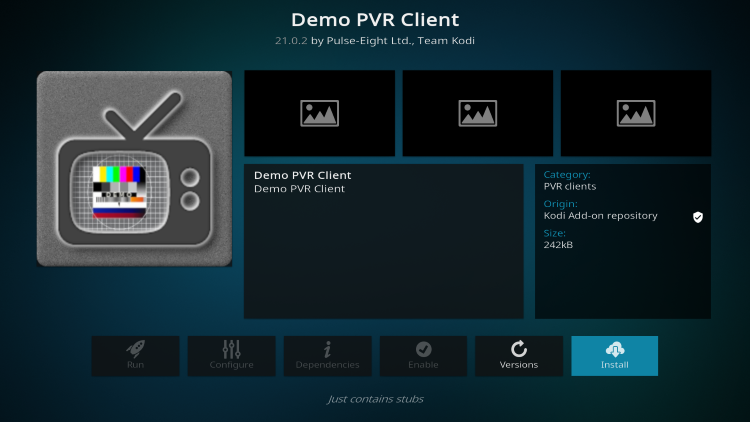
Demo PVR Client Add-on Details
Yes, the Kodi IPTV Simple Client application by itself is legal to install and use. However, there is no way for TROYPOINT to determine the legality of unverified live TV services that you can integrate.
The end-user is fully responsible for all content accessed via unverified IPTV services. Refer to our list of legal live TV services for 100% verified streaming options.
Many cord-cutters prefer to access their content in one location and using the Kodi IPTV Simple Client is the best way to do so.
Since most already have add-ons installed for on-demand content, inputting an IPTV service means you will be able to access your favorite channels for all-in-one streaming.
If you use the IPTV Simple Client or prefer another option for streaming IPTV on Kodi, let us know in the comments below!
This page includes affiliate links where TROYPOINT may receive a commission at no extra cost to you. Many times, visitors will receive a discount due to the special arrangements made for our fans. Learn more on my Affiliate Disclaimer page.



© IPTVSub is Proudly Owned by win-design