



 Written by admin
Use the following guide to learn How to Install FalconCast on Firestick, Fire TV, Google TV, or other Android powered devices.
FalconCast is a new application that serves up live sporting events and television channels for viewing on your favorite device.
There are numerous categories to choose from as well as a complete “Live Events” guide that details all live and upcoming matches for one click playback.
The user interface is almost identical to that of SportzX which is another popular sports streaming app and FalconCast appears to be a clone or “fork” of this application.
Unlike other selections, FalconCast has both a mobile and “TV” version so those of you with Android phones/tablets can also install this for streaming on the go!
In this guide, we are using a Fire TV Stick 4K Max but other variations of Fire TV or Android/Google TV will also work perfectly as these all have jailbreak abilities for 3rd party apps such as this.
Continue reading for step by step instructions and don’t forget to check out the details/features guide below for important information regarding FalconCast.
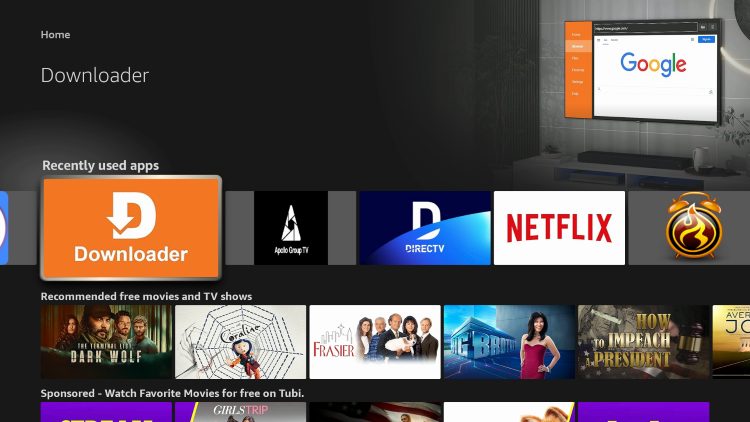
1. Open the Downloader app which we will use to download FalconCast. (If you don’t have this installed, use our guide for instructions).
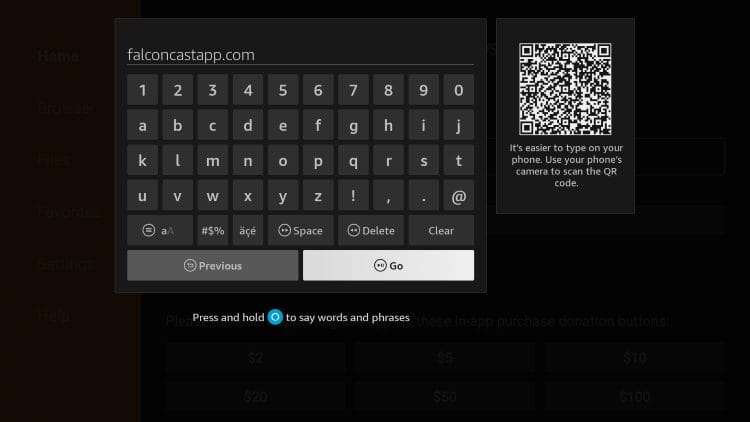
2. From the home screen of Downloader, click the URL bar and input falconcastapp.com and click Go. (You can also use the Downloader Code – 8213428).
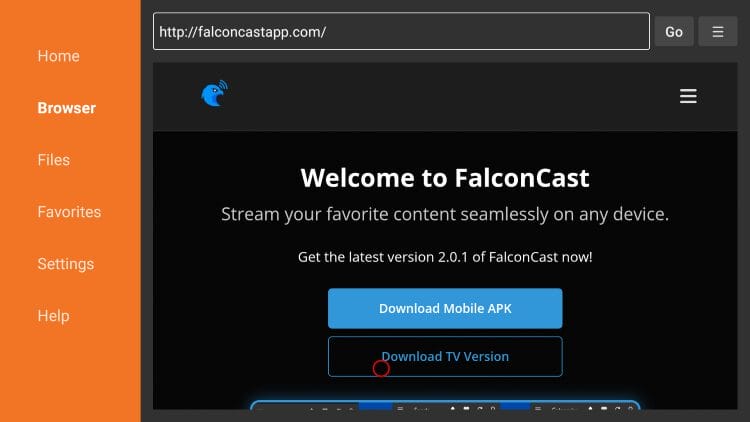
3. Click Download TV Version or Download Mobile version if you want the mobile app.
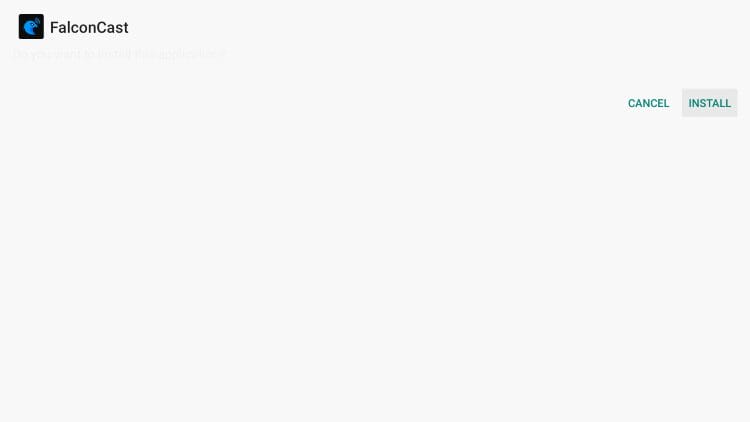
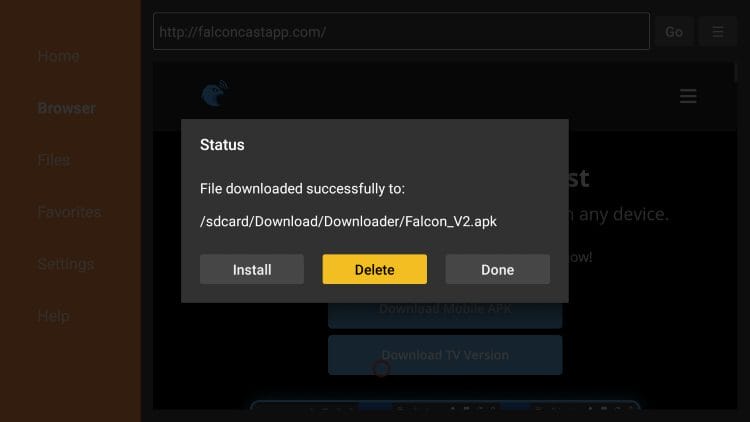
4. Click Install.
5. Choose Done.
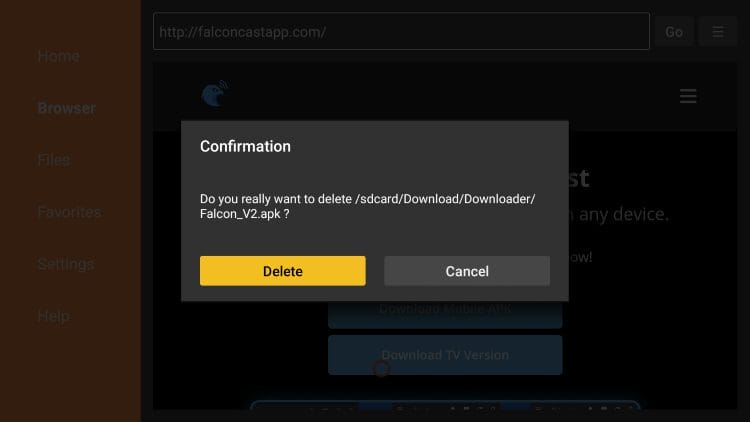
6. Select Delete.
7. Click Delete again to remove the temporary installation file.
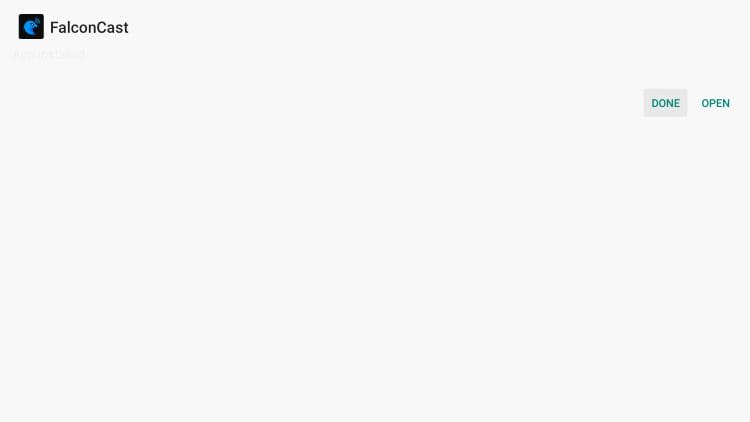
8. Installation is complete. You can now launch the app for use!
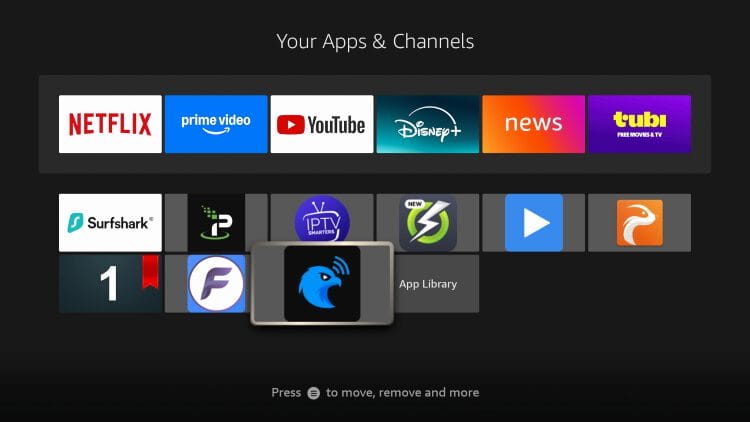
Continue below for more information on FalconCast including a complete breakdown of the application.
If you are familiar with the SportzX app, you will likely recognize the similarities between it and FalconCast.
The main interface looks identical with the same options to choose from.
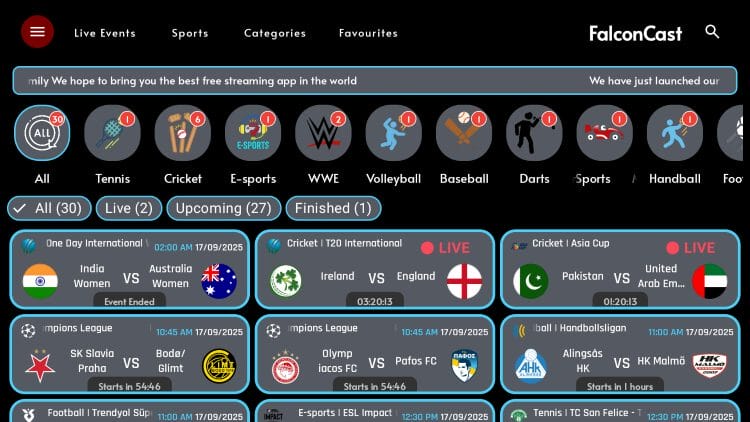
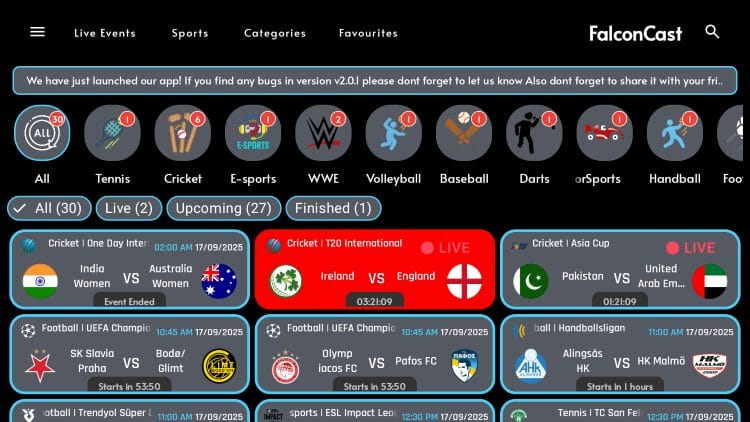
The Live Events tab features all live events including upcoming and finished games.
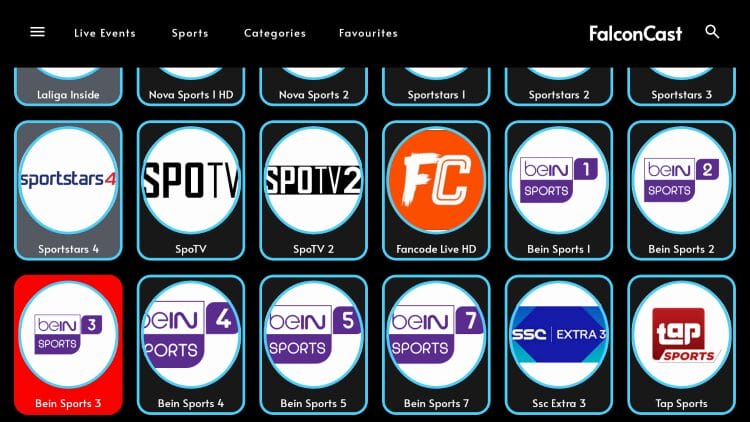
There are channel options available which all seem to play very will with just one click!
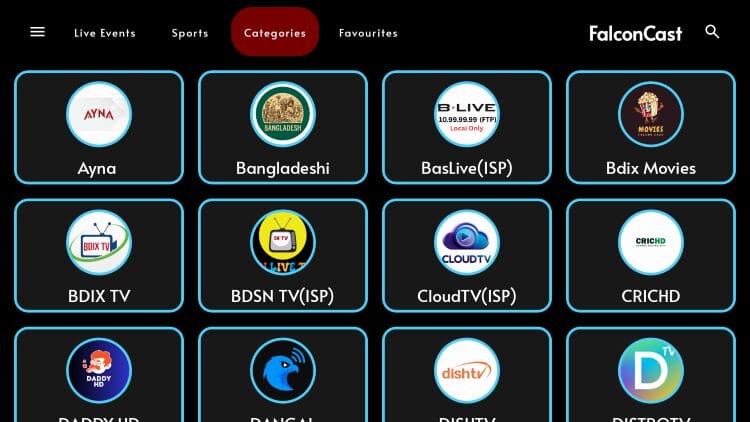
There are also various Categories provided to help narrow down your list of options.
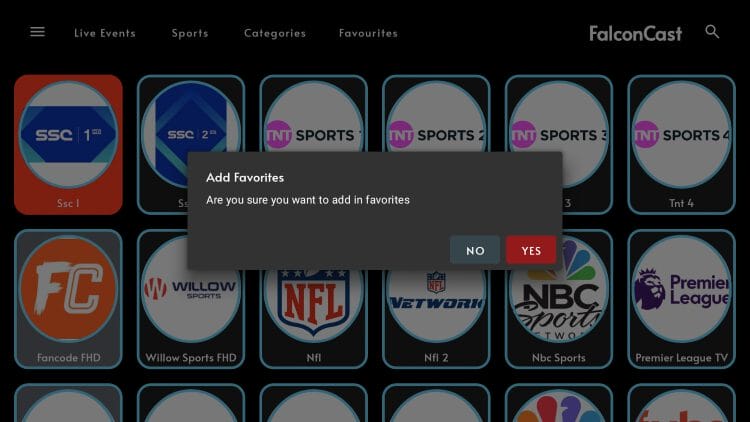
One of the best features available is the ability to add channels to favorites by long clicking on your remote.
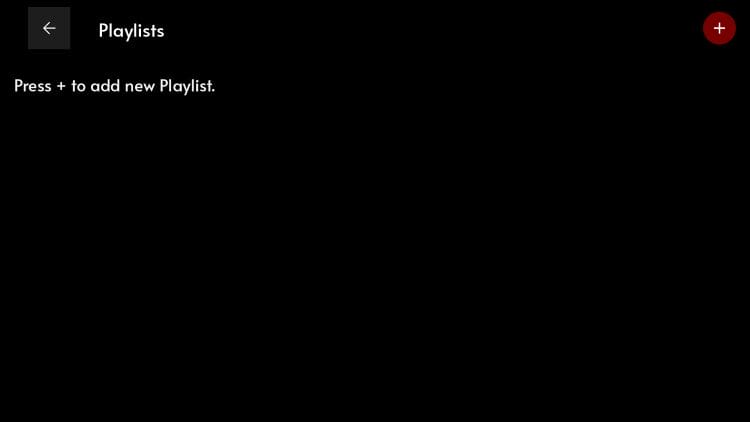
Another welcome feature is the ability to Add Playlists with an M3U URL so you can watch your preferred service directly in the application!
It’s impossible for TROYPOINT to determine whether an unverified streaming app, service, or add-on holds the proper licensing.
At first glance, it appears this app may be distributing copyrighted content without the proper licensing.
We only recommend using legal streaming apps to view both live and on-demand content. Ultimately, the end-user is responsible for content accessed within this unverified app.
Whenever we review unverified streaming apps, we always scan the official Android APK installation file with VirusTotal. Here is the screenshot of the scan results.
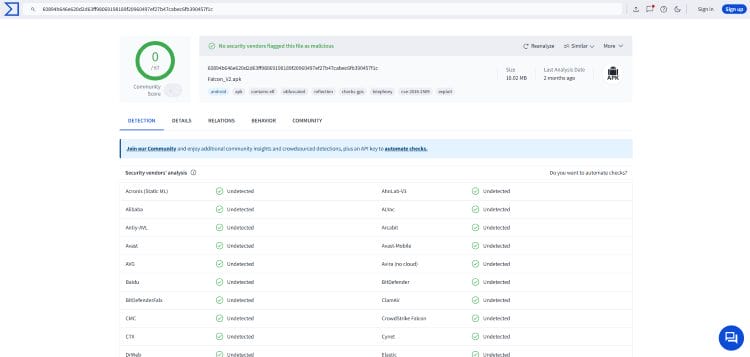
There weren’t any malicious or suspicious files associated with the FalconCast app. However, users should still proceed with caution since we don’t know who the developers of the app are and what they may be doing with your data.
The best way to do this is with a secure VPN that will protect your identity and anonymity when using unverified apps such as this.
The FalconCast app is another welcome media app that sports lovers and more are sure to enjoy.
It may even work better than sports streaming sites which continue to grow in popularity. If you have used these in the past, FalconCast is a great alternative!
Sports enthusiasts are sure to enjoy what this free APK has to offer and we would love to know if you are a fan of FalconCast. Let us know what you think in the comments below!
This page includes affiliate links where TROYPOINT may receive a commission at no extra cost to you. Many times, visitors will receive a discount due to the special arrangements made for our fans. Learn more on my Affiliate Disclaimer page.



© IPTVSub is Proudly Owned by win-design