



 Written by admin
Learn How to Install Streailer Stremio Addon using our step by step instructional guide below.
Streailer is a unique addon choice, built specifically for watching Movie and TV Show trailers on your preferred Stremio device.
Unlike other popular Stremio Addons, Streailer does not provide content itself but will instead play trailers directly in the Stremio App.
It currently supports 11 different languages including English, Spanish, Portugese, German, French, Russian, Italian, Japanese, and more.
After installation, you will be able to use Streailer just like any other addon to watch your preferred trailer in high definition.
NOTE: Before adding Streailer, make sure you have the Stremio App Installed & Configured on your preferred device.
In this tutorial we’ll use an iPhone to install Streailer which makes it easy to copy/paste API Keys and Manifest URLs into the Stremio Web Browser.
However, you can also follow along on an Android phone/tablet or PC if you prefer to use these devices to install addons.
You can then sync your addon to other Stremio devices including Android/Google TV Boxes and Firestick/Fire TV.
1. Visit the official Streailer Configuration website – streailer.elfhosted.com/configure on your device.
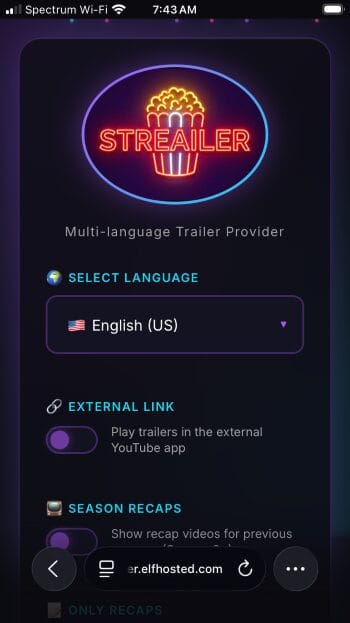
2. Choose your preferred language and toggle any other options you want. (External Link, Season Recaps, Only Recaps).
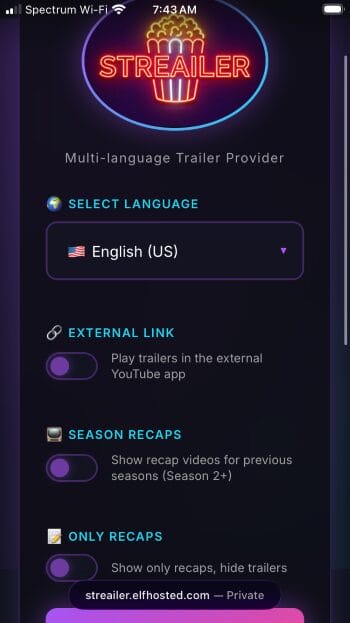
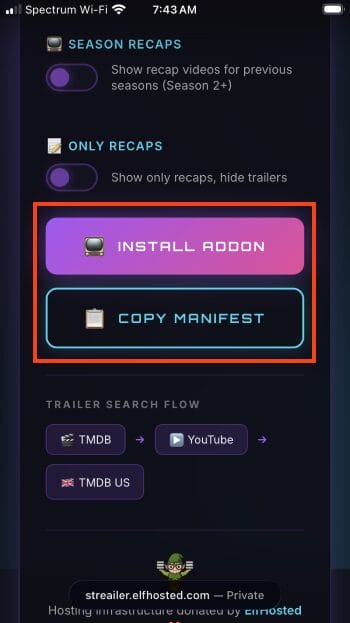
3. Click Copy Manifest URL or Install Addon.
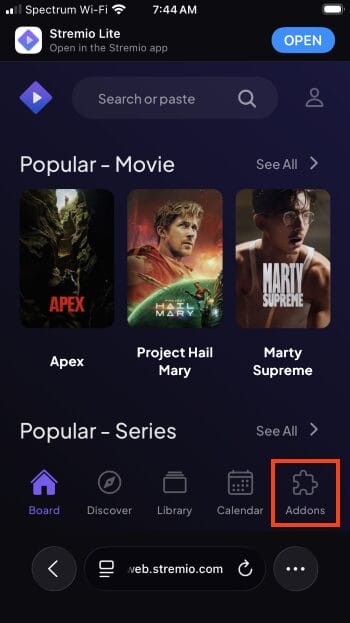
4. Visit web.stremio.com and click Addons.
5. Select Add Addon.
Your online activity is monitored by your ISP, app/addon/IPTV devs, government, and all websites.
🔒 Become anonymous while streaming & downloading with Surfshark VPN
Save 73% with 24-Month Plan + Get 3 FREE Months
Use on Unlimited Devices & Share 1 Account with Entire Family
CLAIM DEAL HERE
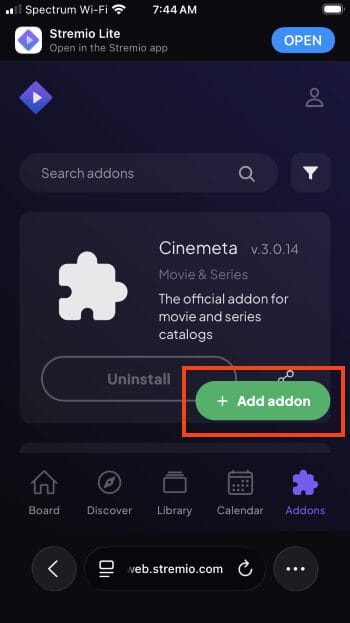
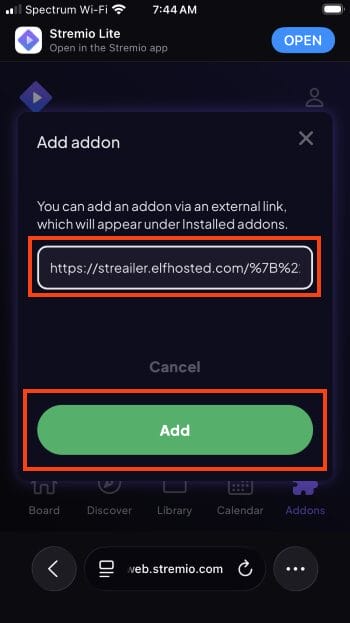
6. Input the Manifest URL you previously copied and click Add.
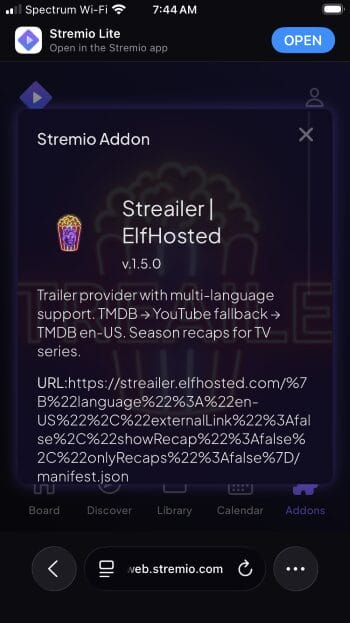
7. You will see Streailer addon prompt.
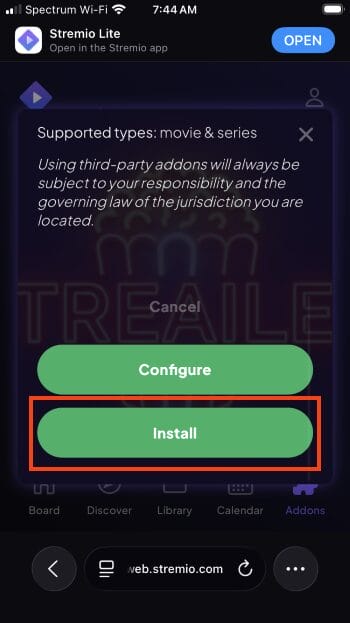
8. Click Install.
9. You can now find Streailer within Your Addons list.
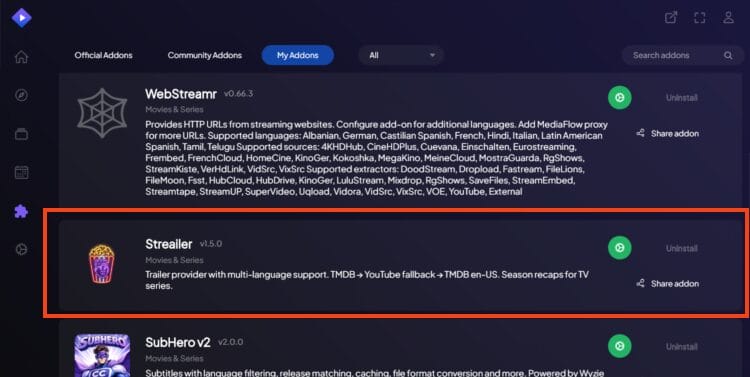
Enjoy!
When it comes to Stremio Addons, installing and using Streailer is about as simple as it gets.
There is minimal configuration and it integrates directly to your Stremio platform for instant access to trailers for every Film/TV Show.
It is used in the same way as other addons where you can select it from your list of installed addons after making a content selection.
You will then see the trailer for your Movie/Show and click it for playback within the Stremio app!
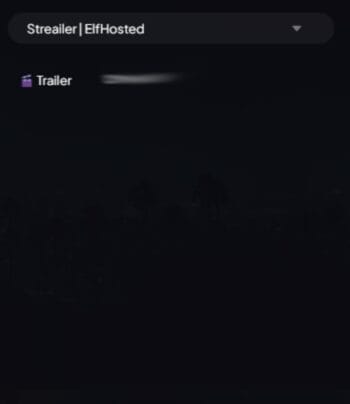
Streailer uses a “Smart Fallback System” to find trailers for VOD media which involves using TMDb info to send to YouTube for trailers.
Here is our unbiased review of Streailer.
If you are a heavy Stremio User, you have likely been searching for a method to watch trailers within the application.
Streailer is the perfect solution and we are pleased to see it available for all users.
Give it a try and let us know what you think in the comments below!
This page includes affiliate links where TROYPOINT may receive a commission at no extra cost to you. Many times, visitors will receive a discount due to the special arrangements made for our fans. Learn more on my Affiliate Disclaimer page.



© IPTVSub is Proudly Owned by win-design