



 Written by admin
This guide covers Movie HD APK with everything you need to know including installation steps, safety, legality, and features.
Movie HD (also known as GStream) is a third-party streaming app that gives you access to a large on-demand library of movies and TV shows. As of this writing, the current version of Movie HD is v5.5.5.
No account or premium debrid service is required to stream content from this app. In fact there is not even an option to integrate a debrid service or Trakt for those wondering. For more reliable streaming options we suggest viewing our list of best APKs.
Movie HD can be installed on the Amazon Firestick, Fire TV, and Android/Google TV devices. Because this app is not available in official app stores, we must side-load it onto our device.
Note: You must also install a video player called AMPlayer in order to stream content from Movie HD. We show how to do all of this below.
In this guide, we are installing Movie HD on an Amazon Firestick 4K Max, but these instructions also work on Android TV/Google TV devices.
Note: This app does NOT work on the Fire TV Stick Select model. This device does not run on Android OS and instead uses “Vega OS” which is Amazon’s in house platform.
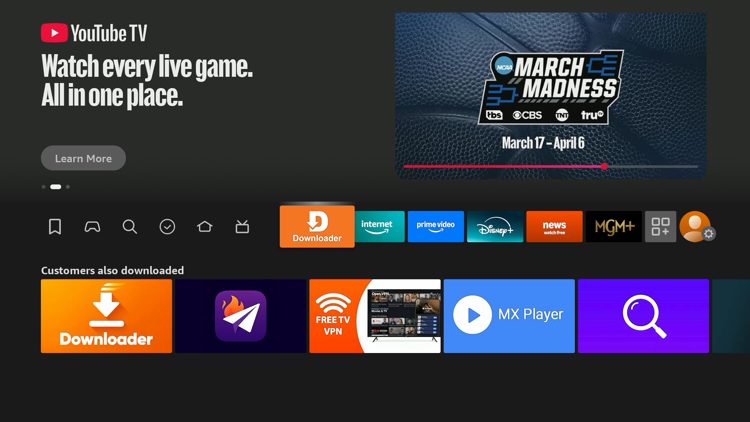
1. You must first install the Downloader app on your device. If you haven’t done this, refer to our Downloader Tutorial. Make sure it is the official Downloader app by AFTVNews.
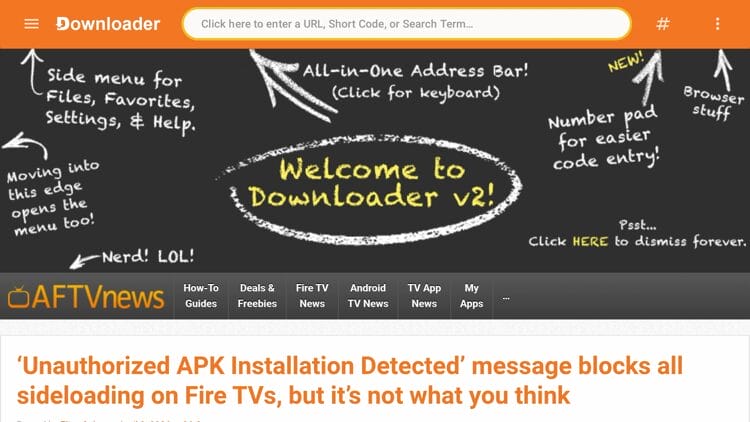
2. Launch Downloader and click the search bar on top.
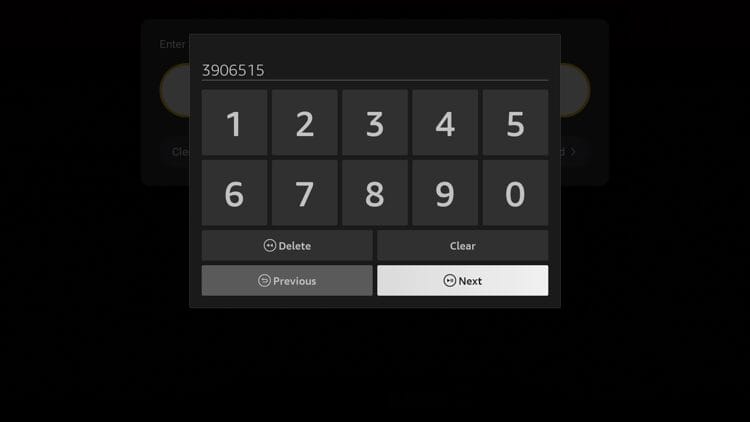
3. Enter the code 3906515 and click Next.
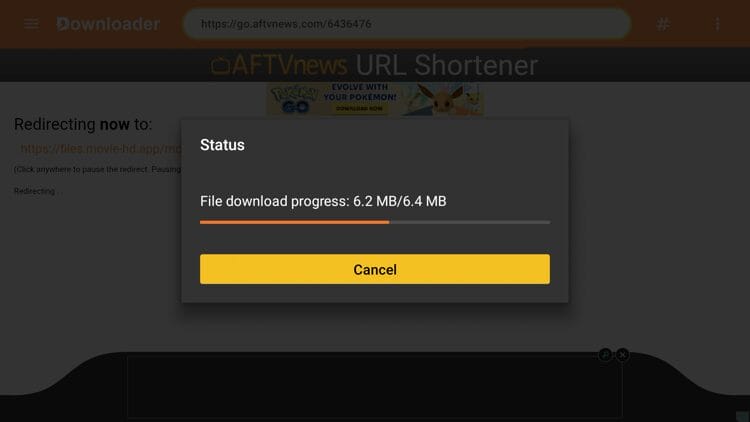
4. Wait a few seconds for the APK file to install.
5. Click Install.
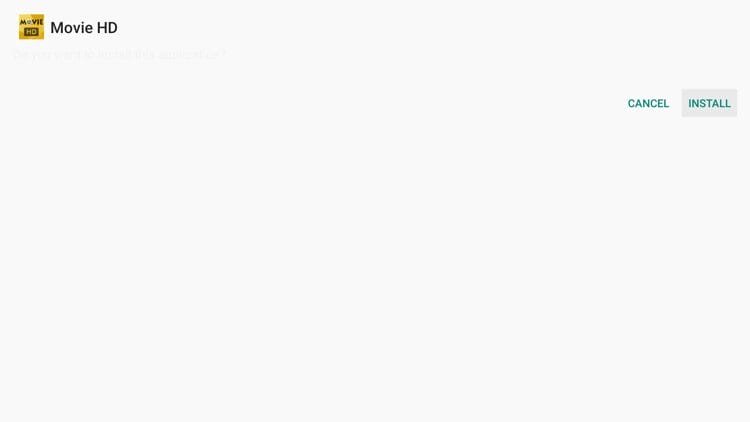
6. Click Done. We must install a video player before we can use Movie HD.
Your online activity is monitored by your ISP, app/addon/IPTV devs, government, and all websites.
🔒 Become anonymous while streaming & downloading with Surfshark VPN
Save 87% with 24-Month Plan + Get 3 FREE Months
Use on Unlimited Devices & Share 1 Account with Entire Family
CLAIM DEAL HERE
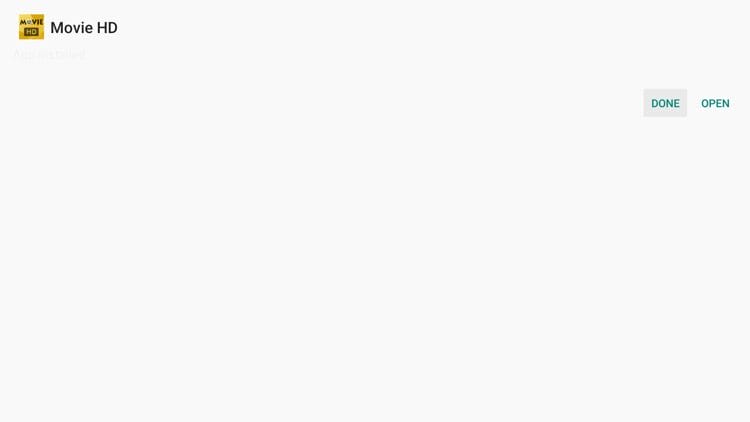
7. Return to Downloader and click Delete.
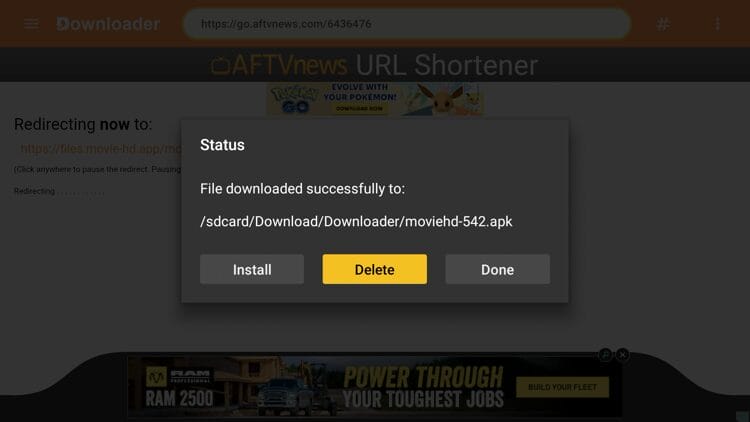
8. Click Delete again. While you have successfully installed Movie HD, we must now install a video player to stream content from this app.
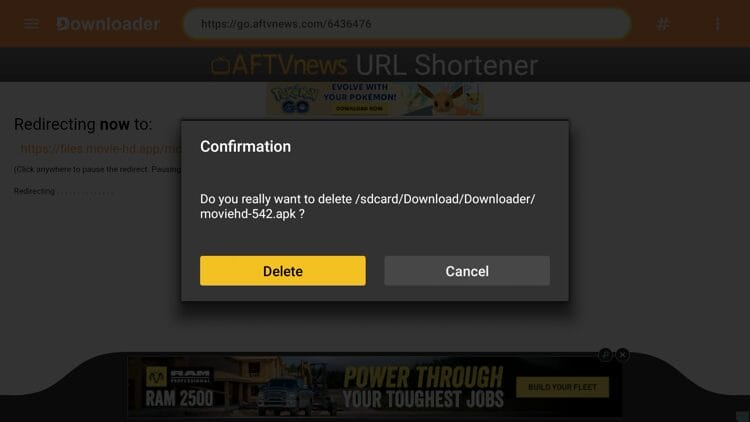
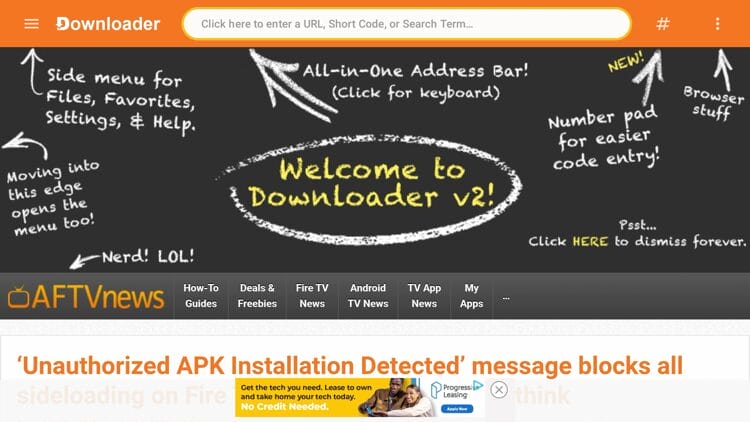
9. Return back to the Downloader home screen and click the search bar on top.
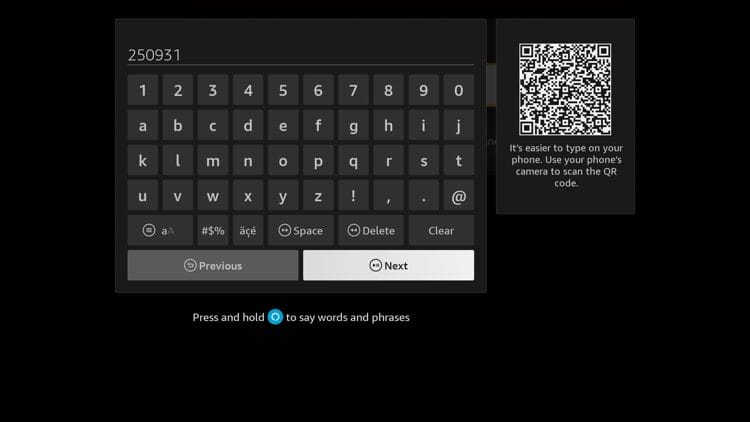
10. Enter the code 250931 and click Next.
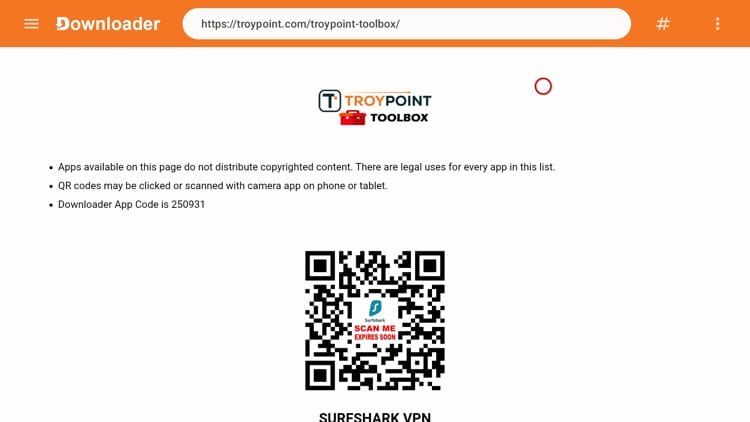
11. Wait a few seconds and you are now on the TROYPOINT Toolbox.
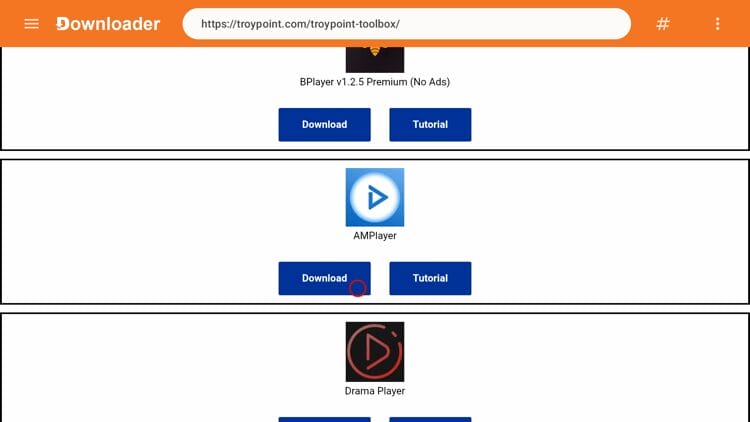
12. Scroll down and find AMPlayer and then click Download.
13. Wait a few seconds for the APK file to install.
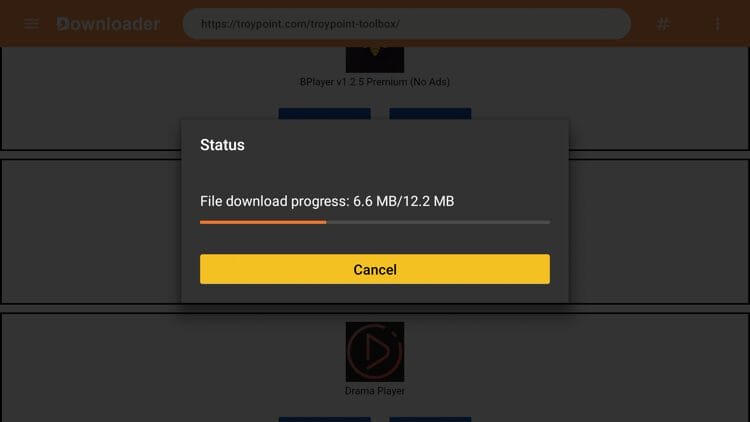
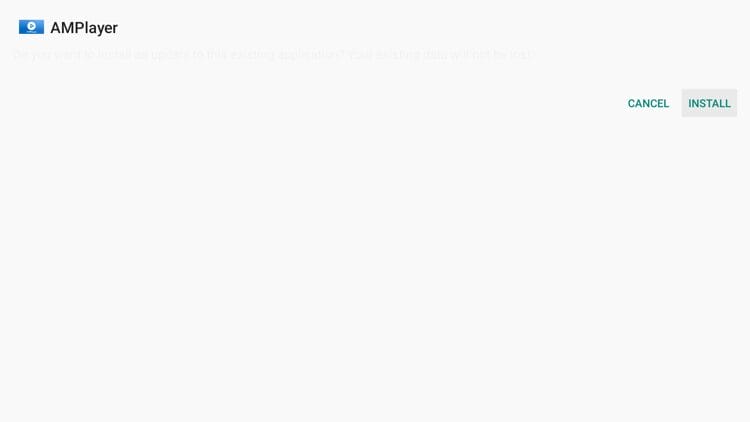
14. Click Install.
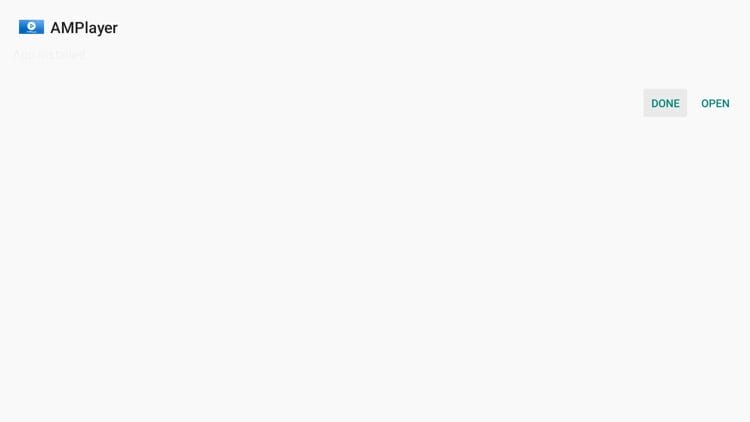
15. Click Done.
16. Now launch the Movie HD application.
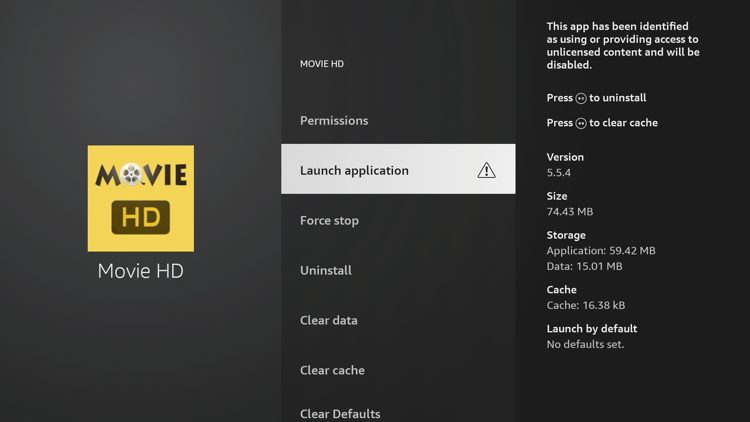
17. Click Launch Anyway.
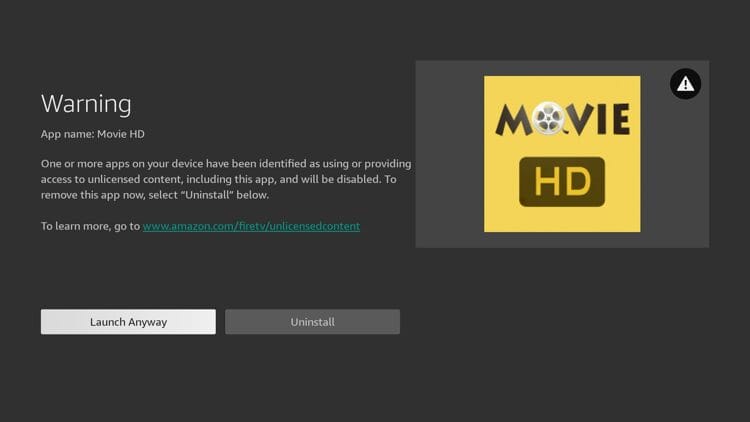
18. You have successfully installed the Movie HD app on your device.
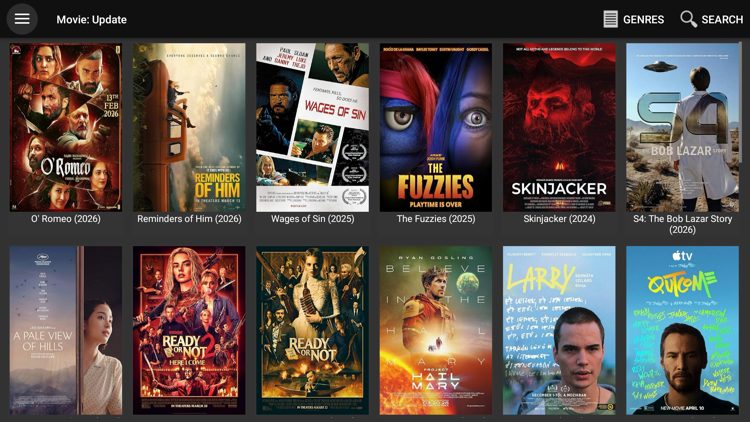
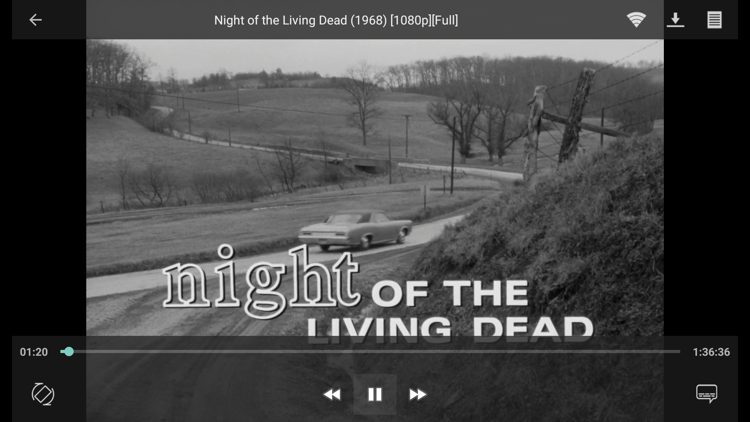
19. Content will now play successfully since we have also installed AMPlayer.
*We are streaming Night of the Living Dead which is a public domain movie not protected by copyright.
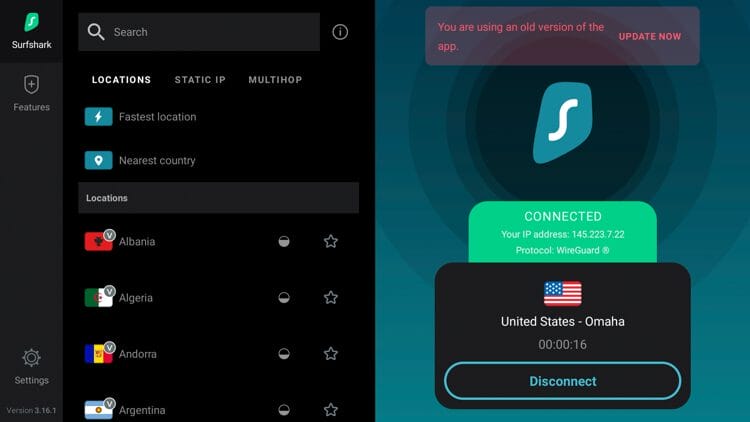
20. The final step before using Movie HD is to protect yourself with a VPN since this is an unverified streaming app. See our VPN on Firestick tutorial for more details.
Movie HD keeps things simple with a clean interface and no account required. In the movies category you can browse by Trending, Popular, or New to find something to watch.
There is also a category for TV Shows that is filled with thousands of options and has the same browsing features as movies.
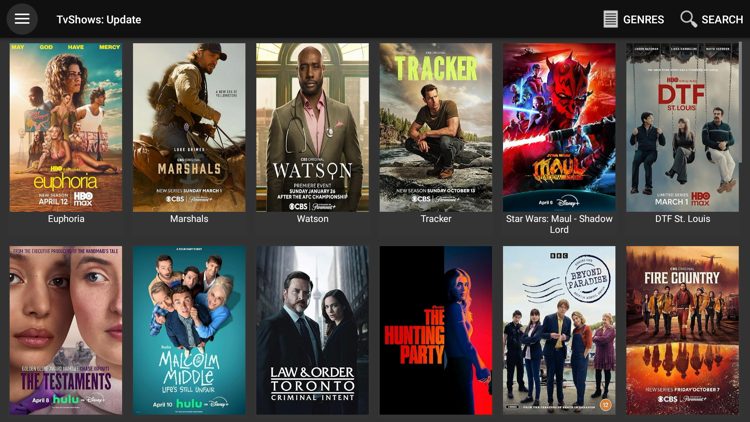
The content quality within Movie HD can vary depending on the available links. And since there are no premium debrid services supported you’re working with free links only that can often be unreliable, buffer, and contain ads.
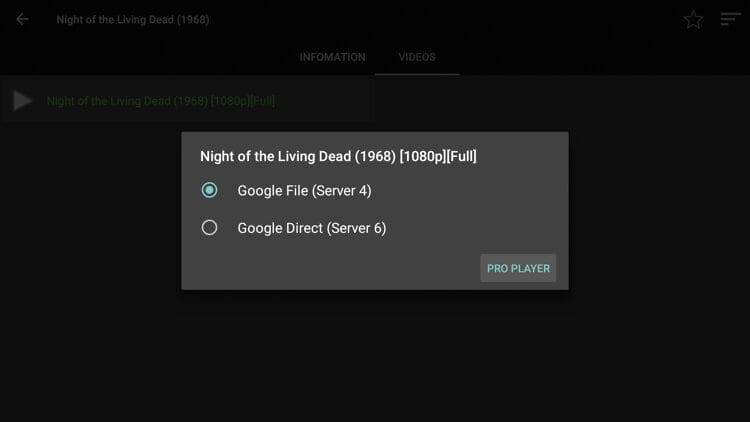
Because of Movie HD’s simplicity, it’s easy to see why this app has gained so much popularity over the years.
It’s impossible for TROYPOINT to determine whether these unverified apps like ‘Movie HD’ hold the proper licensing.
TROYPOINT recommends only accessing media not protected by copyright such as those that fall under Public Domain status.
The end-user is responsible for all content accessed through unverified apps. For verified options, see our list of legal streaming apps.
We scanned the Movie HD APK download file with VirusTotal before writing this guide.
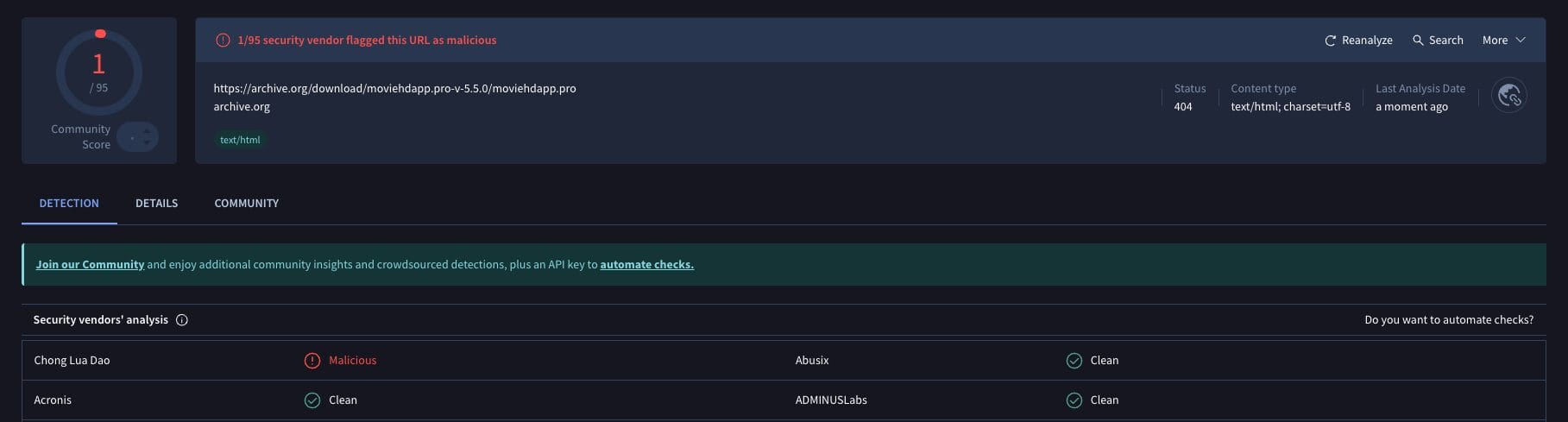
The VirusTotal scan did flag one malicious file within this APK. Using unverified streaming apps like this always carries risk so it’s critical to connect to a secure VPN to protect yourself online at all times.
Here’s a breakdown of what works well and what falls short with Movie HD.
Movie HD is a solid choice for cord-cutters who want a free, no-hassle streaming option without setting up a debrid service. The interface is clean, setup is quick, and the content library covers a wide range of movies and TV shows.
The main trade-off is stream reliability. Without debrid support you’re dependent on free streaming links which can be unreliable and cause buffering.
Give it a try and let us know what you think in the comments below!
Have you tried Movie HD APK on your Firestick or Android device? Let us know in the comments!
This page includes affiliate links where TROYPOINT may receive a commission at no extra cost to you. Many times, visitors will receive a discount due to the special arrangements made for our fans. Learn more on my Affiliate Disclaimer page.



© IPTVSub is Proudly Owned by win-design