



 Written by admin
Learn How to Install CricFy TV APK on Firestick, Fire TV, Android TV, or Google TV Boxes using our instructional guide below.
Those using Android Phones and tablets can also follow along for live sports streaming on the go!
Our guide features step by step instructions to download the official APK from the CricFy website. However, there are some concerns you should be aware of that we point out before the installation guide.
Continue reading for more information.
CricFy TV is a popular live sports and television app that is extremely well-known in India and other countries across the world. It hosts tons of different sporting events and broadcasts them in HD for seamless streaming on any device.
Besides the live events are various categories for free television channels as well including selections for News, Entertainment, Kids/Family, 24/7, and more.
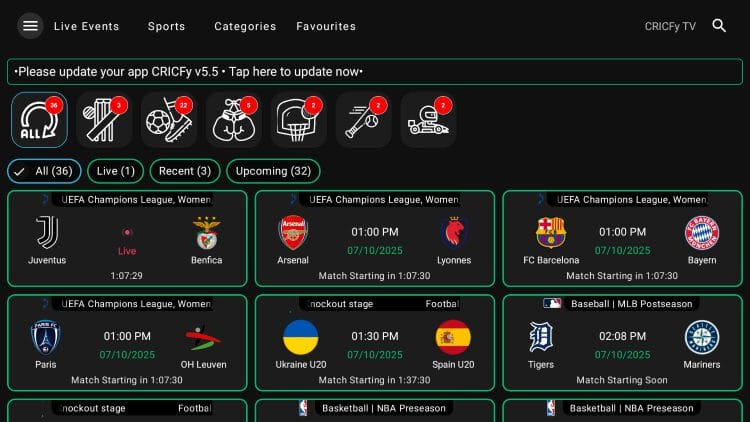
With an unlimited amount of content to choose from, various links available, and high def streams, many are now considering CricFy TV one of the top Free IPTV Providers available today.
Unfortunately, this application is not found in existing app stores such as Amazon or Google Play so we must sideload it in order to access the free content it provides.
Use our guide below to learn how to install the CricFy TV APK on Firestick/Fire TV or other devices including Android TV, Google TV, and Android phones/tablets.
NOTE: Make sure to activate a trustworthy VPN before installing and using this APK as we do not know who the developers are and it is unclear what they may be doing with your information/data.
It appears as though the official APK File for Cricfy TV has numerous malicious files associated with it as pictured below.
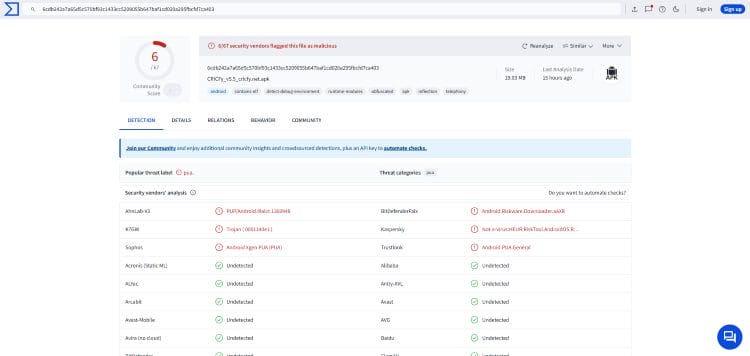
If you plan on using this platform or other 3rd party applications, make sure to protect yourself with a high-level VPN that will encrypt your connection and secure your personal data.
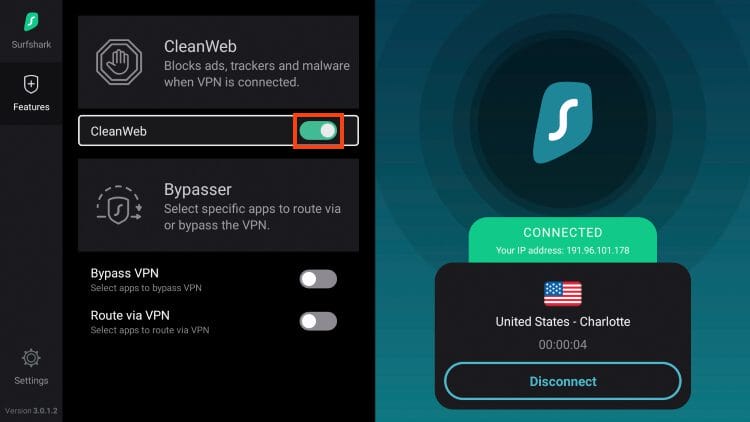
Surfshark VPN has a built-in CleanWeb feature that blocks malware on websites, applications and more. We suggest connecting to this prior to installing/using Cricfy TV on your preferred device.
In this guide, we are using a Fire TV Stick 4K Max but those with other variations of Fire TV as well as Android TV/Google TV including the onn. 4K Pro can also follow along.
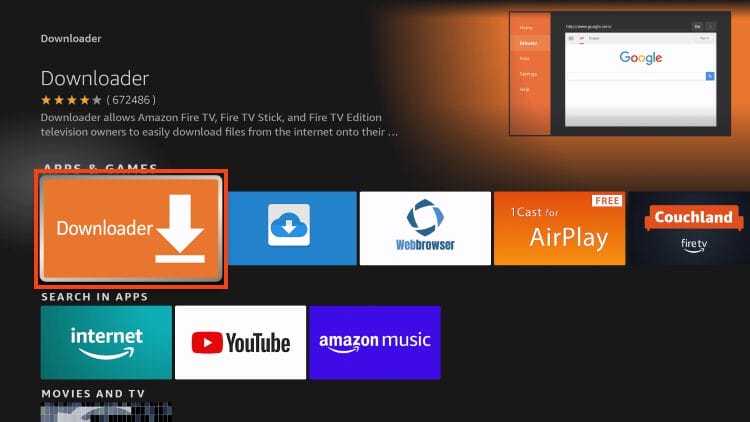
1. Install the Downloader App by AFTVNews from the Amazon App Store or Google Play Store.
Your online activity is monitored by your ISP, app/addon/IPTV devs, government, and all websites.
🔒 Become anonymous while streaming & downloading with Surfshark VPN
Save 87% with 24-Month Plan + Get 3 FREE Months
Use on Unlimited Devices & Share 1 Account with Entire Family
CLAIM DEAL HERE
2. Turn on Developer Options, open Settings, and enable Unknown Apps for Downloader.
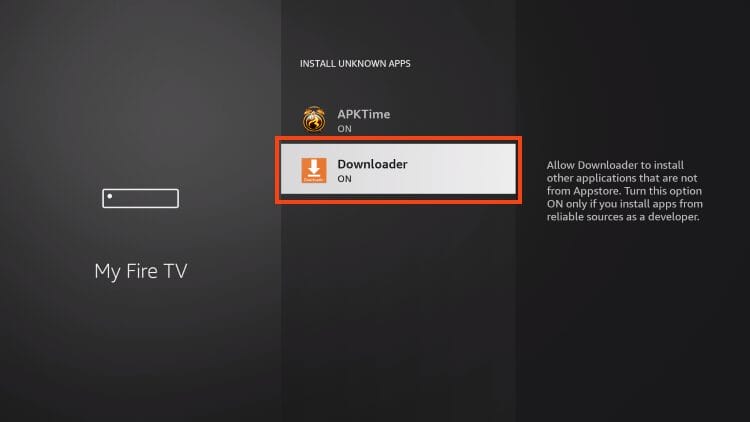
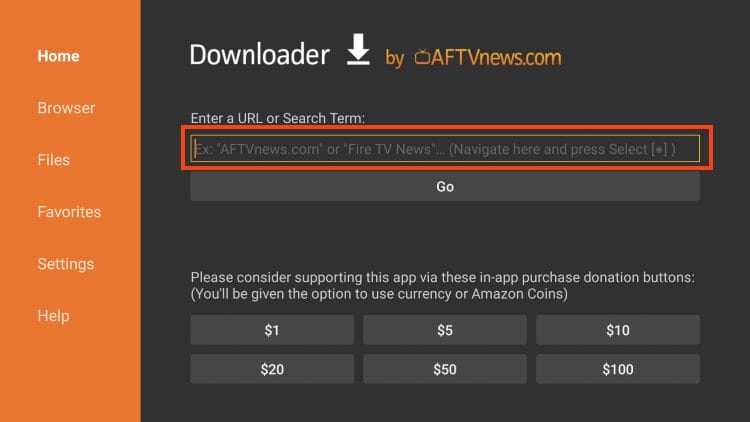
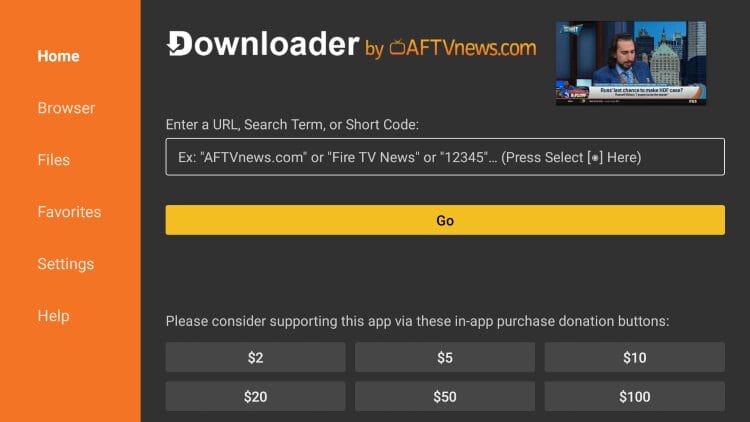
3. Launch Downloader and click the URL bar as pictured below.
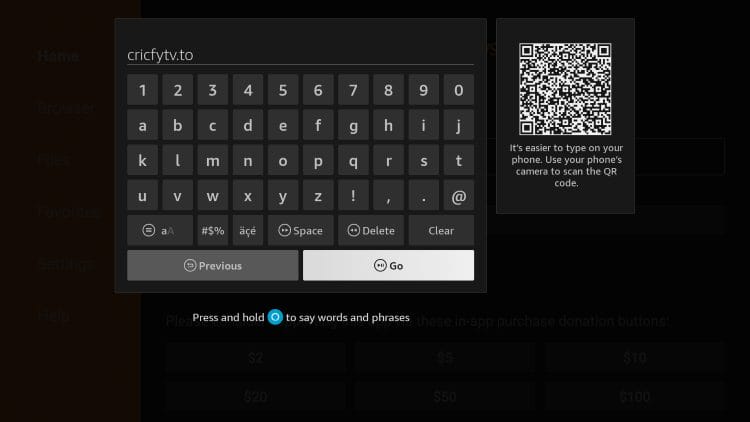
4. Input cricfytv.to and click Go. (You can also use the Downloader Code – 8711675)
5. Now on the official Cricfy website, select Download APK.
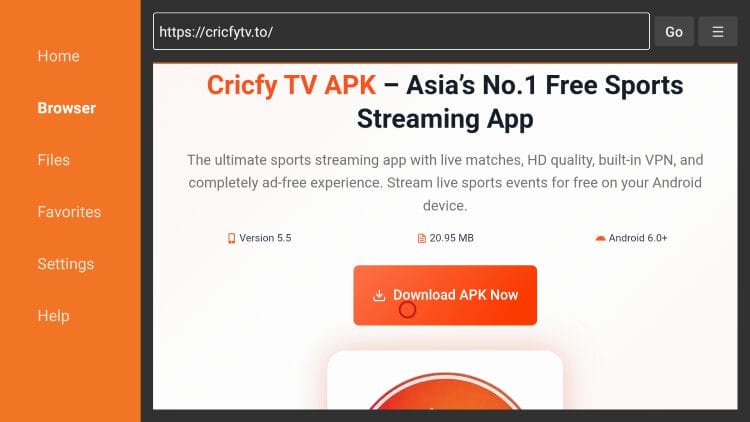
6. Choose Android APK.
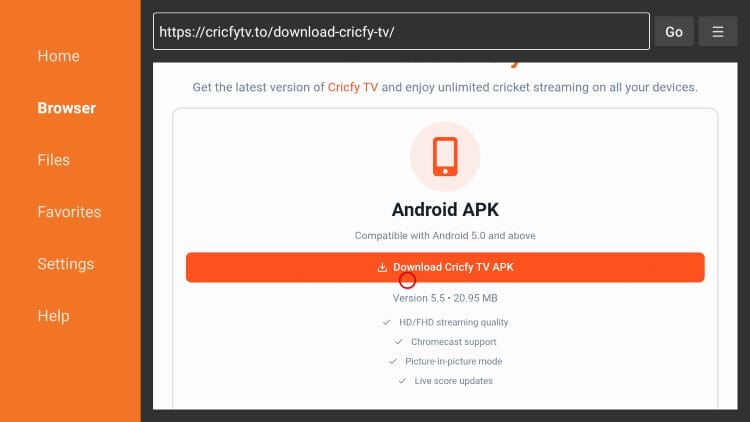
7. Wait a few seconds for the file to download.
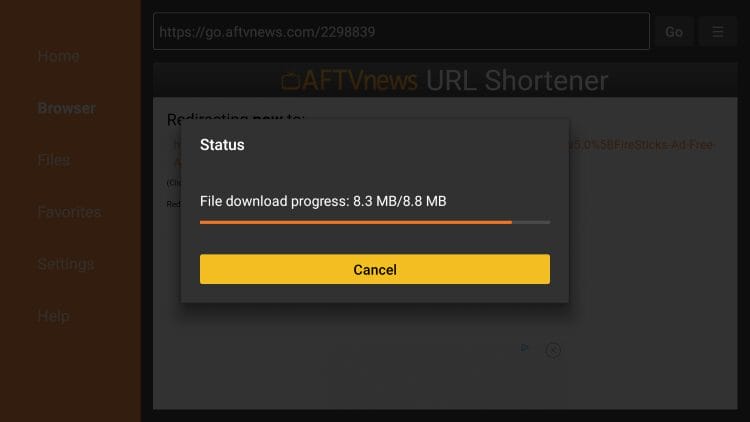
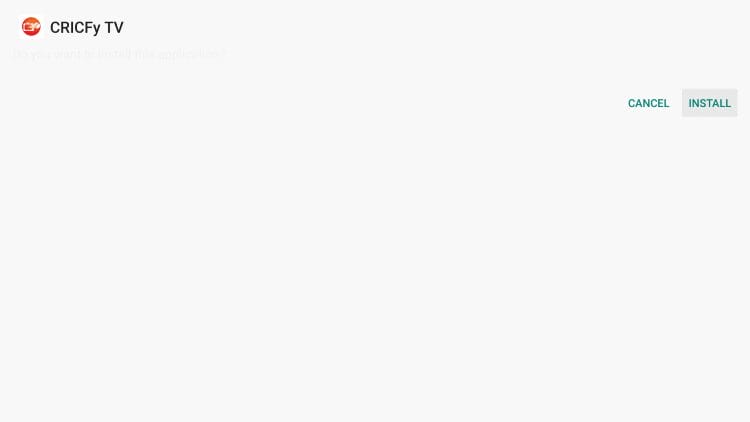
8. Click Install
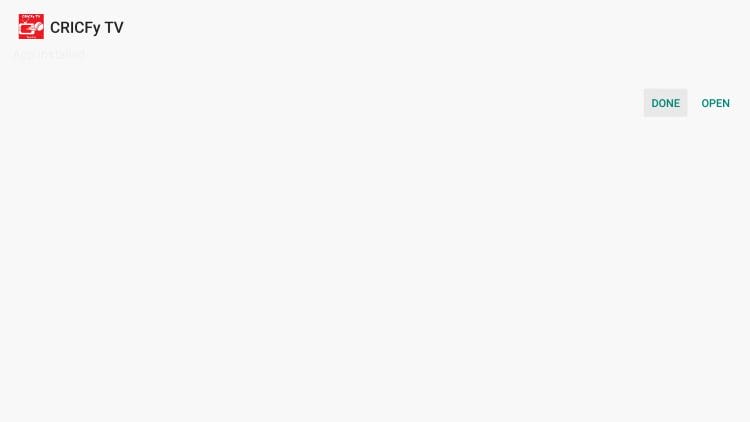
9. Select Done.
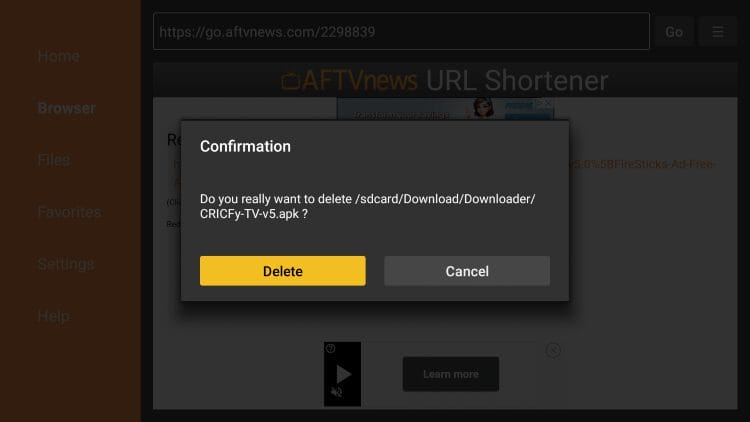
10. Choose Delete.
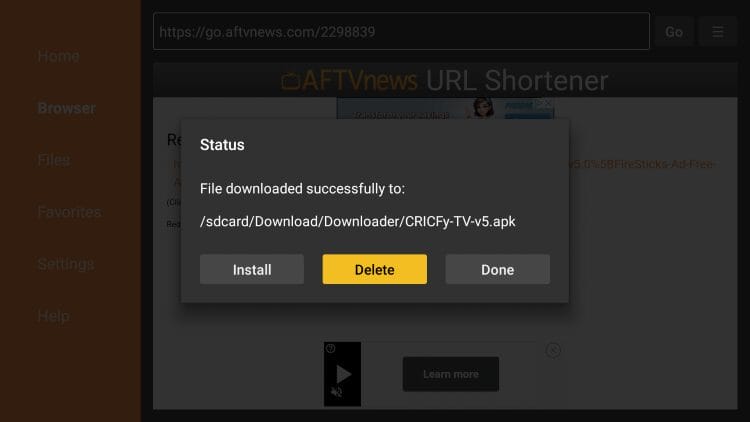
11. Delete Again.
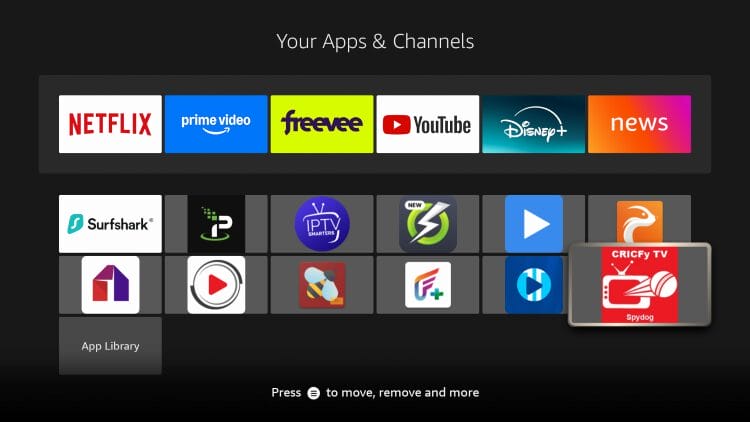
12. Return to the home screen of your device and under Your Apps list, find CricFy TV and select it.
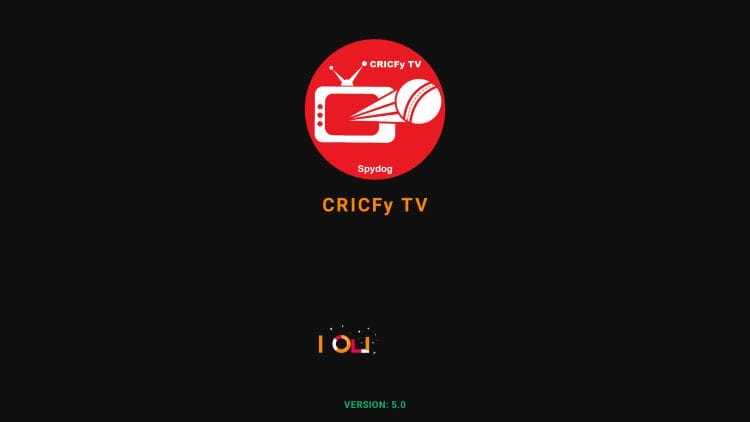
13. The CricFy TV APK will launch for use.
Enjoy!
After installing, you will see why this application has gained so much notoriety/popularity as of late. The home screen has various options to choose from for live games categorized by sport.
This is similar to other live sports apps such as FalconCast and RBTV77 which have continued to climb in popularity.
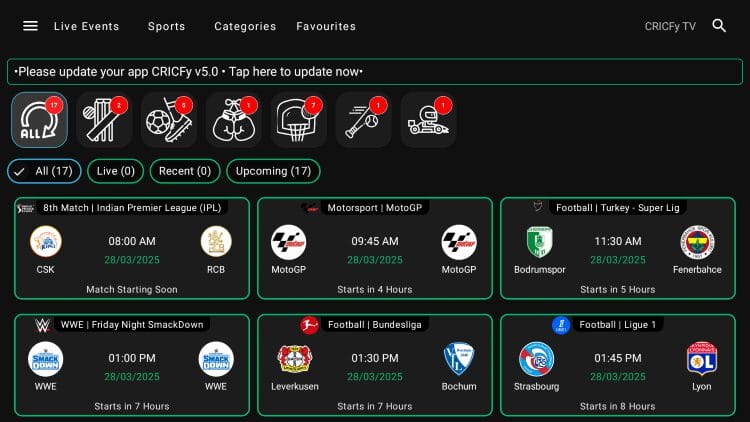
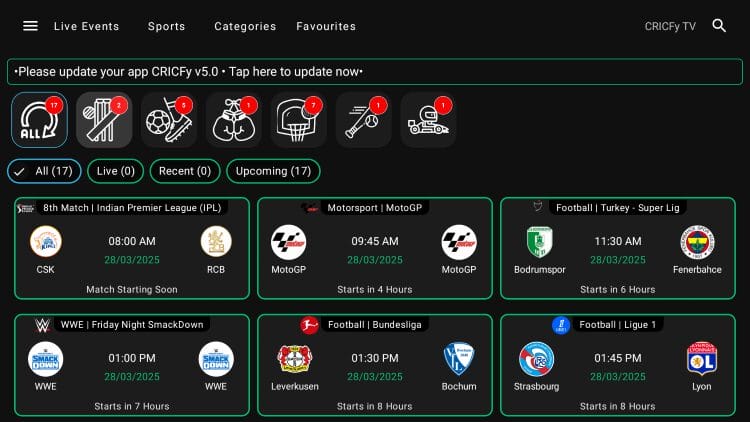
At the top are numerous selections including Live Events, Sports, Categories, and Favorites as well as options for each sport.
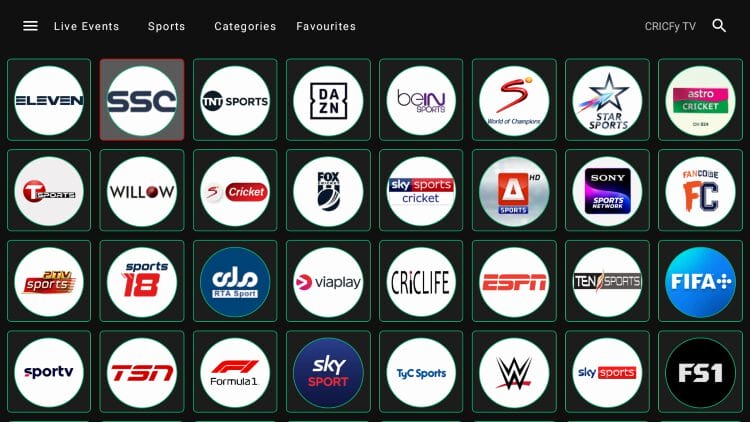
The Sports tab has numerous live channels available so you won’t miss a game, highlight, or replay.
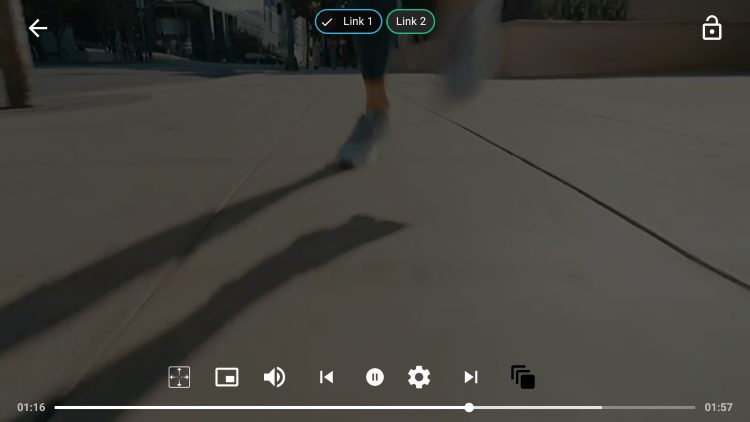
Once you make a channel selection, users typically have numerous links to choose from.
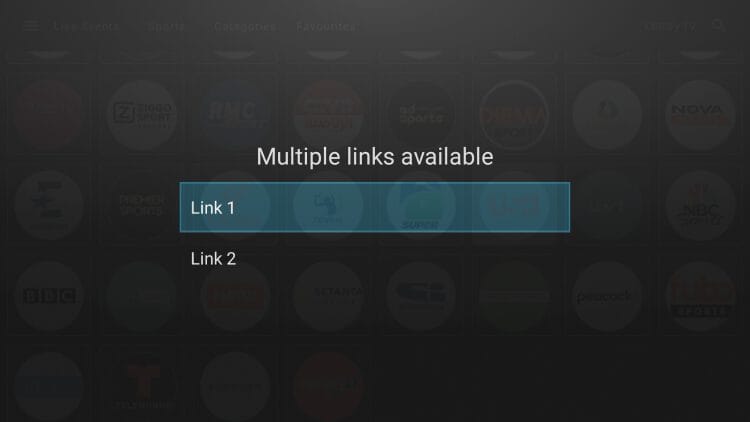
While not all channels work, most broadcast in high definition without buffering.
NOTE: If you are looking for a reliable outlet to stream live television, sports, and more, we suggest opting for a Paid IPTV Service.
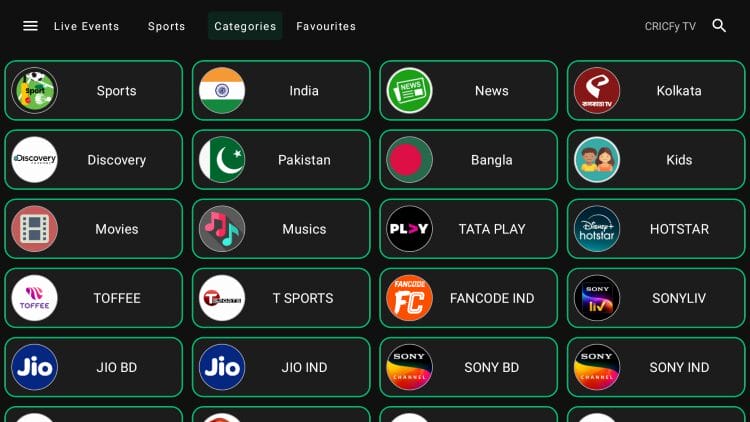
The Categories tab is filtered by country, program, and more.
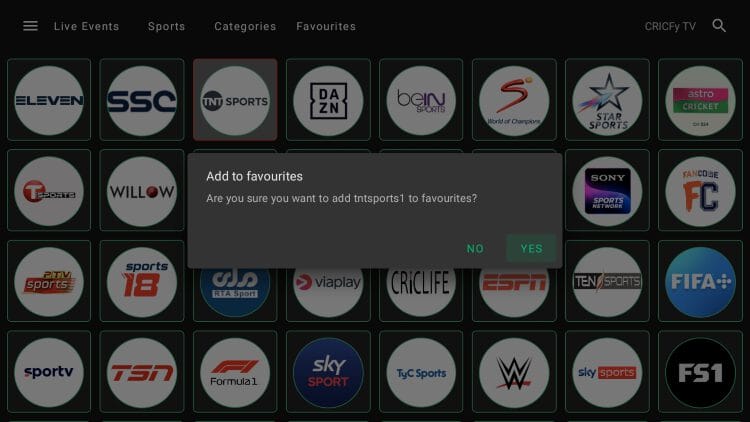
Long clicking on a channel will let you add it to favorites for quick access.
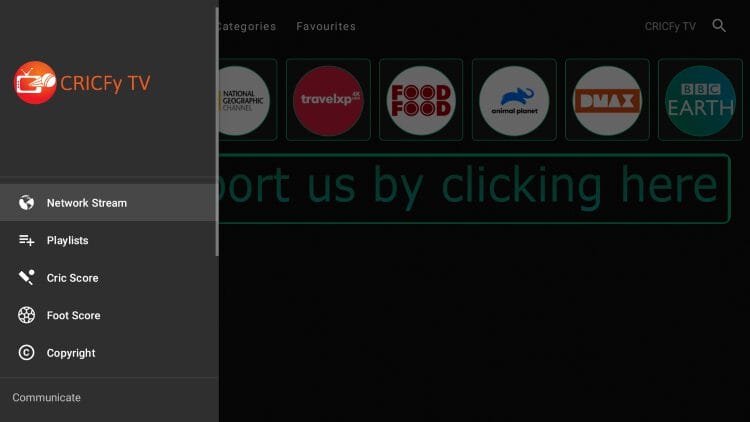
There are various menu options including Network Stream, Playlists, Telegram, Contact, and even live Scores.
You can even choose PIP (Picture-in-Picture) to continue watching as you browse your device!
Check out all of the features yourself by installing CricFy TV on your device today.
It’s impossible for TROYPOINT to determine whether an unverified streaming app, service, or add-on holds the proper licensing.
At first glance, it appears this app may be distributing copyrighted content without the proper licensing.
We only recommend using legal streaming apps to view both live and on-demand content. Ultimately, the end-user is responsible for content accessed within this unverified app.
Using free live streaming services such as this is one of the most popular methods for viewing television channels without a subscription service.
Many have turned to these as a viable method to watch sports and other events and CricFy TV is one of the best available.
We want to know what you think of the CricFy application. Have you tried/used this to watch your favorite team or matchup? Let us know in the comment section below!
This page includes affiliate links where TROYPOINT may receive a commission at no extra cost to you. Many times, visitors will receive a discount due to the special arrangements made for our fans. Learn more on my Affiliate Disclaimer page.



© IPTVSub is Proudly Owned by win-design