



 Written by admin
The following tutorial shows how to install App Virtualizer to help you unblock Fire TV applications.
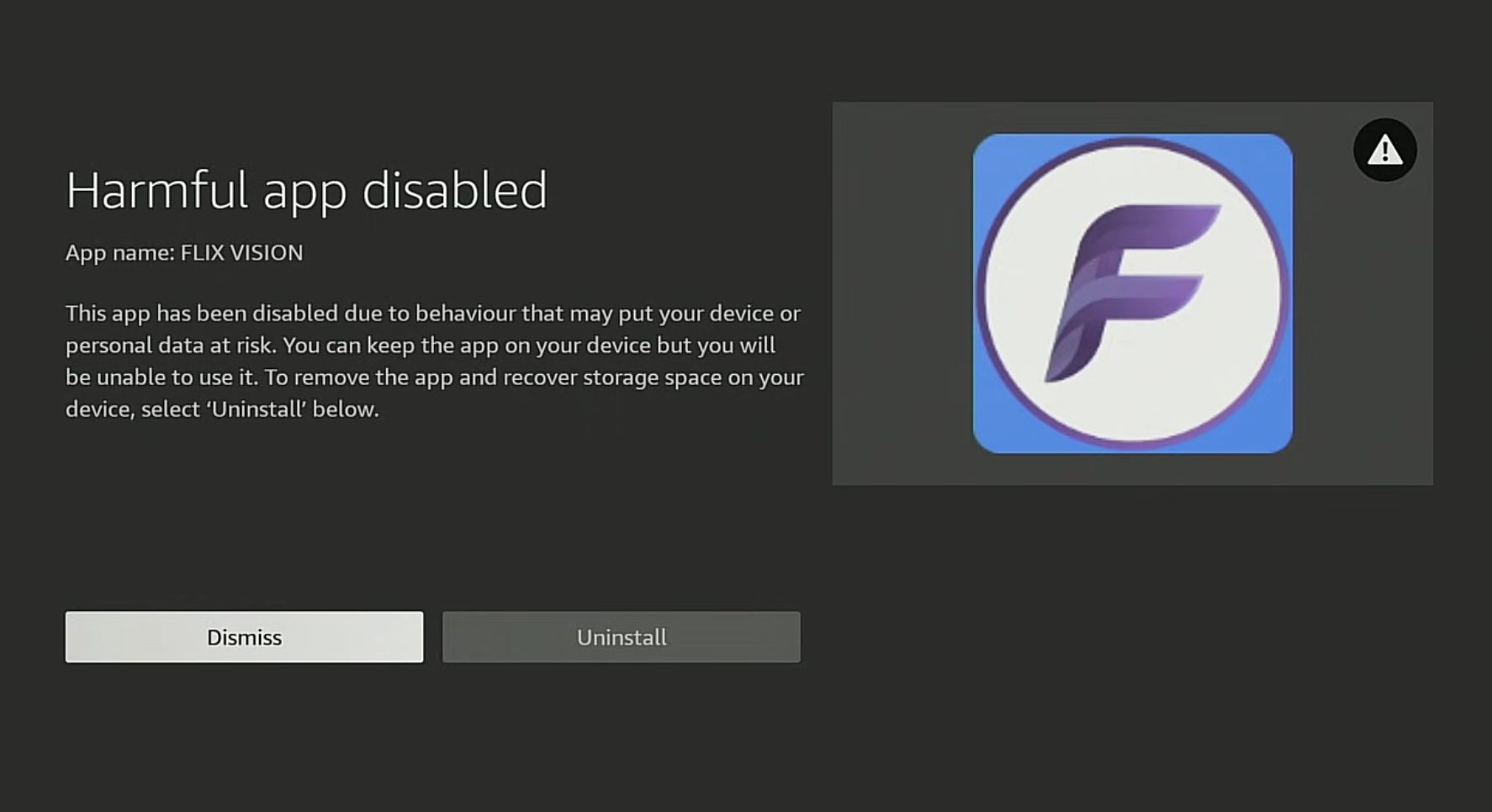
Amazon has been cracking down on third-party applications, and many Fire TV users are finding their favorite apps suddenly blocked or removed.
If you’ve run into the dreaded “harmful app” warning on your Firestick or Fire TV device, App Virtualizer is a clever new workaround worth knowing about.
This tool takes a completely different approach than alternatives like App Cloner. Instead of duplicating an app with a new signature, App Virtualizer creates a hidden container where your applications (APKs) can run without Fire OS detecting them.
You can think of it as a ‘private room’ inside your Fire TV device. Fire OS can see that App Virtualizer is running, but it has no visibility into what’s happening inside that container.
This approach also carries privacy benefits. Amazon can’t monitor which apps you’re using or what you’re doing with them while they run inside the virtual environment. The developer confirmed it works on Fire OS 6, Fire OS 7, and Fire OS 8, covering almost every Fire TV model currently available.
This installation process will work on any Fire TV device or Android TV/Google TV systems.
1. You must first install the Downloader app on your device. If you haven’t done this, refer to our Downloader Tutorial. Make sure it is the official Downloader app by AFTVNews.
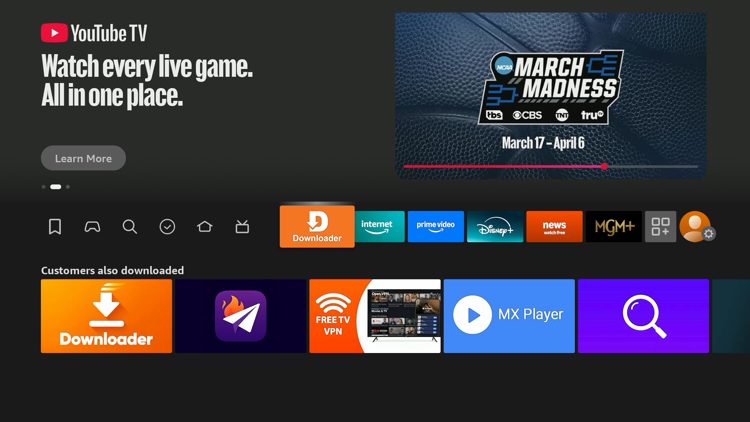
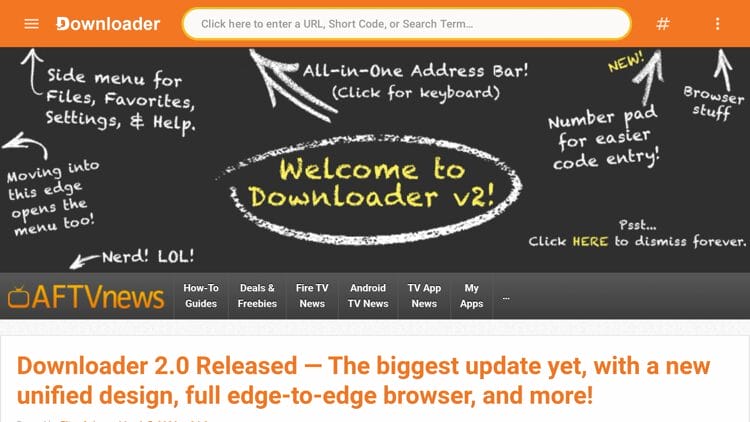
2. Launch Downloader and click the search bar on top.
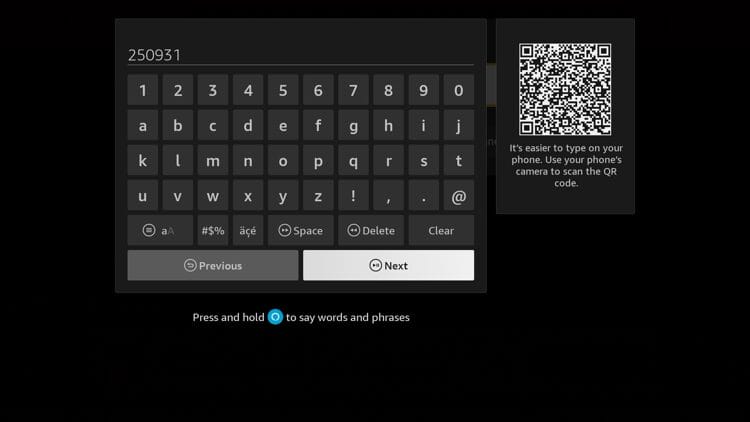
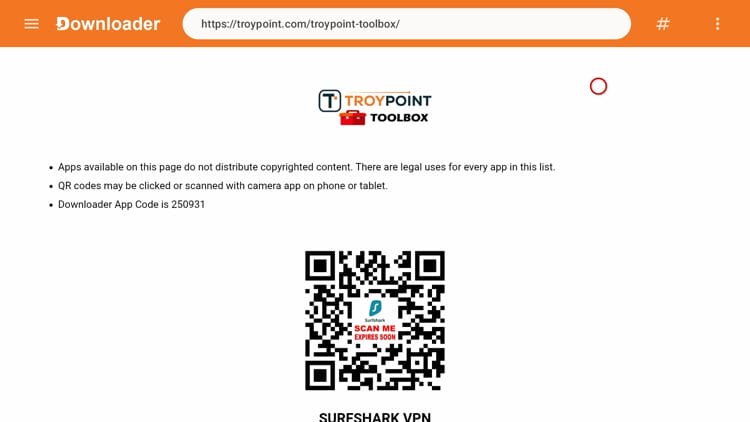
3. Type the code for the TROYPOINT Toolbox which is 250931 and click Go.
4. You are now presented with the TROYPOINT Toolbox home screen.
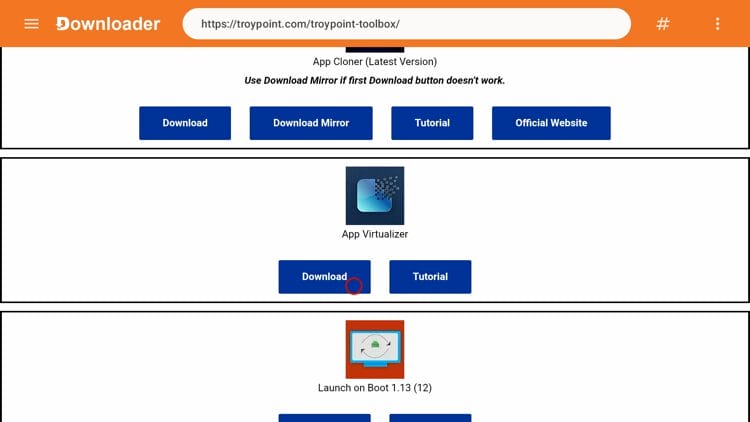
5. Scroll down and locate App Virtualizer under Tools & Utilities. Click Download.
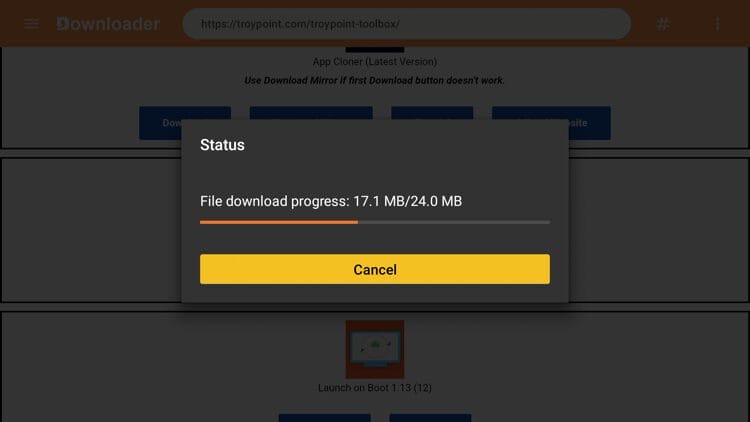
6. Wait for the app to download.
Your online activity is monitored by your ISP, app/addon/IPTV devs, government, and all websites.
🔒 Become anonymous while streaming & downloading with Surfshark VPN
Save 87% with 24-Month Plan + Get 3 FREE Months
Use on Unlimited Devices & Share 1 Account with Entire Family
CLAIM DEAL HERE
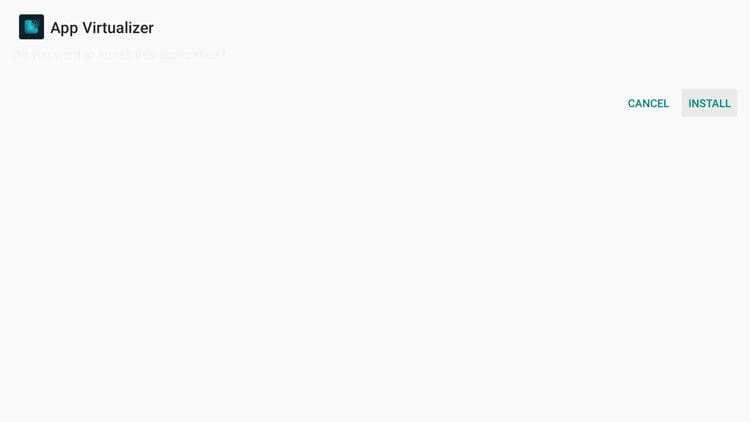
7. Click Install.
8. You have successfully installed App Virtualizer on your Fire TV device. Click Open to get started.
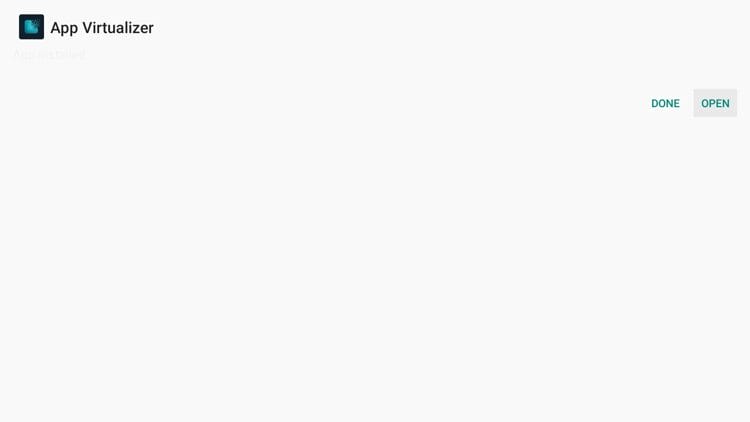
9. After App Virtualizer launches, click Apps.
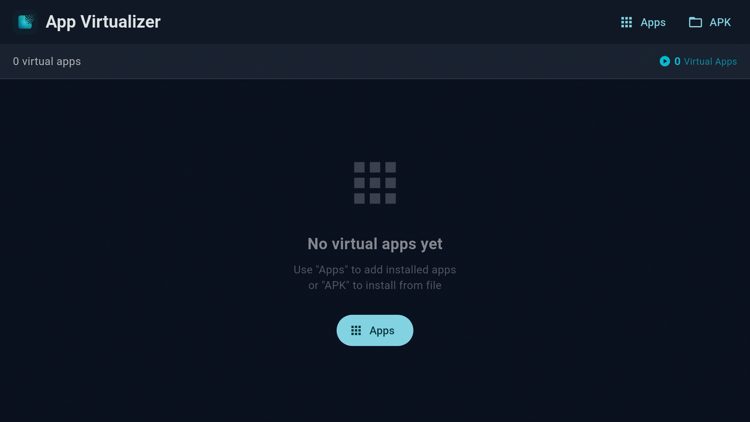
10. Find any app you want to run virtually and click on it. This installs a copy of that application inside the virtual container.
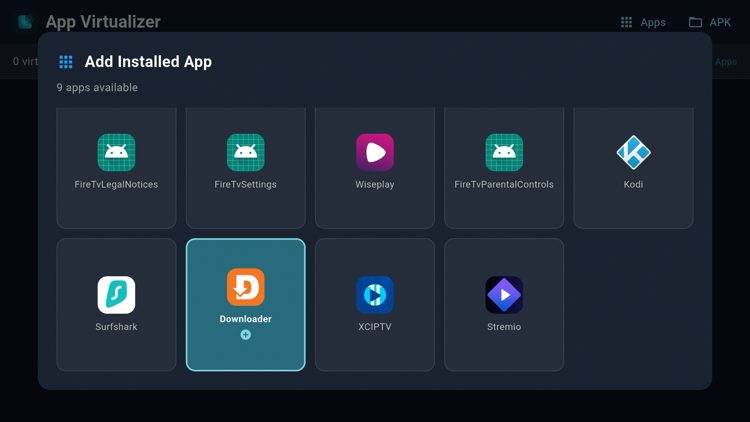
11. We are using the Downloader App in this example. Click on it again.
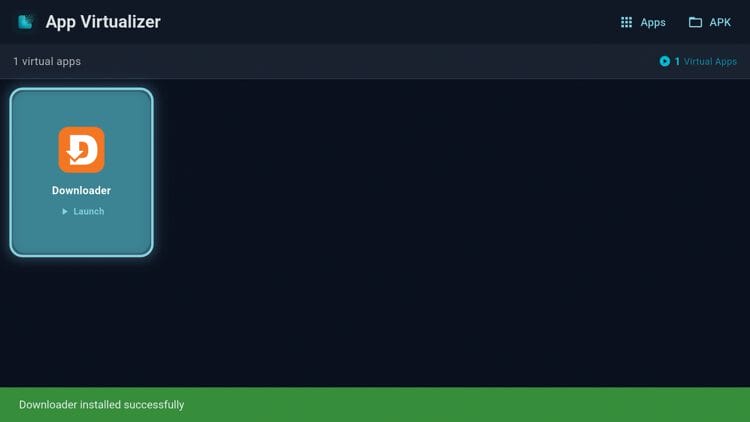
12. Click Launch.
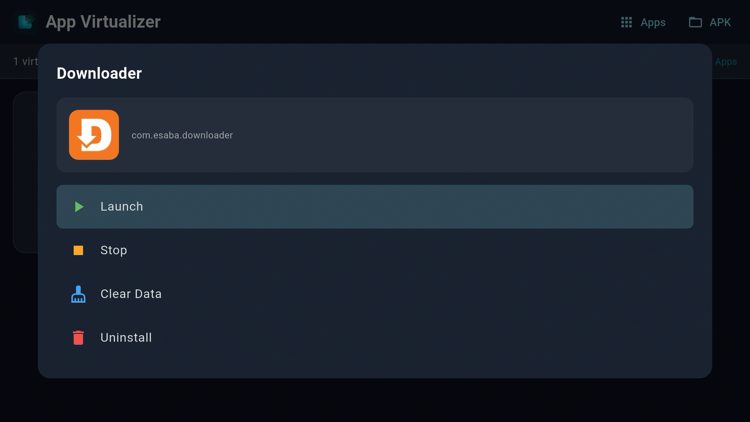
13. Downloader has now been cloned into a virtual app.
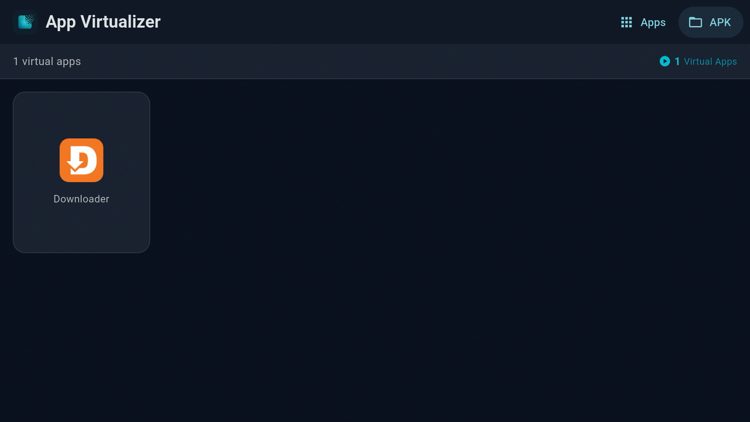
In addition to cloning our existing installed apps, we can also side-load apps from within App Virtualizer. Follow the steps below for more details.
1. Click the APK folder on the top right of the screen.
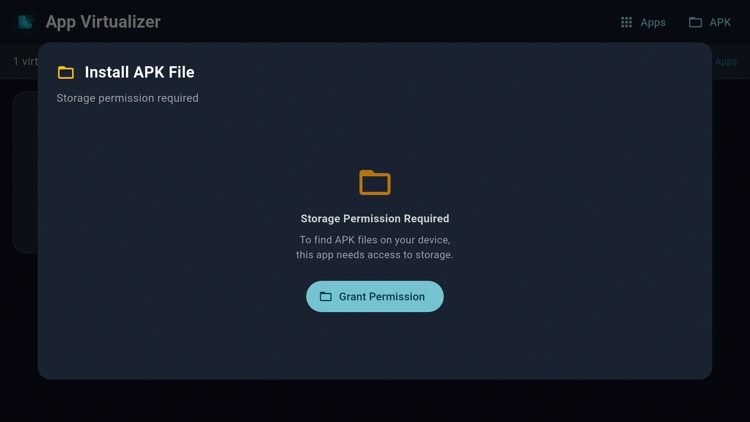
2. Click Grant Permission.
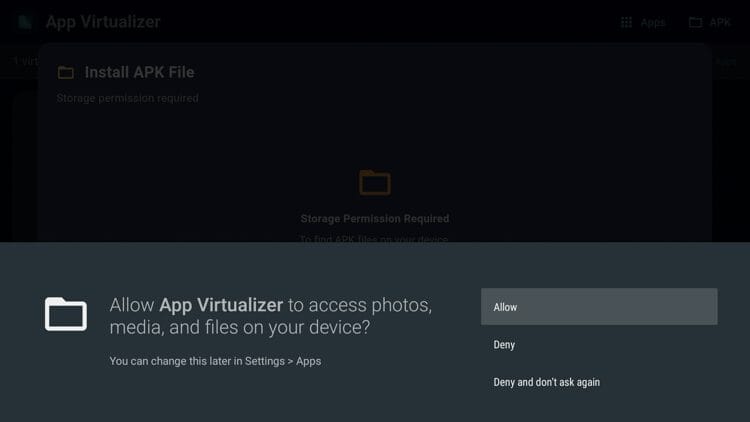
3. Click Allow.
4. Scroll through the list of APK files provided by App Virtualizer and click on the one you want to install. They have over 120 APKs to choose from as of this writing.
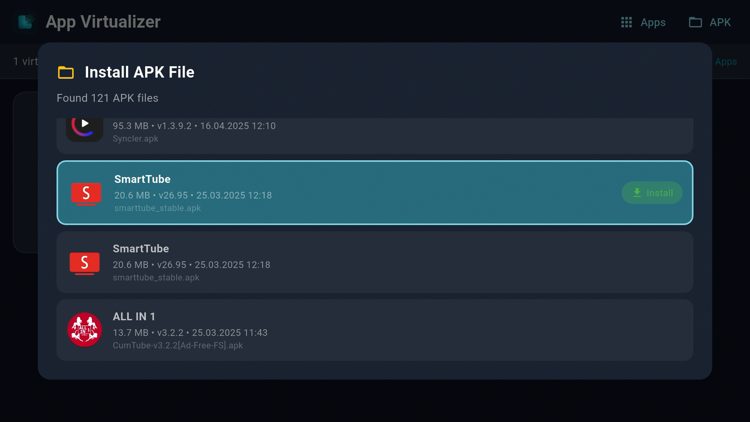
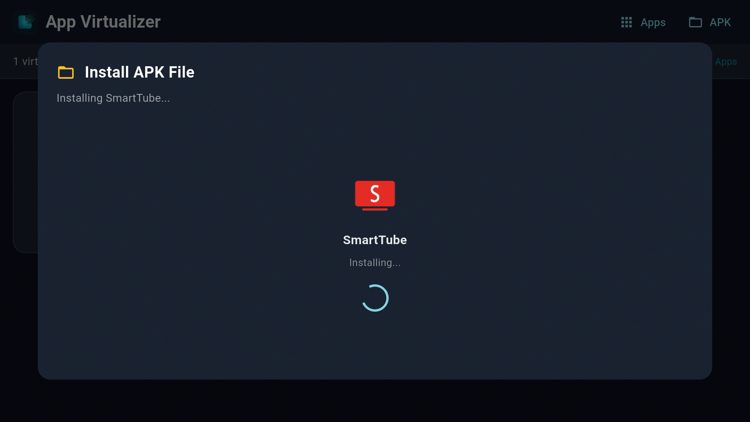
5. Wait for the APK to install. We installed SmartTube in this instance.
6. Your newly installed app will then appear in your Virtual Apps list.
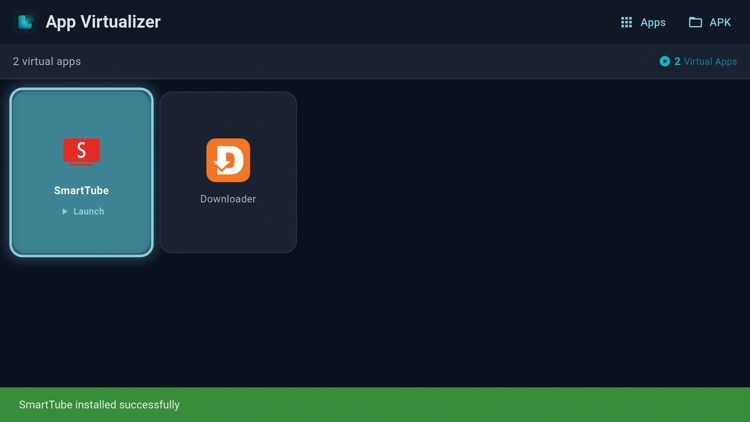
7. Click Launch to use the app.
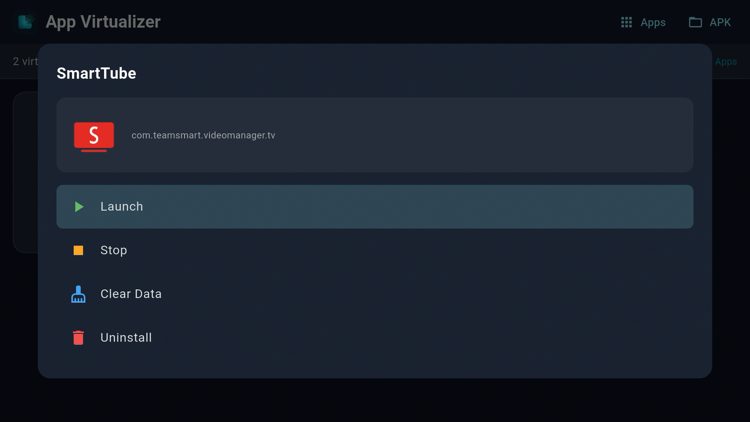
8. That’s it! You can now use the side-loaded app within App Virualizer.
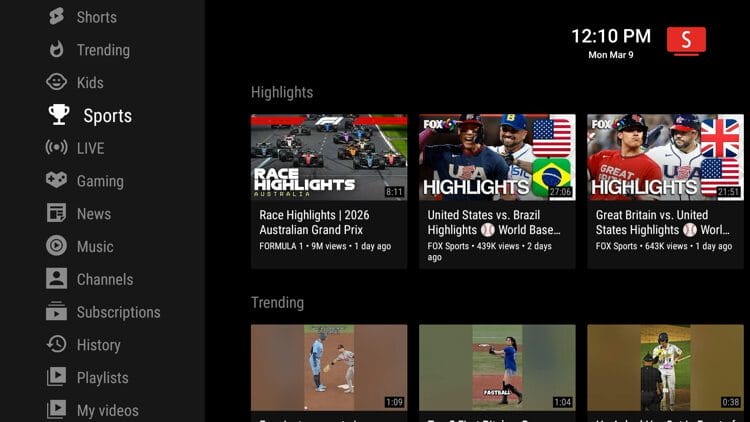
Once an app is running inside the container, you have several management options. You can launch the virtual copy, stop it, clear its data, or uninstall it from the sandbox entirely.
Keep in mind that removing an app from the virtualizer doesn’t affect the original installation. These are two completely separate instances running independently of each other.
App Virtualizer gives Firestick owners a strong workaround right now, but Amazon could update their detection methods at any point. Developers tend to stay ahead of these restrictions, though, so expect updates as the cat-and-mouse game continues.
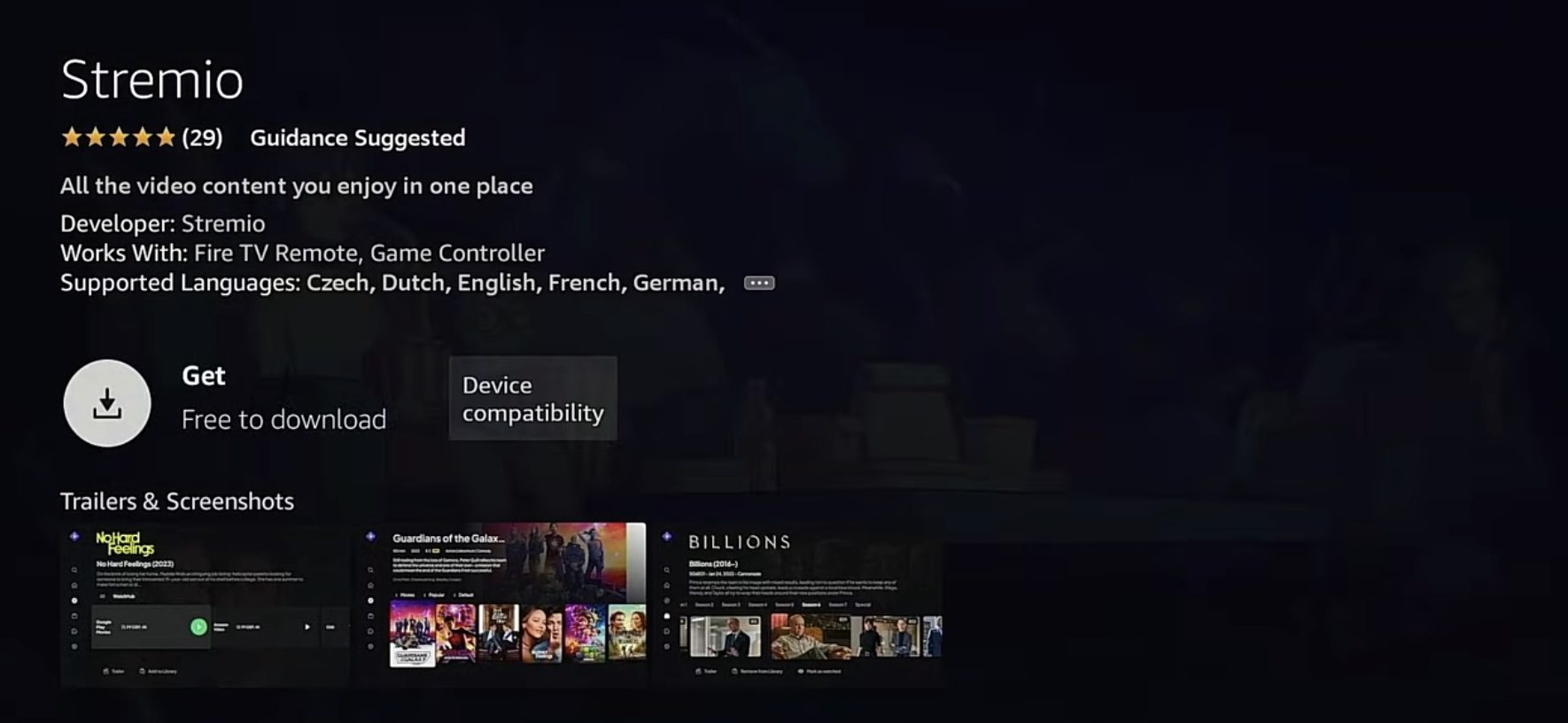
Our current top-ranked free streaming application is Stremio, which recently became available in the Amazon App Store. Stremio isn’t on Amazon’s block list and doesn’t contain the malware or excessive ads found in many other free apps.
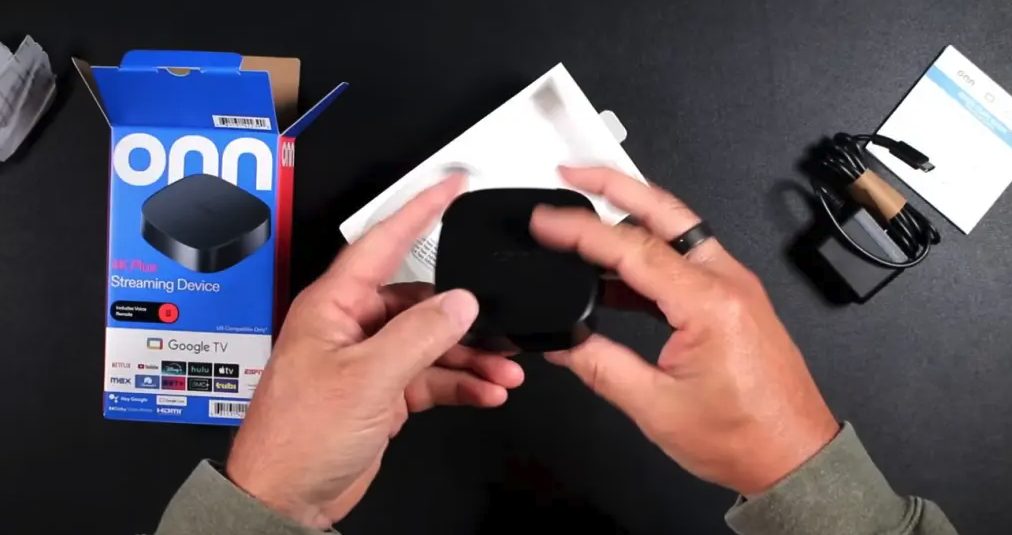
Android TV/Google TV devices like the Onn 4K Plus or Onn 4K Pro don’t have Amazon’s strict restrictions. These boxes operate similarly to Fire TV since both run on Android, but you’ll have complete freedom to install any application without worrying about blocks.
App Virtualizer offers a brilliant solution for Firestick owners dealing with Amazon’s app restrictions. It wraps your blocked apps in a protected space where Amazon has zero visibility, restoring access in just a few minutes.
Developers behind tools like this always find ways around corporate restrictions. Still, I’d recommend looking into Google TV devices or unblocked apps like Stremio for a more permanent fix.
Have you tried App Virtualizer yet on your Fire TV device? Let us know your thoughts in the comments below!
This page includes affiliate links where TROYPOINT may receive a commission at no extra cost to you. Many times, visitors will receive a discount due to the special arrangements made for our fans. Learn more on my Affiliate Disclaimer page.



© IPTVSub is Proudly Owned by win-design