


 Written by admin
Use the following steps to install LTvLauncher on Firestick, Android TV, and Google TV Devices.
LTvLauncher is a third-party launcher formerly known as FLauncher.
Now rebranded, it delivers a refreshed interface and upgraded features while remaining in the hands of the same trusted developers who made FLauncher one of the Most Popular Launchers available.
It is exteremely popular among Google TV/Android TV users and those with Firestick/Fire TV Devices who want to take back control of their user interface to remove ads and more.
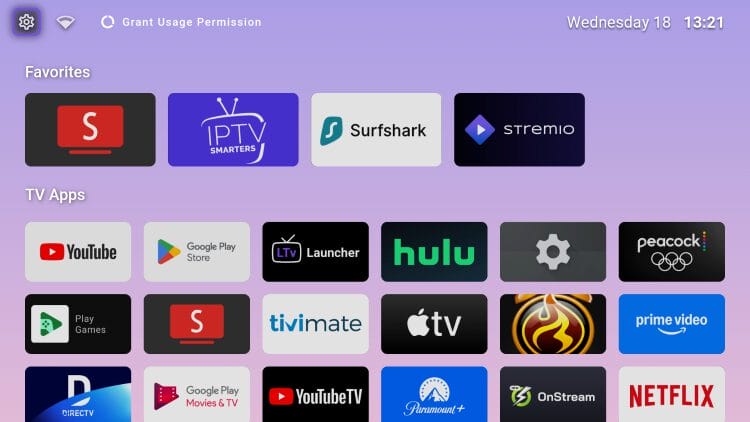
In the tutorial below, we will install LTvLauncher on an Onn 4K Pro. These instructions can also be followed along with any device you prefer.
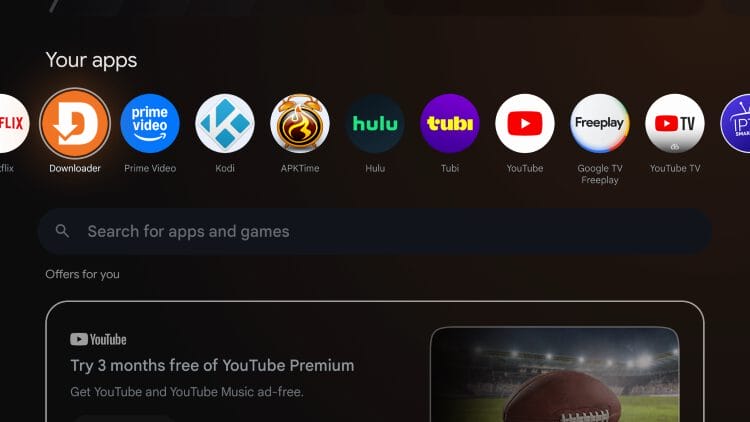
1. Install Downloader from your respective App Store (Google Play/Amazon App) & enable Unknown sources for it within Settings. Launch the application.
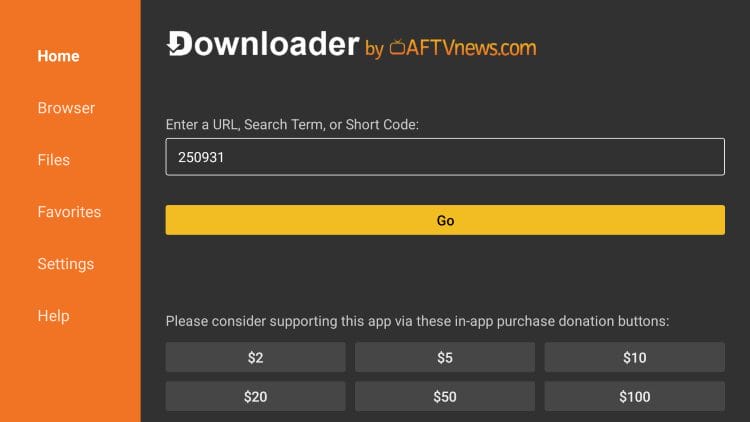
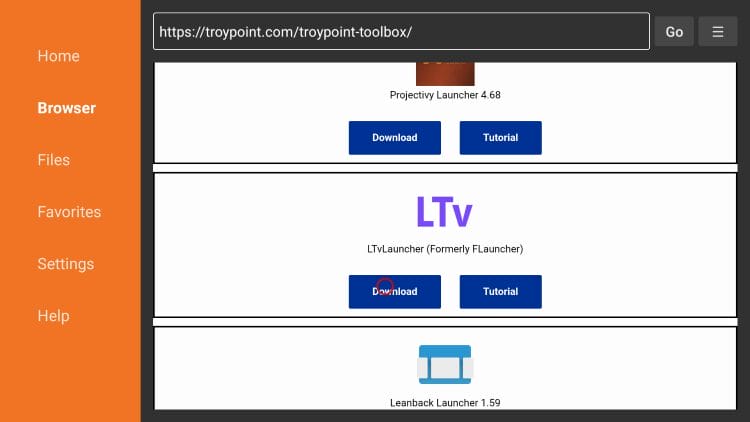
2. Type 250931 into the URL Bar and click Go. This is the Downloader Code for the TROYPOINT Toolbox.
3. Scroll down to find LTvLauncher and click Download.
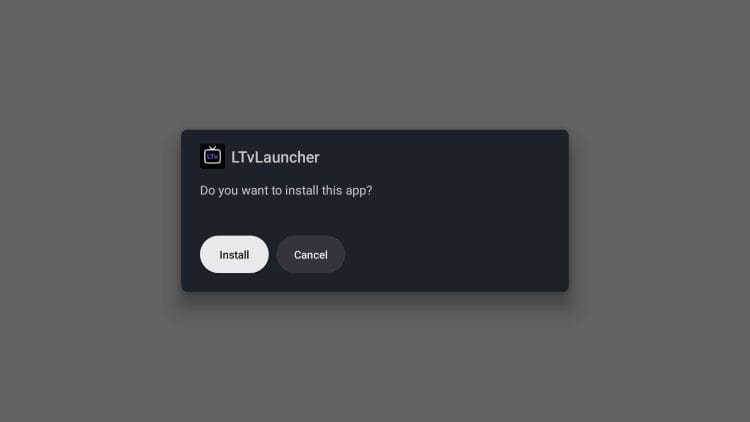
4. Select Install.
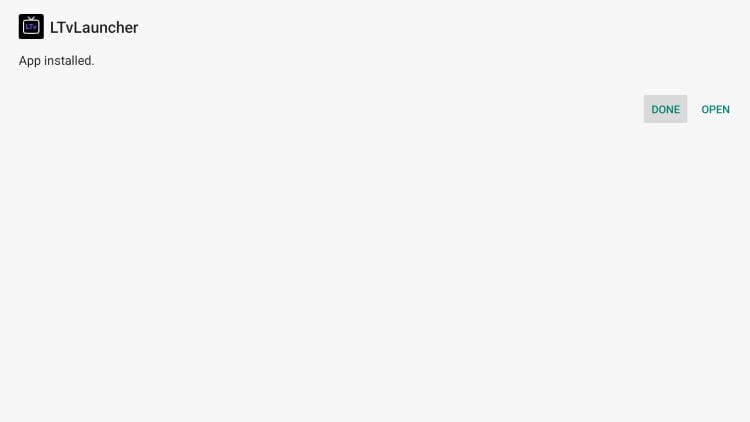
5. Choose Done.
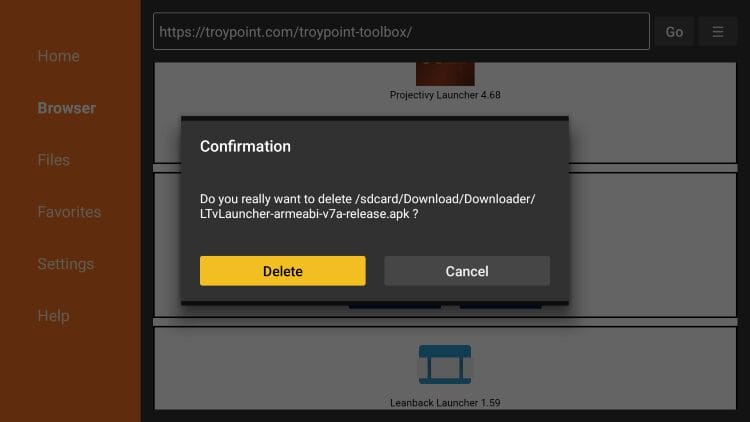
6. Click Delete to remove the installation file.
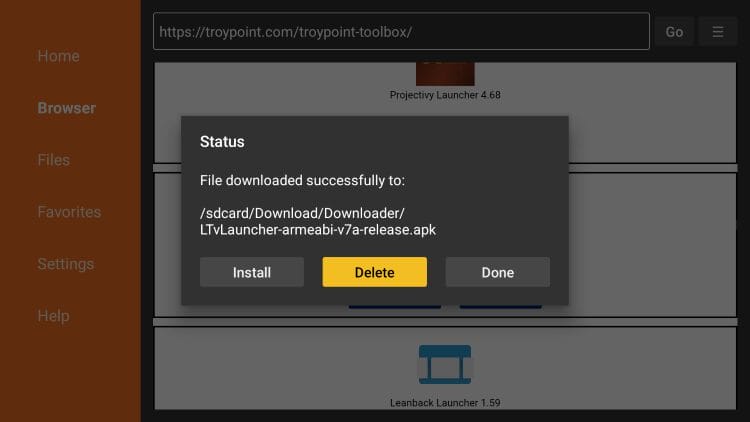
7. Select Delete again.
Your online activity is monitored by your ISP, app/addon/IPTV devs, government, and all websites.
🔒 Become anonymous while streaming & downloading with Surfshark VPN
Save 87% with 24-Month Plan + Get 3 FREE Months
Use on Unlimited Devices & Share 1 Account with Entire Family
CLAIM DEAL HERE
Installation is now complete! Continue reading for more features and details regarding LTvLauncher.
Once installed, you can launch the application to see your new home screen interface.
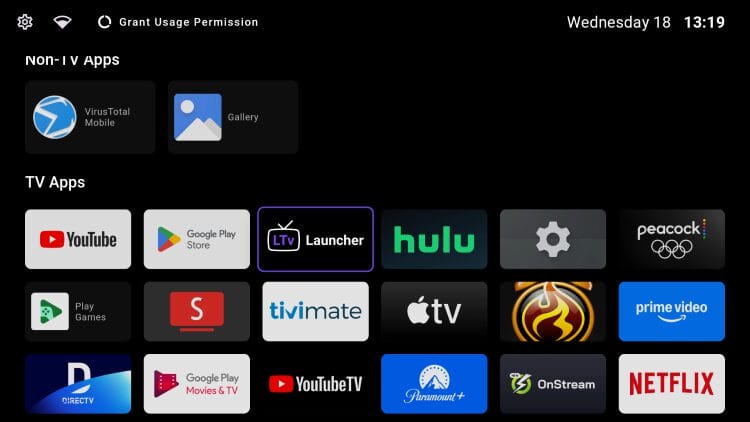
There are tons of customization options available that will help you edit the application to suit your personal preference.
Here is a current list of features and enhancements users will experience with LTvLauncher.
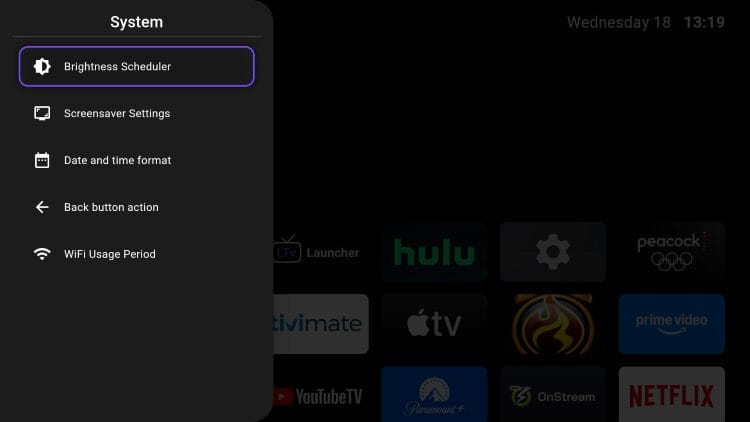
Within Settings are a few fabulous options that we suggest checking out for a better user experience.
This includes adjusting the Brightness, Screensaver, Date/Time Format, and more.
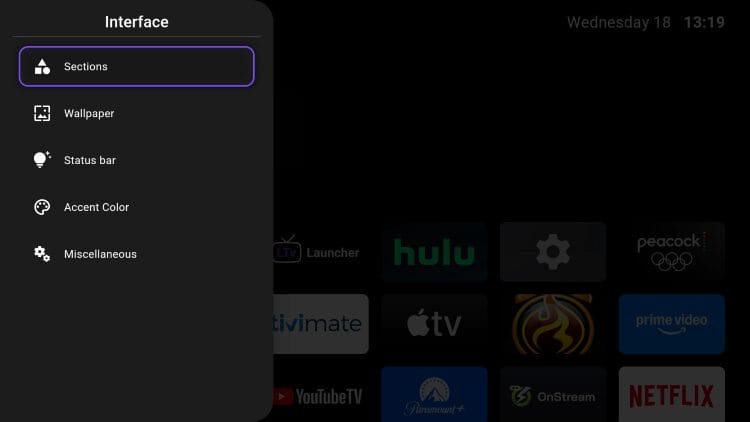
You can easily configure various Interface Options to edit Sections, Wallpaper, Status Bar, etc.
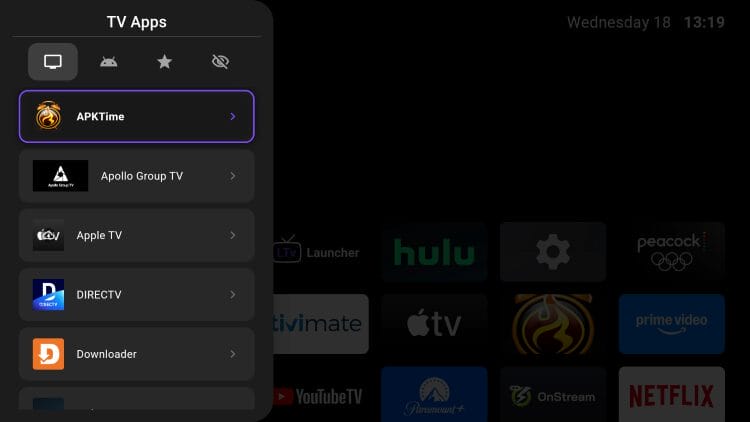
Managing Your Applications is a great way to customize your home screen so your apps are right where you want them.
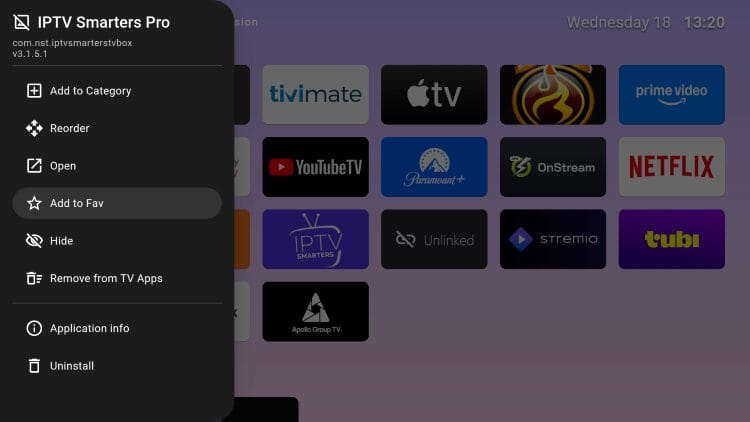
You can easily add your preferred Applications to Favorites for quick access.
We are pleased with the new “rebrand” of FLauncher and excited to see additional features with this Launcher App.
Our only critique for LTvLauncher is that the user interface is less “modern” than others but that is hardly a negative feature to point out.
The simplicity of this launcher is what makes it stand out as users can edit everything from Categories, Wallpaper, Clock Format and more for a fully customized experience.
The best way to experience this app is by installing and configuring it to fit your streaming needs.
If you are in the market for a new launcher to upgrade your User Interface, make sure to give LTvLauncher a try and let us know what you think in the comments below!
This page includes affiliate links where TROYPOINT may receive a commission at no extra cost to you. Many times, visitors will receive a discount due to the special arrangements made for our fans. Learn more on my Affiliate Disclaimer page.



© IPTVSub is Proudly Owned by win-design