


 Written by admin
Use this tutorial to install Premium TV Launcher on Android TV, Google TV, and Firestick/Fire TV Devices.
Premium TV Launcher is a fresh launcher option for streaming devices that will upgrade your user interface and remove ads and unwanted clutter.
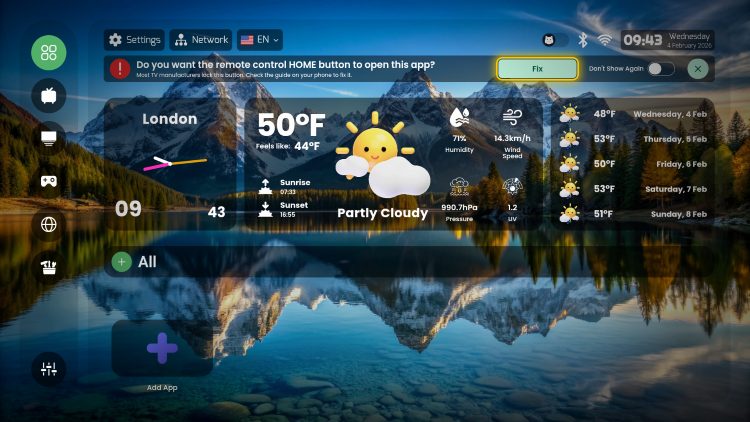
It provides a unique home screen display with customization options for a personal background, modern grid layout, updated weather widget, and more.
Premium TV Launcher is available for free but there is also a paid premium version that will provide some additional benefits and costs $5 for a lifetime subscription.
It is important to note that while Premium TV does work well as a replacement for the stock home screen of your device, you may want to consider other 3rd Party Launchers such as Projectivy that currently perform better.
However, if you are interested in trying Premium TV Launcher, use our guide below that will show you how to install on Google TV/Android TV Boxes as well as Fire TV and provide details and full functionality of this app.
In this tutorial, we are using an Onn 4K Pro but you can follow along using any other Android/Google TV Box or Smart TV as well as Firestick devices.
1. Install Downloader (if you haven’t already) and enable Unknown Sources. Launch the Downloader App for use.
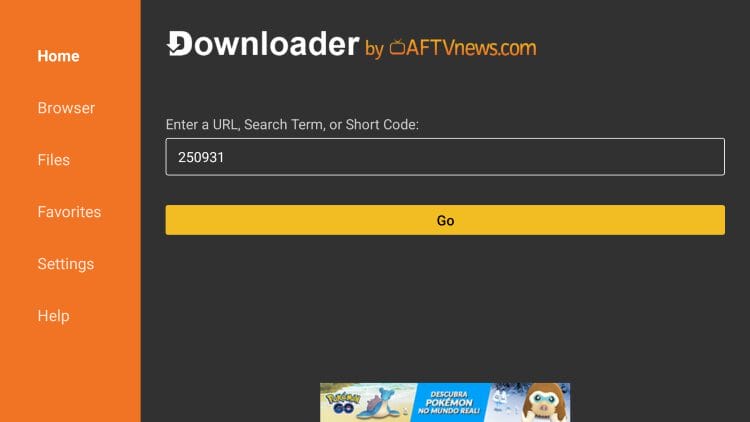
2. Click the URL Bar and input the following Downloader Code – 250931 – which will take you to the TROYPOINT Toolbox.
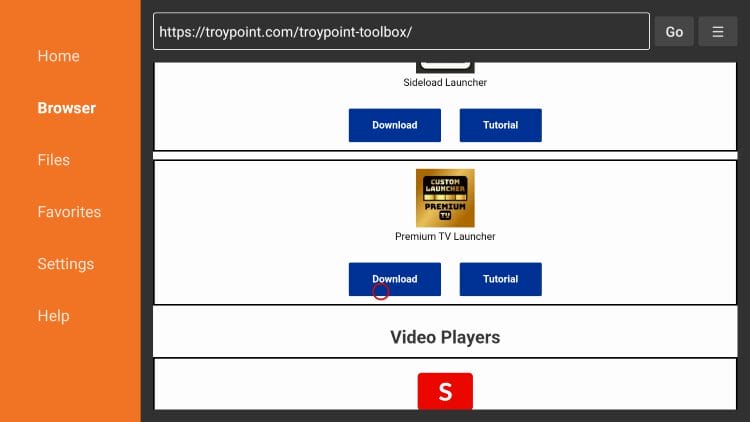
3. Scroll down to find Premium TV Launcher and click Download.
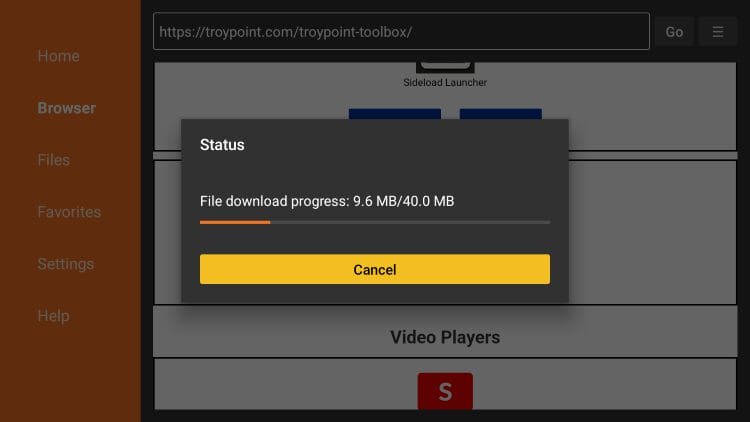
4. Wait for the app to install.
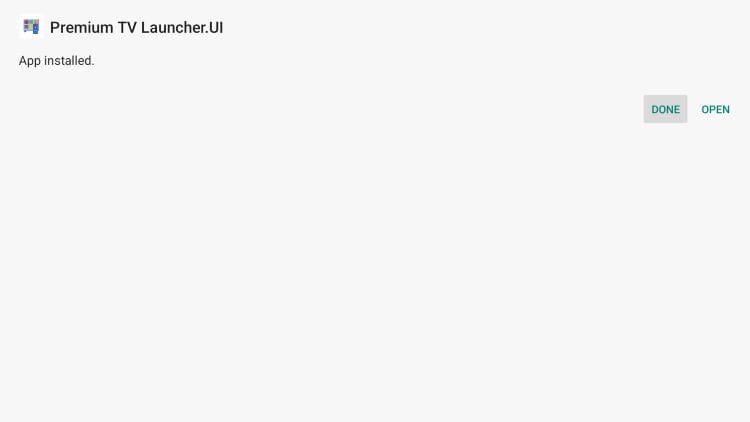
5. Click Install.
6. Choose Done.
Your online activity is monitored by your ISP, app/addon/IPTV devs, government, and all websites.
🔒 Become anonymous while streaming & downloading with Surfshark VPN
Save 87% with 24-Month Plan + Get 3 FREE Months
Use on Unlimited Devices & Share 1 Account with Entire Family
CLAIM DEAL HERE
7. Select Delete to remove the installation file.
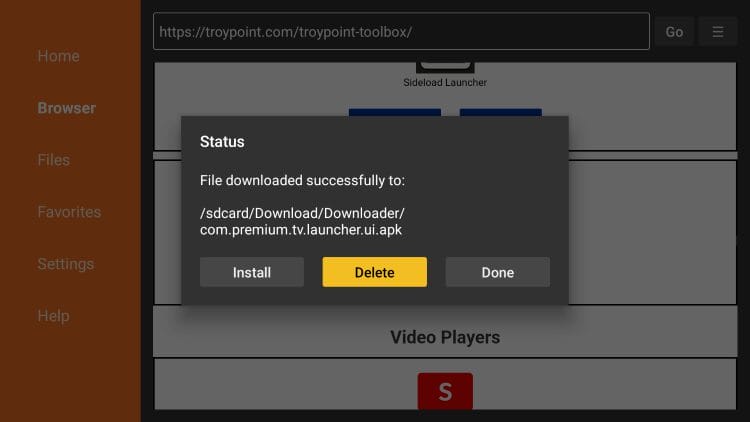
8. Choose Delete again.
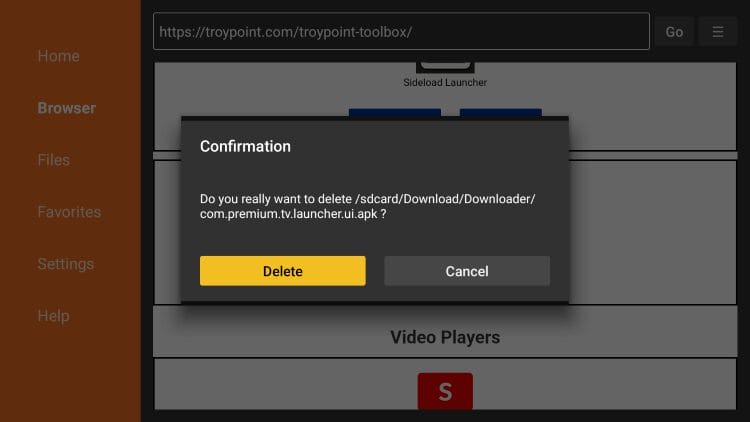
Installation is now complete! Continue below for more details and informatoin.
After launching Premium TV Launcher you are prompted through the introduction messages.
Step 1 involves selecting your preferred language.
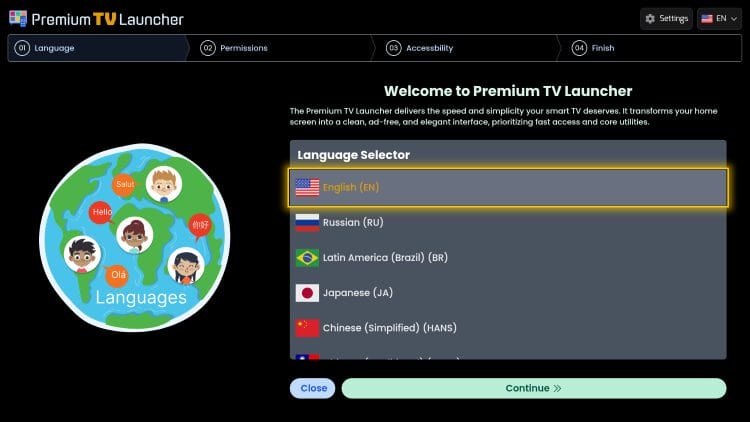
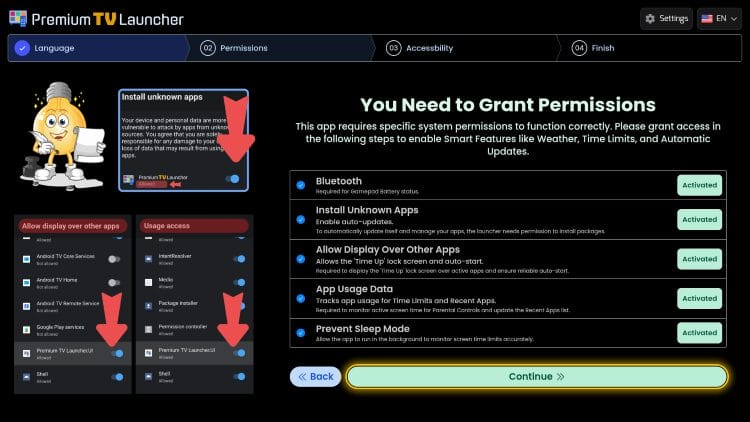
Step 2 asks for Permissions to be granted. You can Activate each one or click Skip if you prefer but you may lose key functionality if you Skip these.
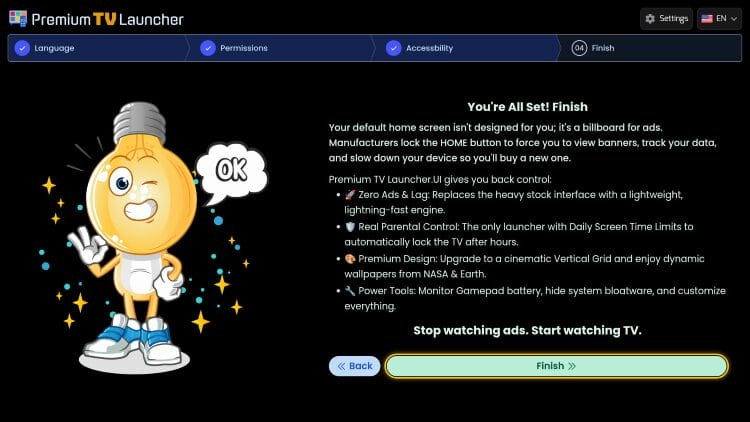
Once you finish with the Introduction prompts, click Finish and the launcher will be available for use.
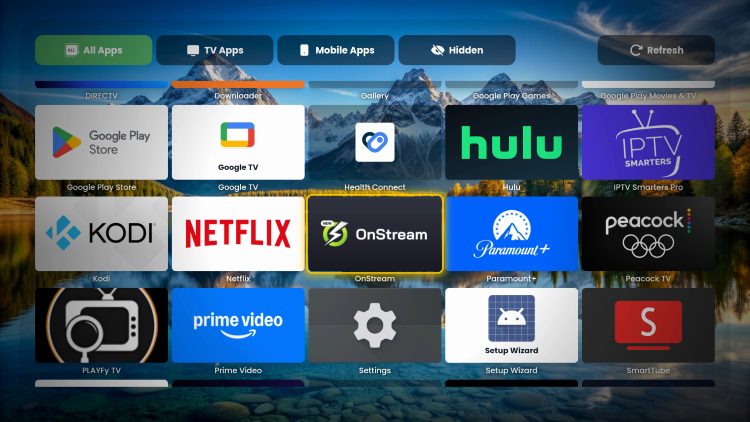
From the home screen, you can add and order your favorite apps for quick access with just one click.
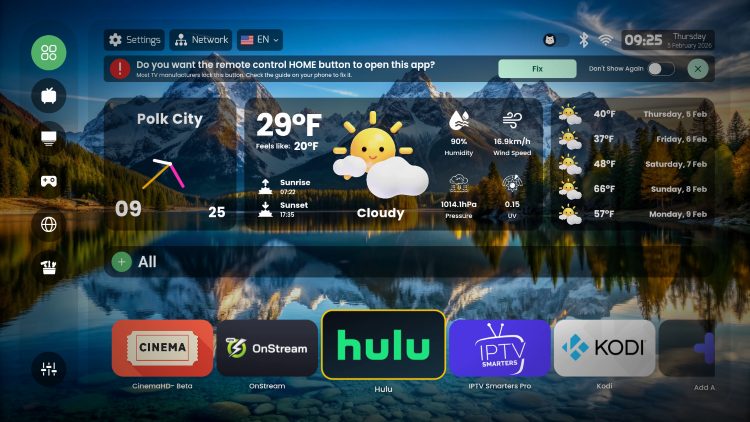
You can easily view all installed apps as well.
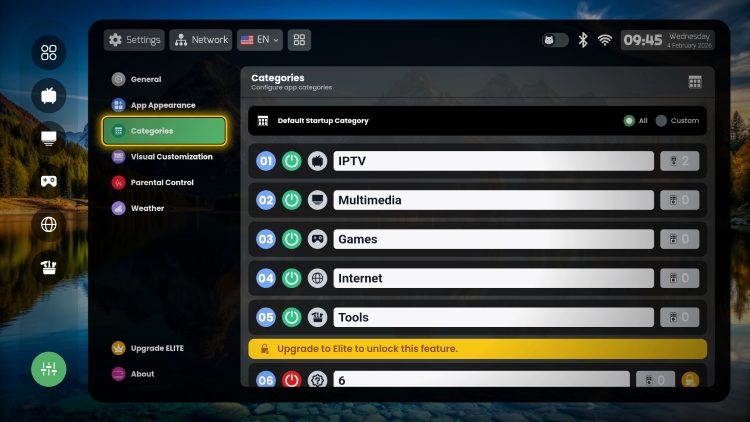
There are numerous settings worth checking out including the ability to adjust Categories.
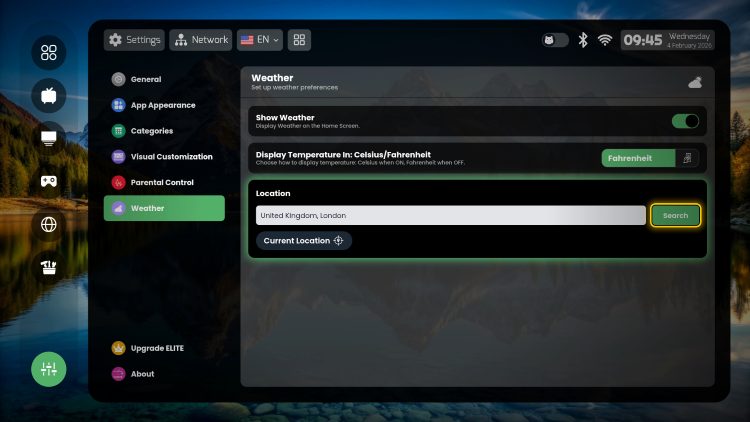
One of the key features is the Weather Widget that you can customize with location and more.
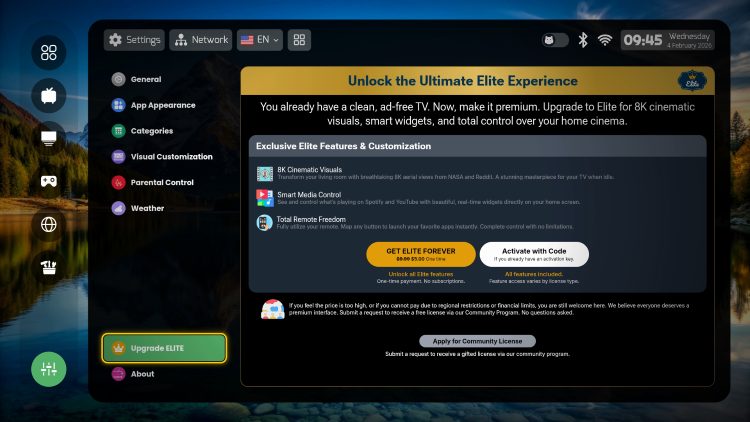
If interested, you can opt for the Elite Forever version of Premium TV Launcher which currently costs $5 for a liftetime subscription.
Within General Settings is the option to Auto Start on Boot, allow push notifications, and adjust Date/Time Format.
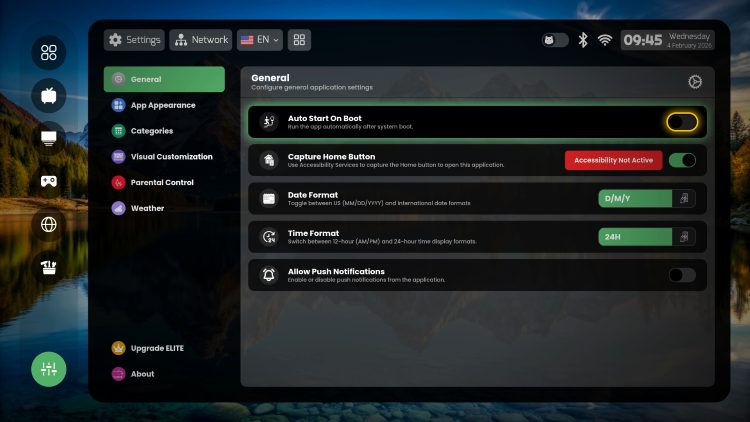
We suggest browsing through all of the Settings and Widgets to see the full customization options Premium TV Launcher provides.
Using launchers to avoid the “stock” interface that streaming boxes provide is one of the best ways to free up your device and personalize it to your own liking.
While there are some fabulous launchers available, Premium TV is still up and coming and we hope to see some improvements in the future.
If you are looking for a simple application to improve your interface on Android TV/Google TV/Fire TV, you may want to consider Premium TV Launcher.
However, it still has some small bugs/tweaks that may need ironed out. Hopefully we will see more improvements and updates from the developers in the future.
For more information, visit the official website.
Let us know what you think of this launcher in the comments below!
This page includes affiliate links where TROYPOINT may receive a commission at no extra cost to you. Many times, visitors will receive a discount due to the special arrangements made for our fans. Learn more on my Affiliate Disclaimer page.



© IPTVSub is Proudly Owned by win-design