


 Written by admin
Two of the most popular free streaming apps for cord-cutters today are Stremio and Kodi. In this guide we compare these streaming powerhouses to help you determine which app is better for you.
While Kodi has dominated the streaming space for over a decade, search trends reveal a troubling reality: users and add-on developers are abandoning the platform while Stremio is gaining momentum.
After using both streaming apps extensively since 2009 when I started TROYPOINT, I’ve discovered why the Stremio vs Kodi debate is shifting heavily toward Stremio in 2026 and beyond.
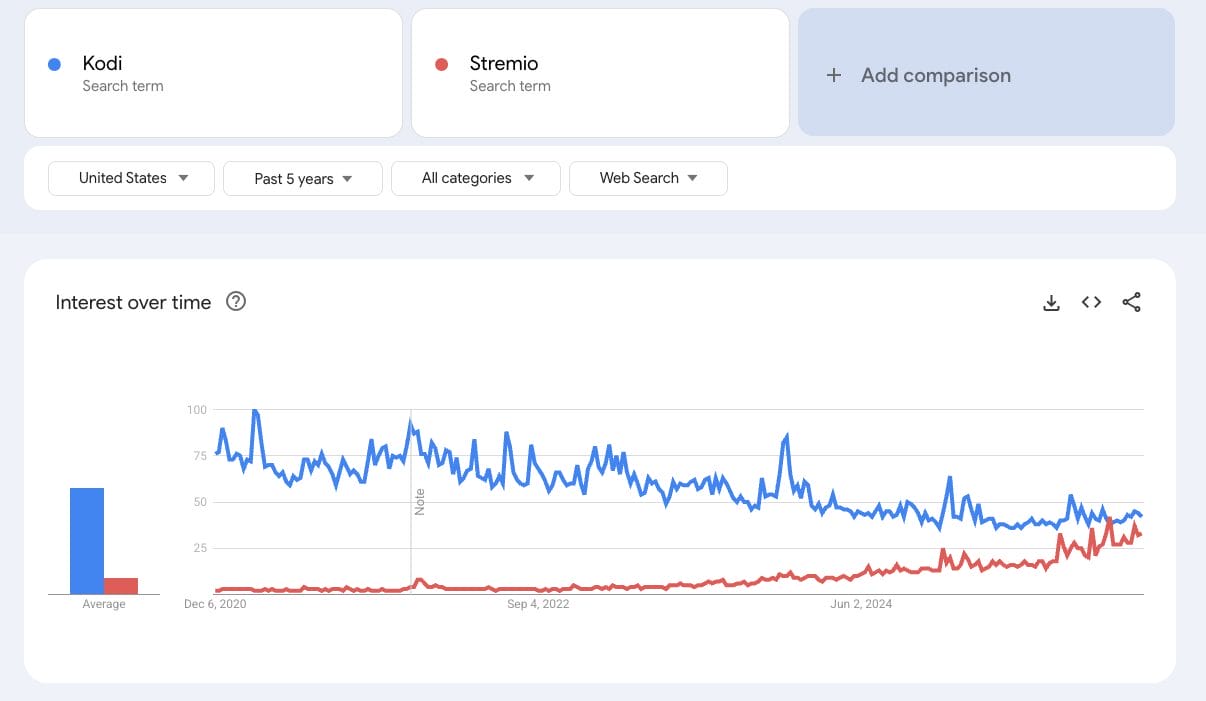
Search trends tell an interesting story about Kodi’s decline. Over the past several years, Google searches for ‘Kodi’ and related terms has dropped while ‘Stremio’ searches have climbed steadily. By late 2024, Stremio searches were approaching Kodi’s volume.
The biggest problem? Third-party developers are abandoning Kodi. Popular Kodi add-ons like Exodus and Covenant now sit completely abandoned. New quality add-ons or builds are rare, and most “new” releases are just rebranded forks.
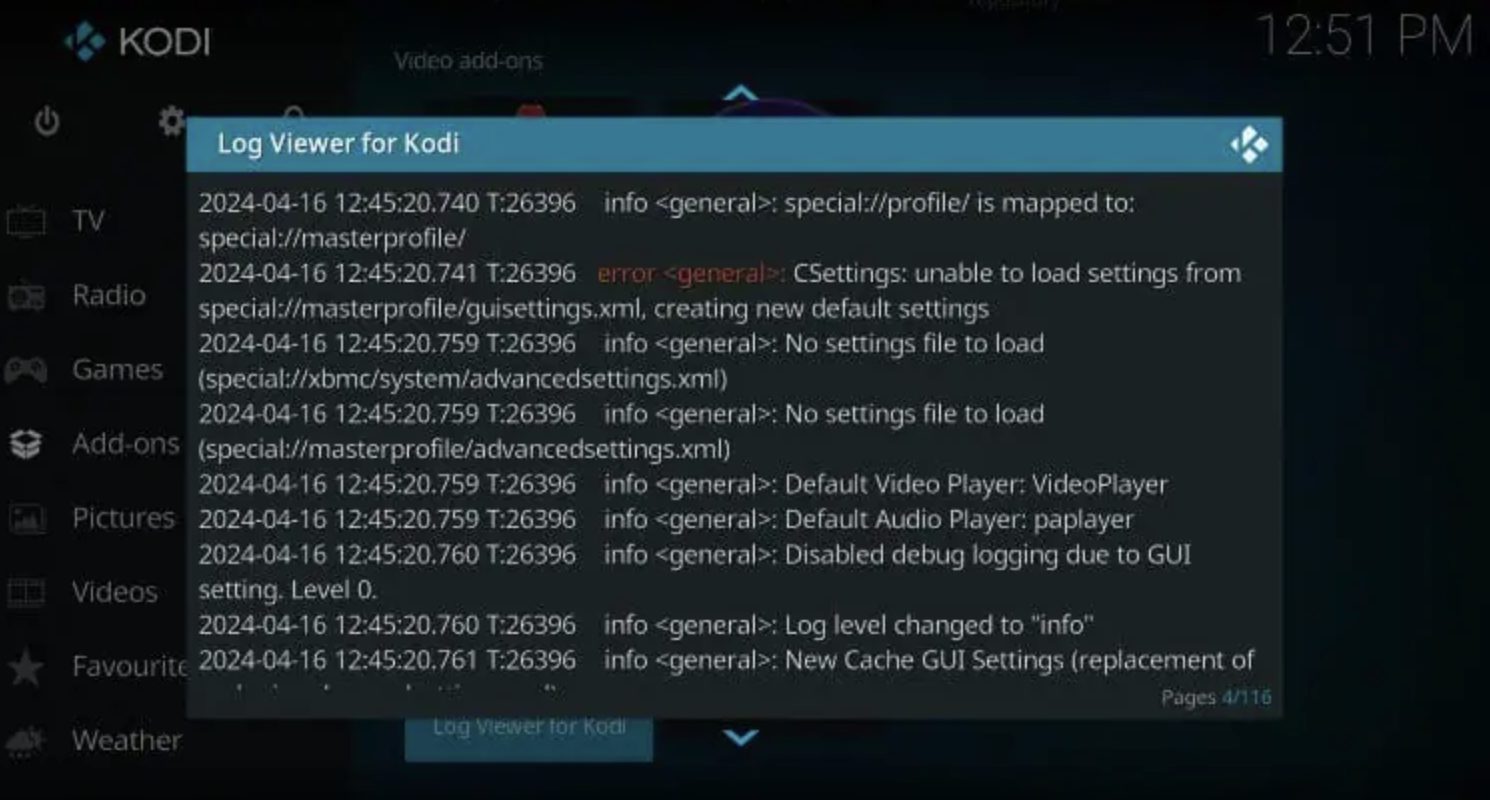
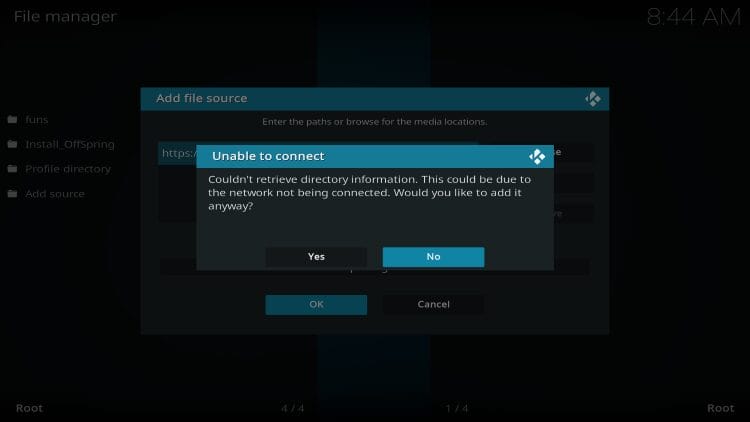
Kodi’s fragmented ecosystem requires dozens of independent repositories, each with different reliability standards. When a repo goes offline, every add-on it hosts becomes inaccessible. Users must constantly find new repositories, update add-ons manually, and troubleshoot conflicts.
Stremio uses a centralized add-on system. All Stremio add-ons install through one interface, updates happen automatically, and settings sync across all devices instantly.
We researched a lot of user feedback on this topic from forums like Reddit and the TROYPOINT Insider. One Insider member who switched explained: “I had Kodi up until 2 weeks ago, then so many service interruptions and issues with repos I just gave up.”
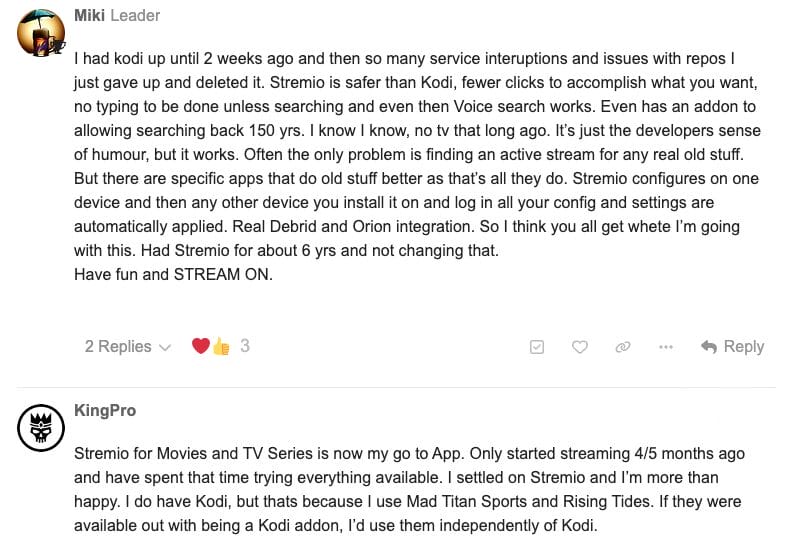
Even longtime Kodi loyalists now keep Stremio installed as backup. This is a telling sign of where the streaming ecosystem is headed.
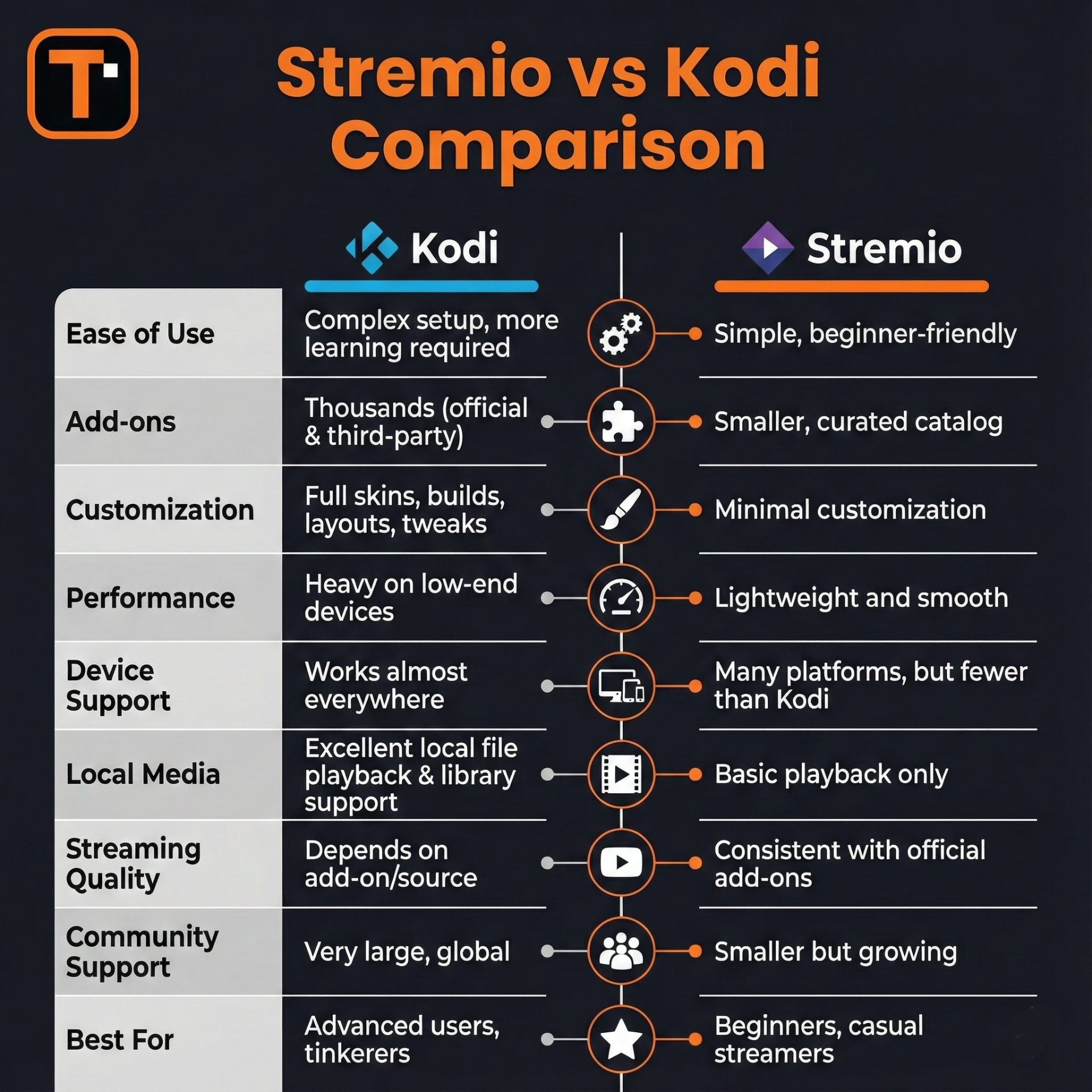
Stremio wins our quick comparison for several reasons like faster setup, better reliability, and automatic syncing across devices.
While Kodi offers more customization and advanced setups, those features come at the cost of stability and simplicity that most users actually need.
Here’s why many cord-cutters are switching to Stremio:
From our experience, Stremio gets you streaming faster with less hassle. Kodi offers more control but demands more work.
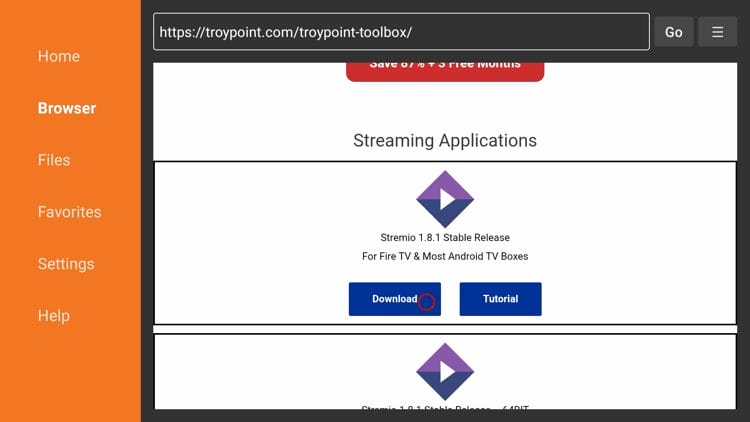
TROYPOINT Tip: Both Kodi and Stremio can be easily installed through the TROYPOINT Toolbox. This always provides the latest versions of each app for Fire TV, Android TV, and Google TV devices.
Kodi Setup Process
Installing Kodi requires multiple steps. You need to enable unknown sources, add file sources, install repositories, then finally grab your add-ons. Even with experience, this takes 10-15 minutes minimum.
The process involves navigating unfamiliar menus, typing long repository URLs, and waiting for installations to complete. First-time users often get lost halfway through. See our Kodi setup video for more details.
Stremio Setup Process
Your online activity is monitored by your ISP, app/addon/IPTV devs, government, and all websites.
🔒 Become anonymous while streaming & downloading with Surfshark VPN
Save 87% with 24-Month Plan + Get 3 FREE Months
Use on Unlimited Devices & Share 1 Account with Entire Family
CLAIM DEAL HERE
For Stremio all you need to do is install the app, create an account, add a couple add-ons through their website, and you’re done. We’re talking 3-5 minutes total.
I suggest viewing my complete Stremio setup video for both Fire TV and Android TV/Google TV devices.
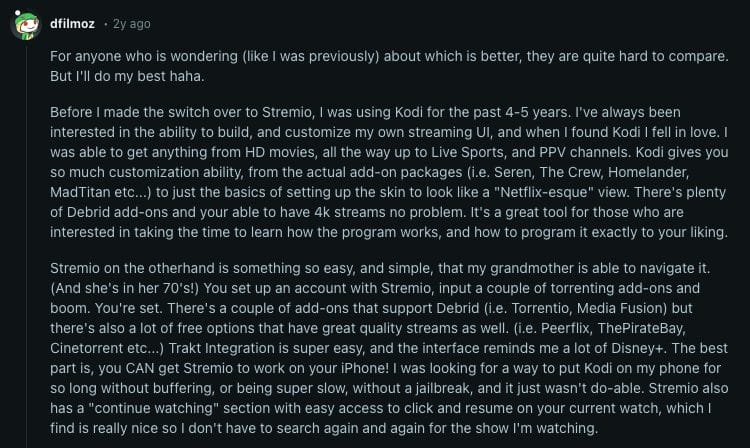
The setup is so simple that one Reddit user explained: “Stremio is so easy that my grandmother in her 70s can navigate it.” For anyone helping family members cut the cord, this difference matters.
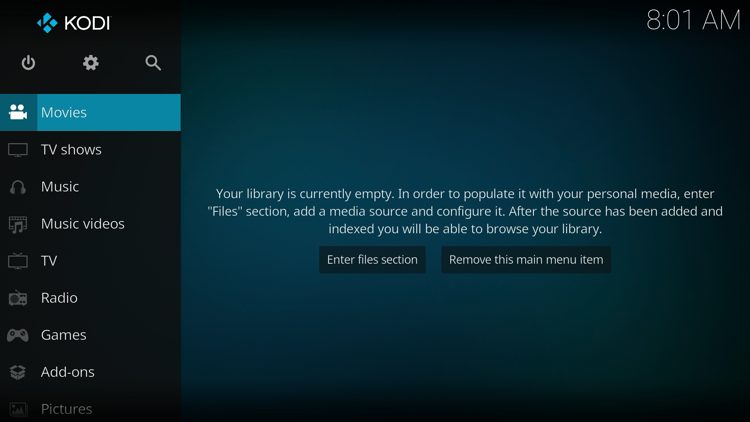
Kodi’s default interface looks dated. Sure, you can install skins to make it look like Netflix or any other service. Some people spend hours building the perfect custom setup. But most folks just want to watch their shows.
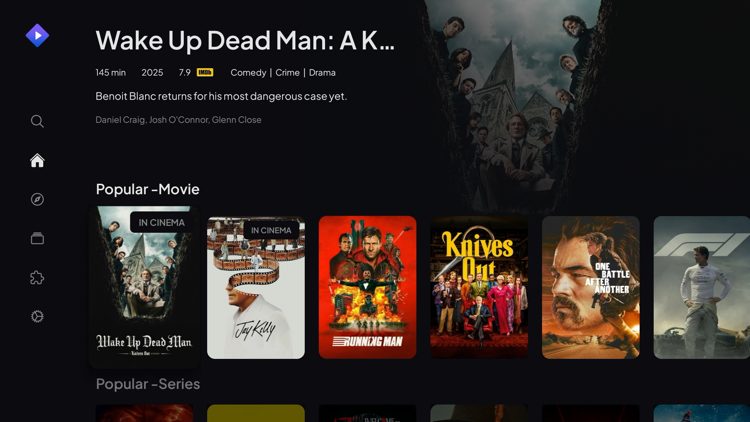
Stremio delivers a clean, modern interface out of the box. It looks like Disney+ or any major streaming service. The “Continue Watching” section sits right up front. Your watchlist syncs across devices automatically. No tinkering required.
Kodi requires setup on each device. Your settings, add-ons, and customizations don’t transfer automatically. You can back up and restore configurations, but it’s a manual process.
The bigger problem? Kodi isn’t available on iOS (iPhone, iPad) or Apple TV. Yes they have an iOS installation link but your iPhone/iPad must be jailbroken in order for this to work.
Fire TV users also need to enable developer options and use third-party tools to install Kodi, which may be ending soon due to Amazon blocking third-party apps.
Stremio’s Device Advantage
Stremio is available in all official app stores like Amazon, Google Play, and the Apple App Store. You can also use the web version on Stremio’s website without installing anything.
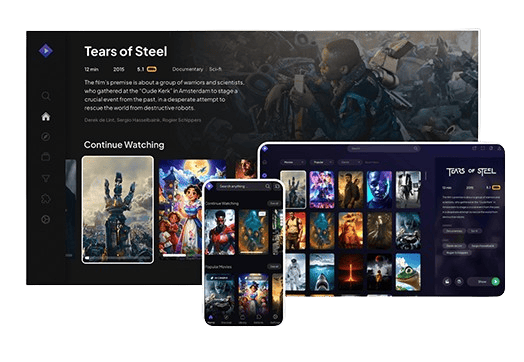
Stremio syncs everything through your account. Install it on your phone, tablet, or TV – log in and all your settings appear instantly. Your watchlist, progress, and add-ons transfer seamlessly.
Set up once on any device, and every other device uses the same configuration automatically. For families with mixed Apple and Android devices, this makes Stremio the clear winner.
Speed tests consistently show Stremio loading faster than Kodi on Amazon Fire TV devices. This includes the Fire TV Stick 4K Max and other popular streaming boxes.
Kodi can slow down with multiple widgets and heavy builds. Each widget constantly pulls data from various sources, eating up RAM and processing power. The lightweight design makes Stremio ideal for budget devices like the standard Fire TV Stick.
Both apps rely on add-ons (official and unverified) to deliver content, but their approaches are very different.
Kodi Add-ons
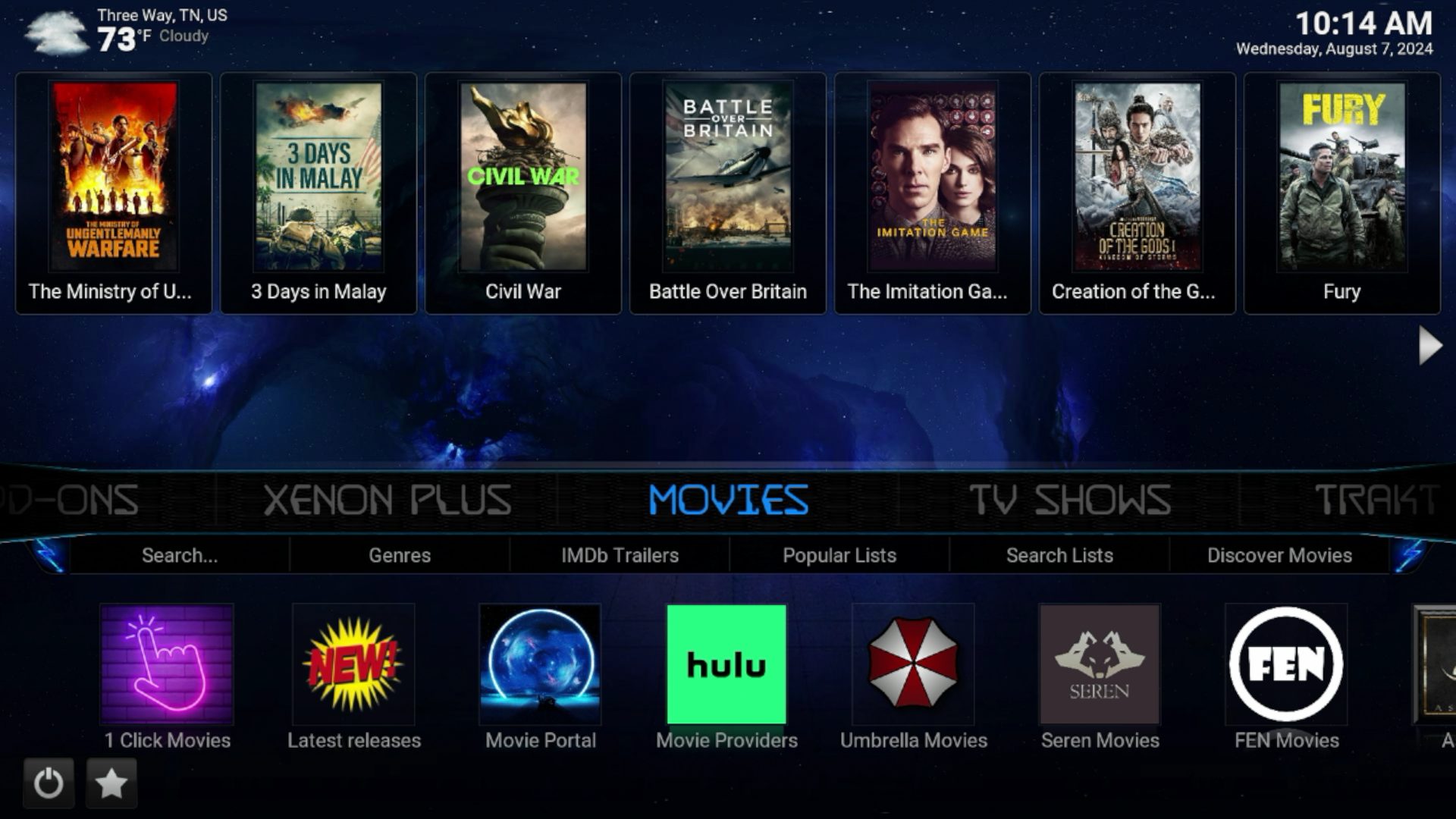
Kodi offers hundreds of add-ons across dozens of repositories. Popular options include The Crew, Umbrella, and FEN for movies and TV shows. DaddyLive, The Loop, and Mad Titan Sports handle live sports. This variety gives advanced users lots of choices.
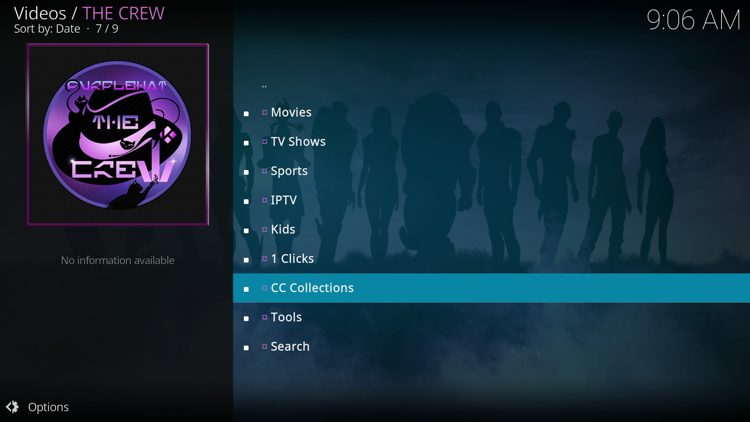
The problem? Most add-ons require constant maintenance. Developers abandon projects without warning. One working add-on today might be completely broken next month. Configuration happens separately within each add-on, and settings don’t sync between devices.
Stremio Add-ons
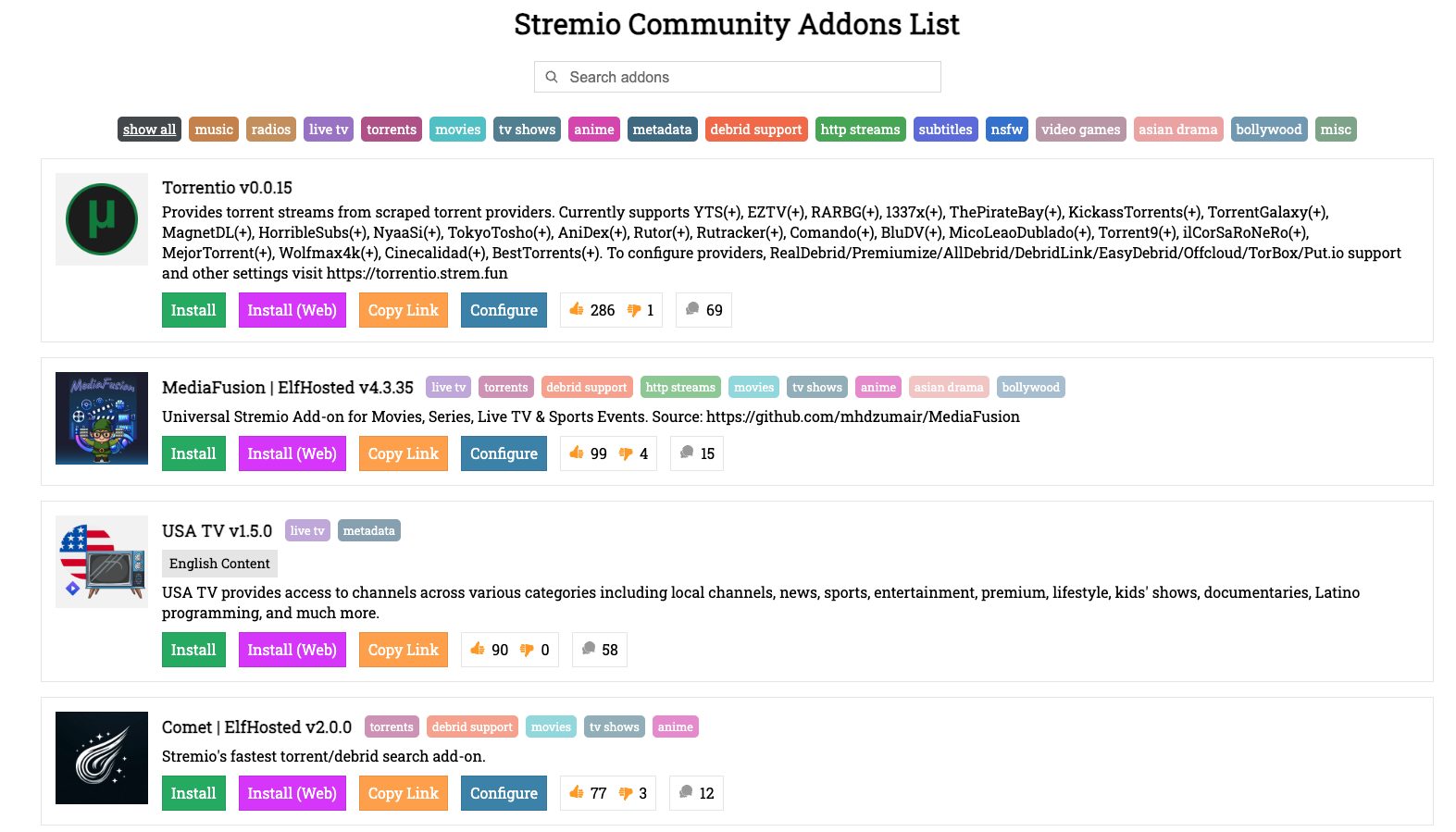
Stremio takes a different approach with fewer, better-maintained add-ons. Torrentio handles most streaming needs for VOD content. Media Fusion provides additional sources and USA TV provides live options.
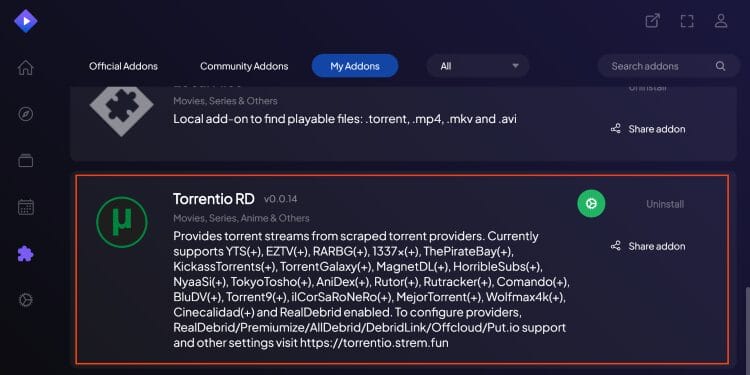
All add-ons install through one centralized interface at stremio.com. Updates happen automatically in the background. Each add-on has web-based settings where you can choose debrid providers, set maximum file size limits, and disable CAM quality files. Configure once, and settings apply across all devices.
Stremio add-ons also pull top charts, display IMDb ratings and reviews, and show trailers directly in the interface. For most users, Stremio’s smaller selection works better because everything stays functional without constant attention.
Both apps work great with debrid services like Real-Debrid or Premiumize, but they handle it differently.
Kodi with Debrid Services
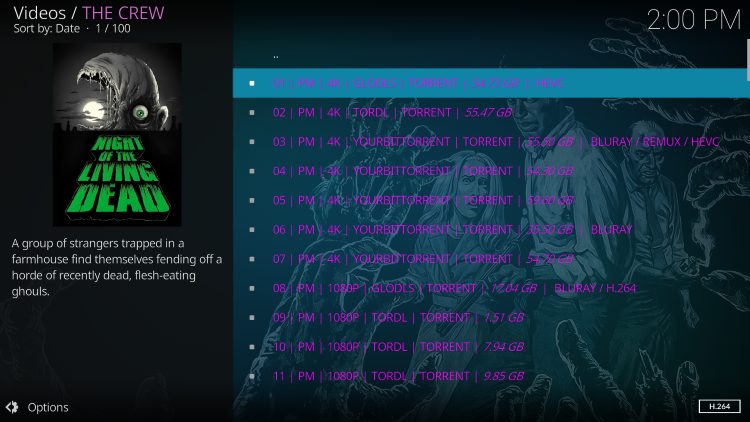
Kodi add-ons like Umbrella, FEN, and The Crew scrape multiple sources including the premium debrid links. You often see more results and larger file sizes. This makes Kodi better for finding obscure content or specific high-quality releases.
Stremio with Debrid Services
Stremio uses the Torrentio add-on for debrid integration. Setup is simpler as all you do is paste your API key once and you’re set.
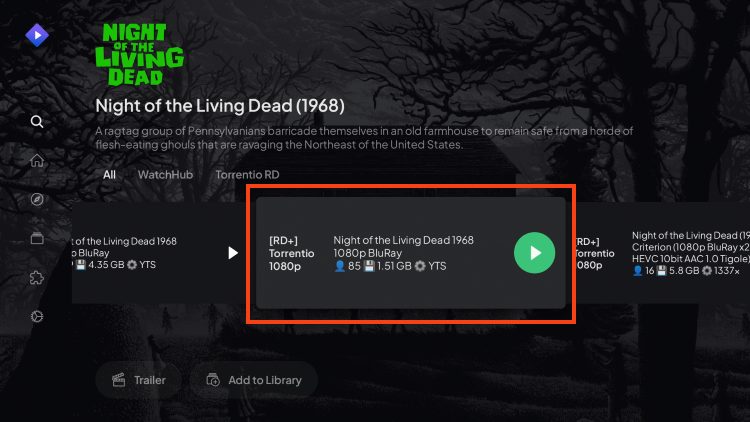
The tradeoff? Slightly fewer results for really old or rare content. For most movies and TV shows from the past decade, both perform equally well.
Here’s where things get tricky for Kodi users – Third party add-on/repository developers are moving away from Kodi.
Popular repositories get abandoned or go offline without warning. Repository issues can break your entire setup overnight.
Stremio has faced its own problems. The Torrentio add-on experiences downtime during peak hours due to increased popularity. However, these issues get fixed faster because there’s only one main add-on to maintain.
If you want total control over your streaming setup, Kodi still wins.
You can customize every aspect from how menus look to which sources get priority. Advanced users love building elaborate systems with custom skins, widgets, and automation.
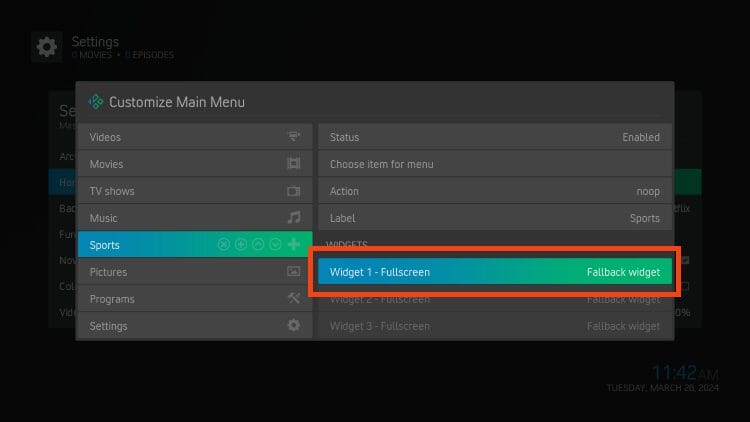
Stremio offers minimal customization. The interface stays the same. You can’t change much beyond which add-ons you use.
You can think of it like iPhone vs Android. Stremio is the iPhone: simple, polished, works great out of the box. Kodi is Android: powerful, customizable, but requires more knowledge.
Both apps pose privacy risks when streaming unverified content.
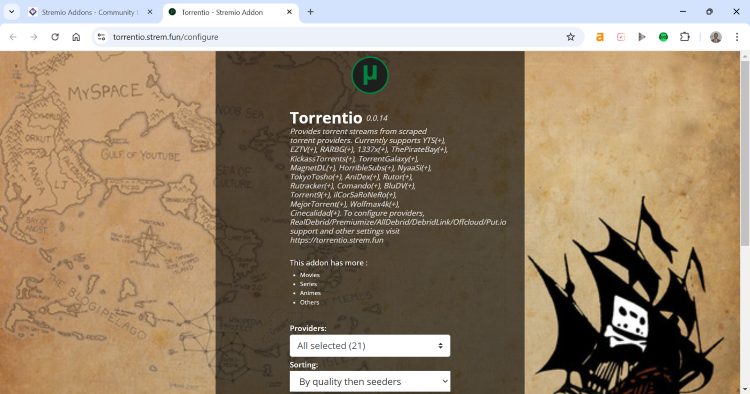
Stremio relies on torrent technology through add-ons like Torrentio. Your IP address becomes visible on public torrent trackers, exposing your identity and location to copyright holders monitoring these networks.
If someone in your household accidentally streams protected content, your IP creates a direct trail back to you.
Kodi add-ons scrape links from various sources rather than using torrents. However, unverified add-ons still carry risks since they haven’t been vetted through official app stores.
Some Kodi services have been shut down by authorities or sued by copyright holders for serving media without proper licensing.
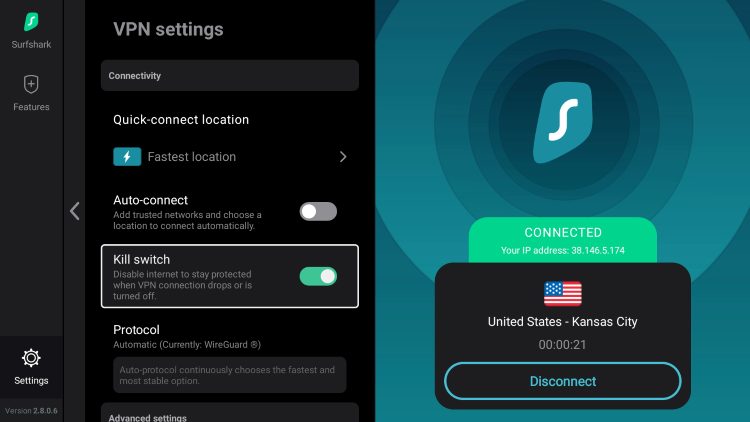
Both apps require VPN protection. Surfshark VPN encrypts your connection and masks your IP address. This prevents ISPs from monitoring your activity and stops copyright holders from identifying you.
TROYPOINT Tip: For added protection it’s recommended to enable the kill switch which will disable Internet access if your VPN connection drops.
Choose Stremio if you want:
Stick with Kodi if you:
Stremio has become my main recommendation for the average cord-cutter in 2026. It’s faster, easier, and more reliable for everyday streaming.
I keep Kodi installed as a backup. When Stremio can’t find something or experiences downtime, Kodi’s deeper source scraping saves the day. Many experienced streamers are doing the same – Stremio for daily use, Kodi as insurance.
The streaming world keeps changing. Kodi built an incredible foundation for free streaming, but Stremio learned from those lessons and built something more accessible.
Try both with a debrid service and see which fits your style. You might find yourself joining the growing number of users making the switch.
Do you prefer Stremio or Kodi? Let us know your thoughts in the comments below!
This page includes affiliate links where TROYPOINT may receive a commission at no extra cost to you. Many times, visitors will receive a discount due to the special arrangements made for our fans. Learn more on my Affiliate Disclaimer page.



© IPTVSub is Proudly Owned by win-design