


 Written by admin
In our detailed guide below you will learn How to install the More Like This Stremio Addon on any compatible Stremio device.
“More Like This” is a highly functional addon choice that provides Movie and TV Show recommendations based on the content you have selected.
It integrates directly into your Stremio App to fetch suggestions from multiple sources including the following popular outlets:
This is a great tool and one that we suggest adding to your Stremio Addon Library as it is extremely useful for beginners and experts alike.
Due to its extensive suggestion options and seamless compatibility with other platforms, More Like This is considered one of the Best Stremio Addons available today.
Make sure you have a designated API Key for any of the services listed above before getting started as it requires them for activation.
Continue reading to learn how to configure and install More Like This on your Stremio device including Firestick/Fire TV and Google/Android TV Boxes.
NOTE: Users must have a Stremio Account and installed the application on Firestick, Android, or other device. Just like we do with other 3rd party addons, we will first install More Like This on a PC and then sync over to our streaming device.
1. Visit the official More Like This webpage – bbab4a35b833-more-like-this.baby-beamup.club/configure to configure the addon.
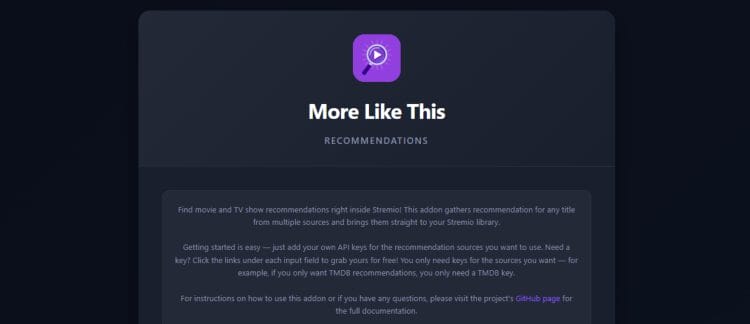
2. Input your API Key or Keys for your preferred services and click Verify.
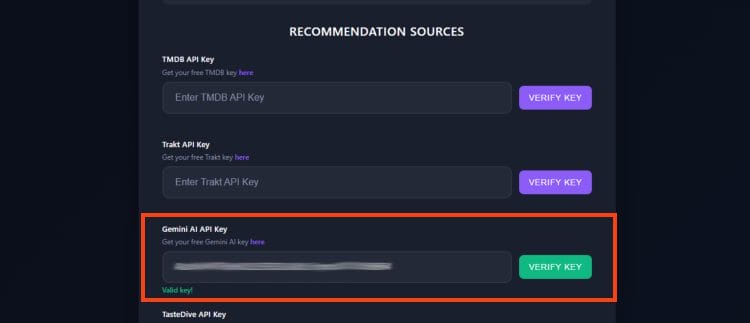
3. Click the toggle to combine all catalogs are choose the order for suggestions that you want to display.
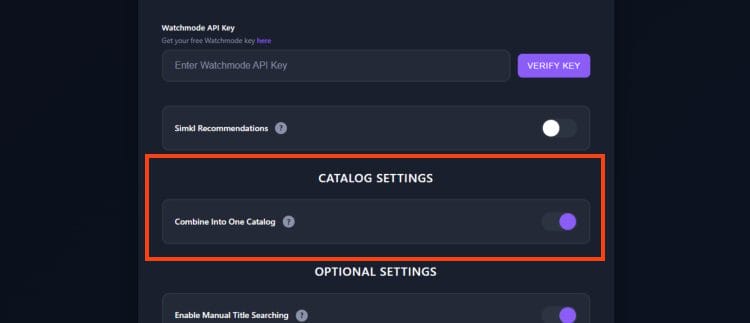
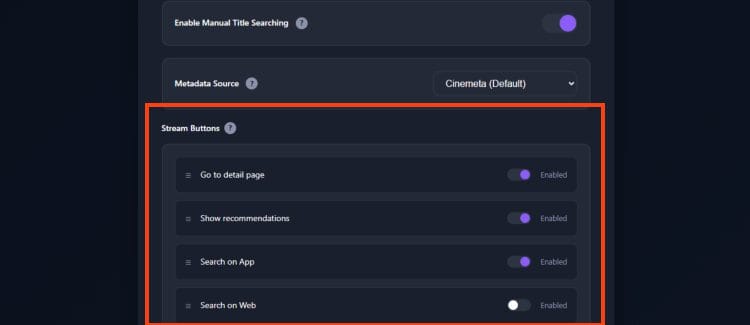
4. Adjust Settings for Manual Title Searching, Metadata source, and various Stream buttons pictured below.
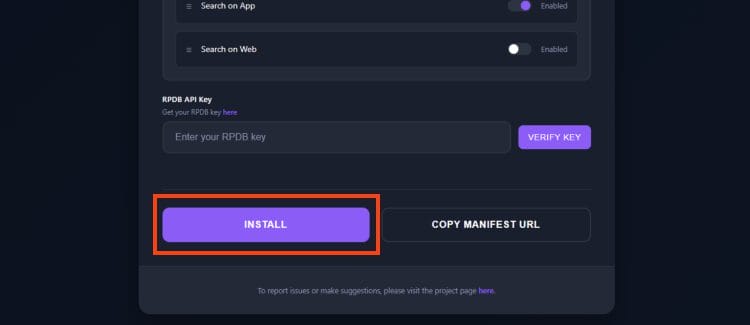
5. Scroll down and click Install.
Your online activity is monitored by your ISP, app/addon/IPTV devs, government, and all websites.
🔒 Become anonymous while streaming & downloading with Surfshark VPN
Save 87% with 24-Month Plan + Get 3 FREE Months
Use on Unlimited Devices & Share 1 Account with Entire Family
CLAIM DEAL HERE
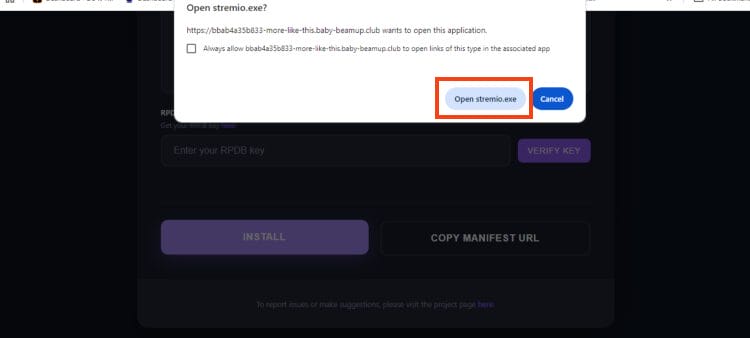
6. Choose Open Stremio.exe.
7. This will launch the Stremio App. Click Install.
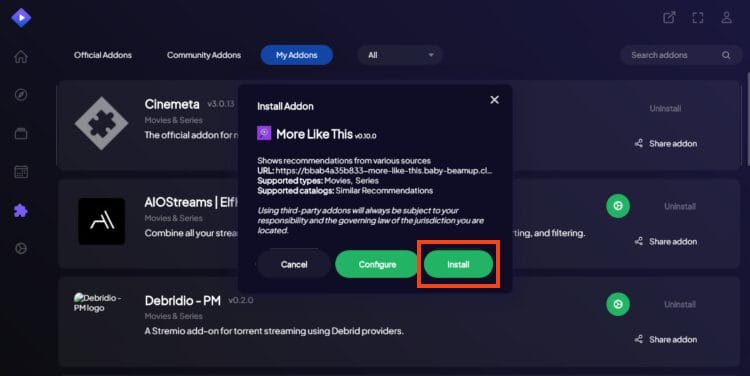
8. Addon installed message will appear in the upper right hand corner
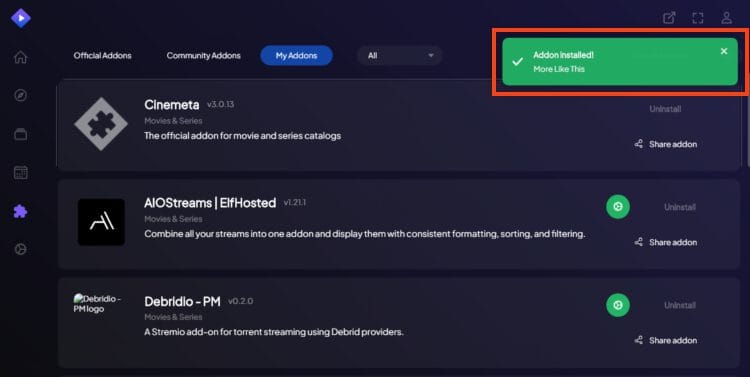
Insallation is now complete!
You can now sync your streaming device (Firestick, Google TV, Android Box) and the addon will automatically be available for use. Enjoy!
We are happy to see developers continue to create addons such as More Like This that make the Stremio app the most functional Streaming APK available today.
With integrations for tons of review/ratings platforms, users will get relevant suggestions that make it easy to find your next watch.
The various settings options make it easy to personalize for your preferred recommendations. Here is a breakdown:
Manual Title Searching – turn this on to search by movie/shows on top of IMDb IDs.
Metadata Source – If you turn this on the addon will use TMDB as the metadata source instead of the default Cinemata source.
Stream Button – Place options in order of your preference or disable various choices.
Overall, More Like This is definitely worth looking into as a fabulous addition to your Stremio reportoire.
Let us know what you think of More Like This in the comments below!
This page includes affiliate links where TROYPOINT may receive a commission at no extra cost to you. Many times, visitors will receive a discount due to the special arrangements made for our fans. Learn more on my Affiliate Disclaimer page.




© IPTVSub is Proudly Owned by win-design