


 Written by admin
The following guide shows how to install RBTV77 on Firestick, Fire TV, Android TV/Google TV, or any other media device.
This is the absolute best way to access this platform as you don’t have to visit the official streaming site. If you use RBTV77, we strongly recommend installing the app using our guide below!

RBTV77 APK is a free IPTV platform that offers hundreds of sports streams in various categories for instant access to live games and matchups.
Users can view and stream live events (without a subscription) with RBTV77’s simplified interface that makes browsing and finding tons of sports an absolute breeze.
RBTV77 gained notoriety from its well-known sports streaming website that you can access via web browser on any device.
However, many prefer to use their dedicated streaming application and we suggest doing so as the app is 100% ad-free and provides all of RBTV77’s content directly on your television screen!
Many enjoy using it for its football (soccer) content with a daily schedule that includes live matches and streaming links for every game.
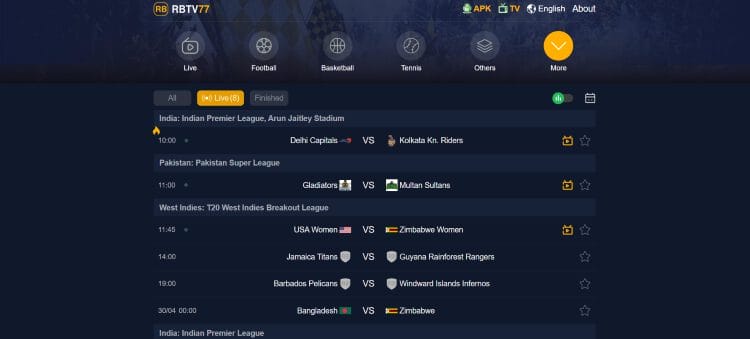
We tested many of these links and found that streams play almost instantly and don’t buffer so you can enjoy your game without interruption.
If you are in the market for a live sports app, RBTV77 is one of the best available, and we strongly suggest adding it to your streaming repertoire.
Below, we provide installation instructions for this app on an Amazon Fire TV Stick 4K Max, but this process will also work on Android TV/Google TV devices (or mobile phones/tablets) if you prefer.
1. Install the Downloader App on your streaming device. If you haven’t done this, refer to our tutorial below.
Downloader on Firestick Guide
2. Launch Downloader and hover over the URL Bar and click the select button on your remote.
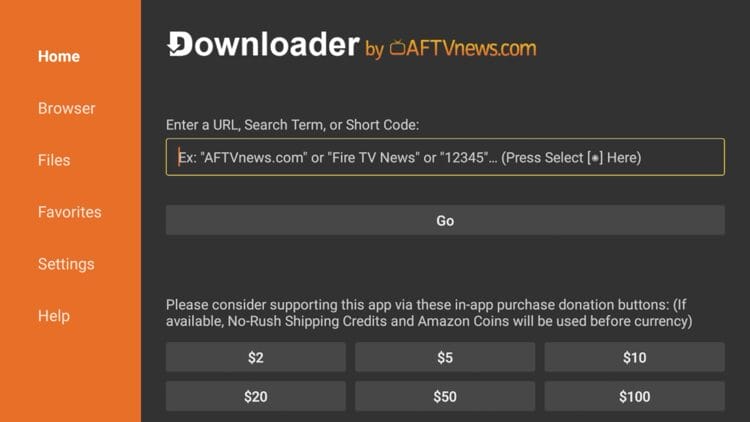
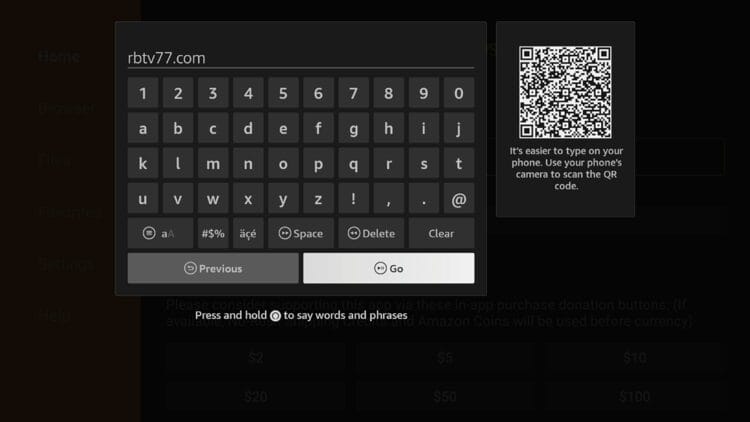
3. Type the URL rbtvplus01.com and click Go. NOTE: Ignore the URL pictured below as it is no longer available.
For instant download, you can also input the Downloader Code for RBTV77, which is currently – 9996228.
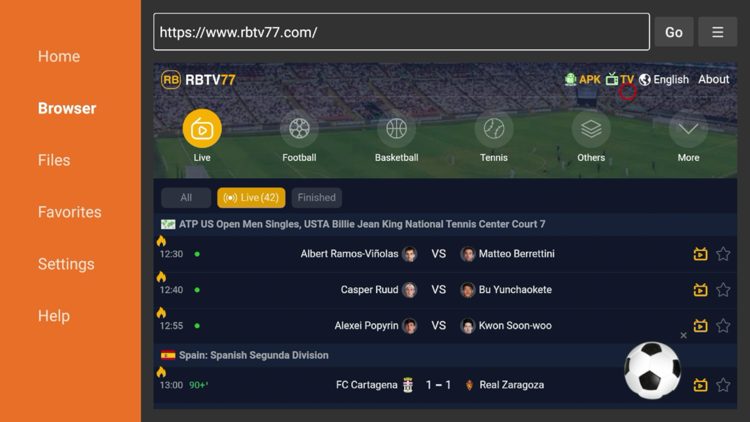
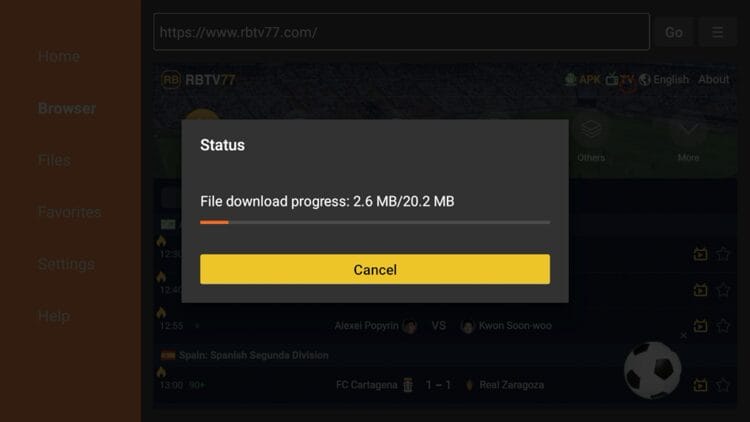
4. Once you are on the RBTV77 website, locate the “TV” option on the menu and click it. That will prompt the download for the TV-optimized version of the APK.
5. Wait for this application to download.
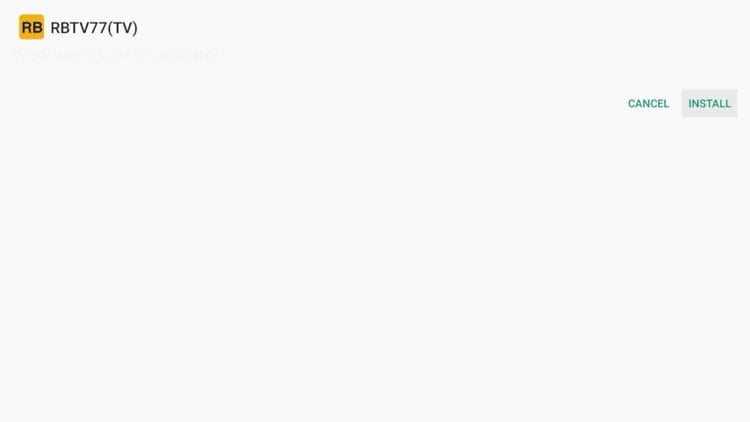
6. Click Install.
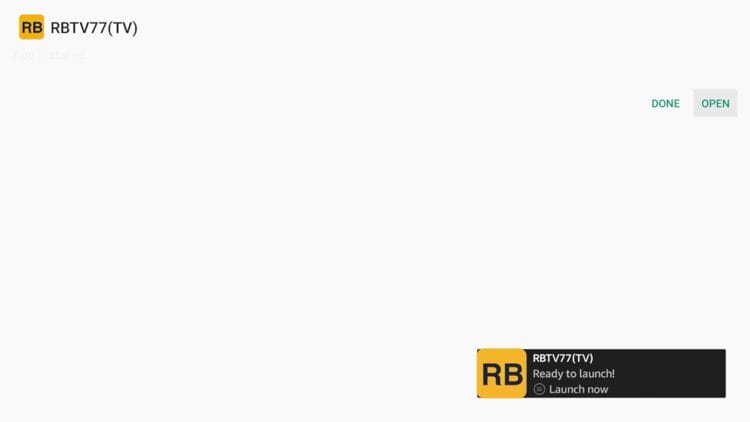
7. You will then encounter a Ready to launch message! Click Open.
8. That’s it. You have successfully installed RBTV77 on your Firestick or Android TV device.
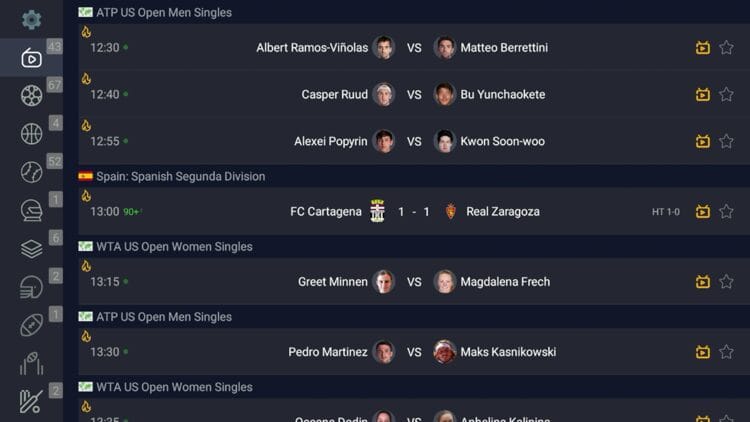
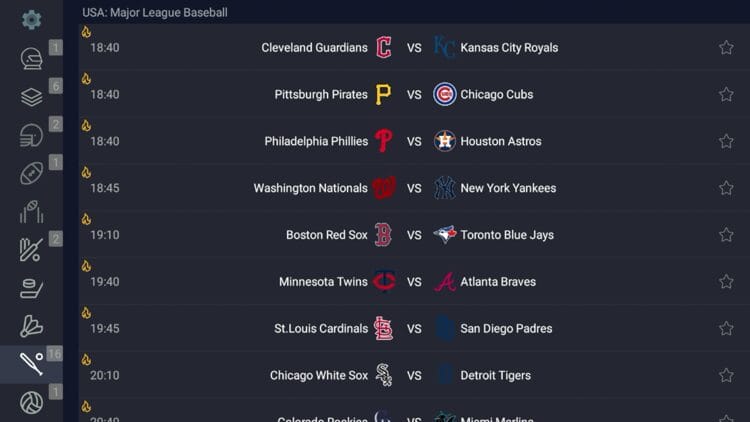
9. You can browse through all the different sports categories on the left-hand menu to find your favorite streams.
If you would prefer, you can also download the application on an Android Phone or Tablet, as shown below.
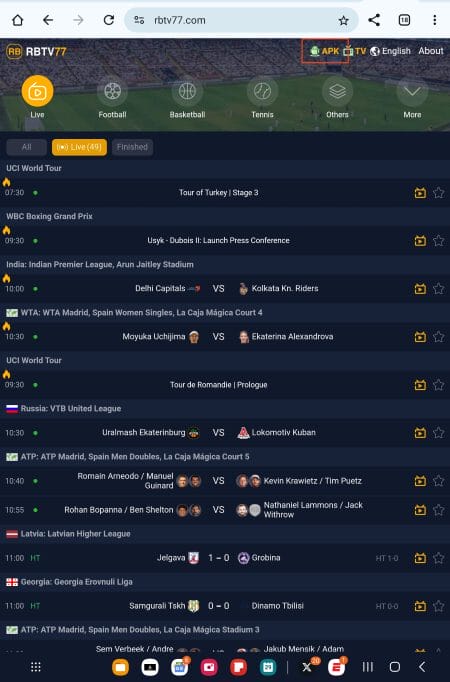
1. Visit the official website for RBTV77 and in the upper right-hand corner, select APK.
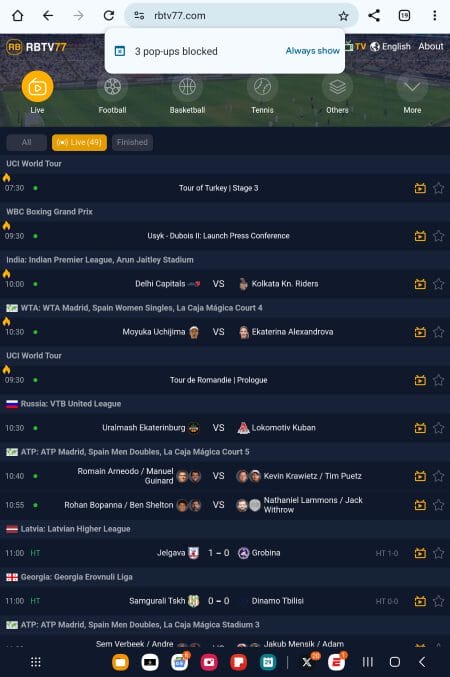
2. If you see this message, select Always show.
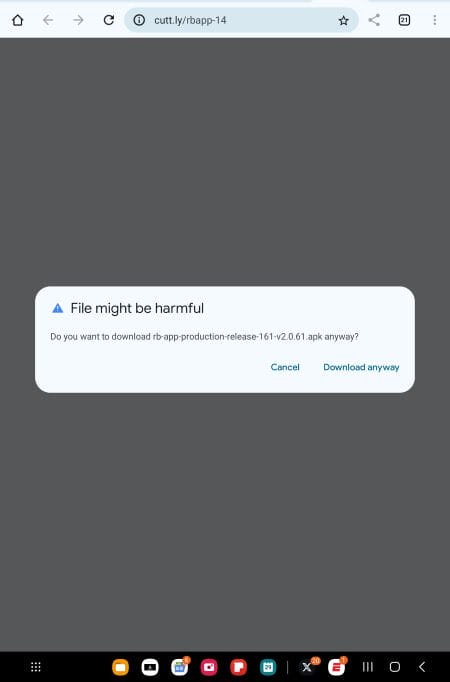
3. Choose Download Anyway.
4. Wait for the file to download and open your Downloads Folder. Click the APK file.
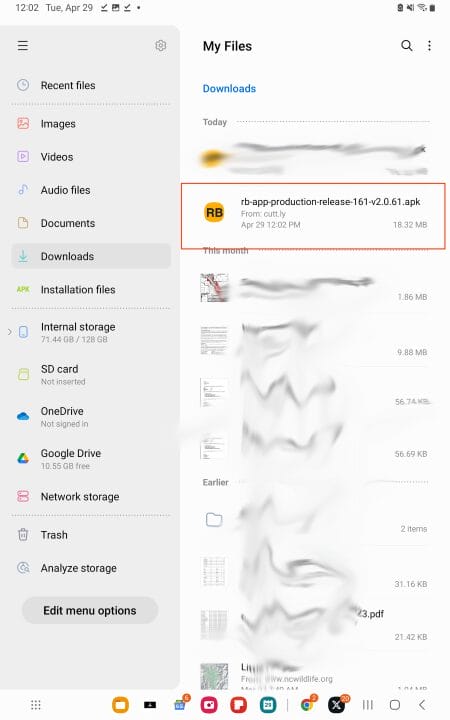
5. Select Install.
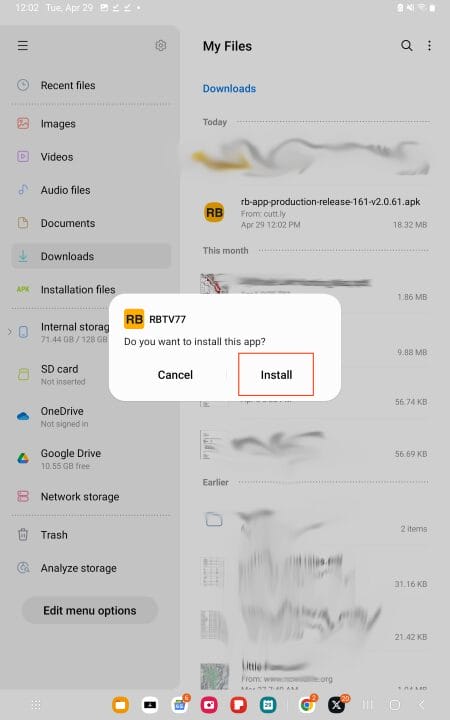
6. Click Open.
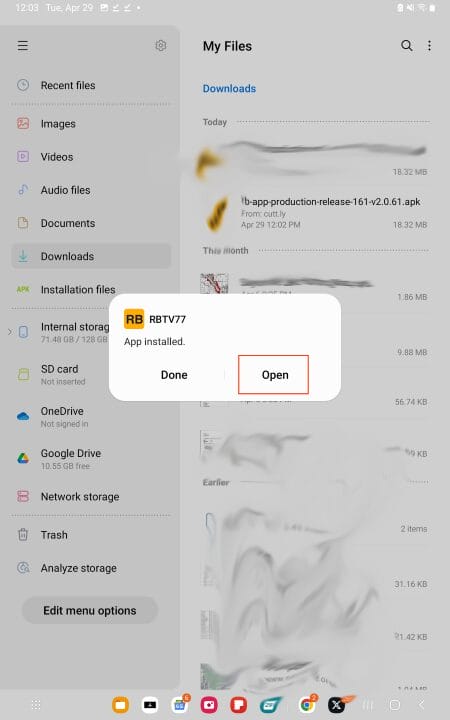
7. You can now use the app to watch the sports you crave.
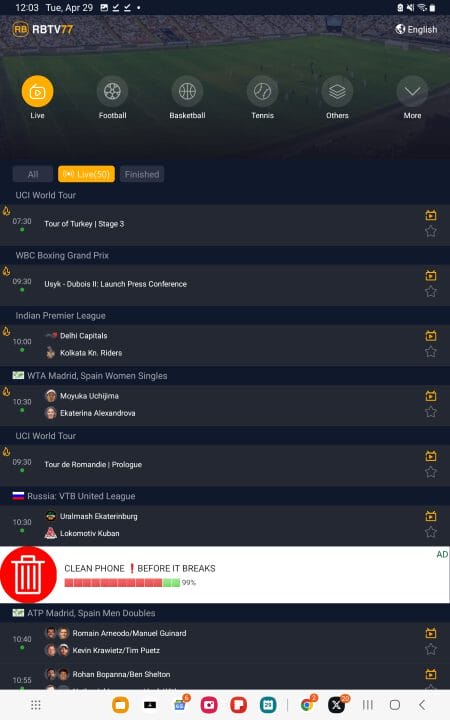
Keep reading for more details and important information you should be aware of.
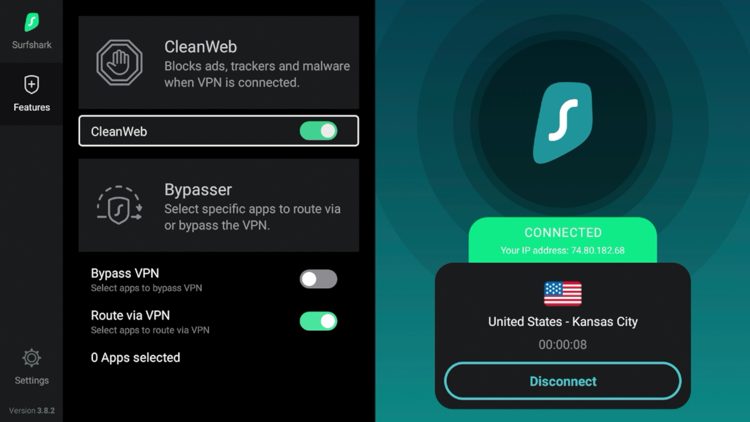
In order to use this app securely, the first thing we need to do is activate Surfshark VPN on our Firestick/Android TV. Surfshark can be installed through Amazon App Store and Google Play for Android TV devices.
Surfshark VPN will protect our identity when using these unverified streaming apps where user data may be collected by the developers. We suggest using the “CleanWeb” feature offered by Surfshark to blocks ads, malware, and trackers.
RBTV77 can stream live sports with little to no buffering at all. This app is also user-friendly making navigation a breeze.
In the installation steps above, we chose the TV version of the app but as you may have noticed, there is also an APK file that works perfectly on mobile devices as well.
And if you don’t own an Android-powered streaming device to install the application, you can access this platform on any web browser!
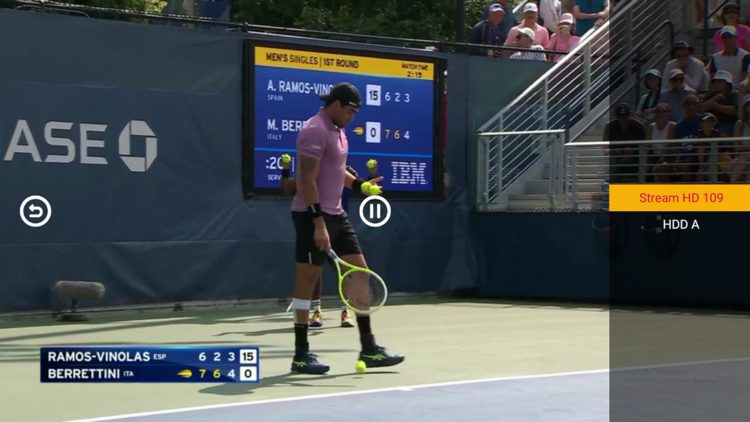
While there is a plethora of options to choose from, these free channels typically play in standard definition (SD) quality and can be limited compared to what you will find in quality IPTV services.
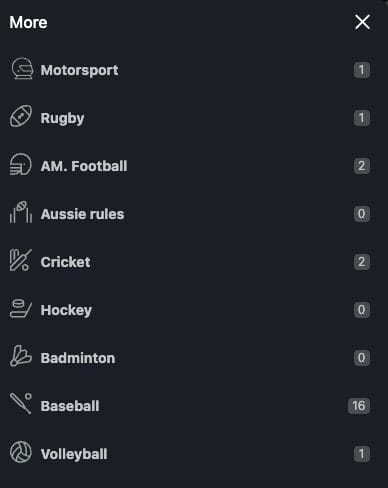
Users will be able to find their favorite sporting events in almost any category you can think of inside RBTV77. This includes Soccer, Rugby, Football, Hockey, Baseball, Tennis, Motorsport, Volleyball, Cricket, Badminton, and more!
It’s impossible for TROYPOINT to determine whether an unverified IPTV app/service holds the proper licensing.
At first glance, it appears this app may be distributing copyrighted content without the proper licensing.
We only recommend using legal streaming apps to view both live and on-demand content. Ultimately, the end-user is responsible for content accessed within this unverified app.
Whenever we review unverified streaming apps, we always scan the official Android APK installation file with VirusTotal. Here is the screenshot of the scan results.
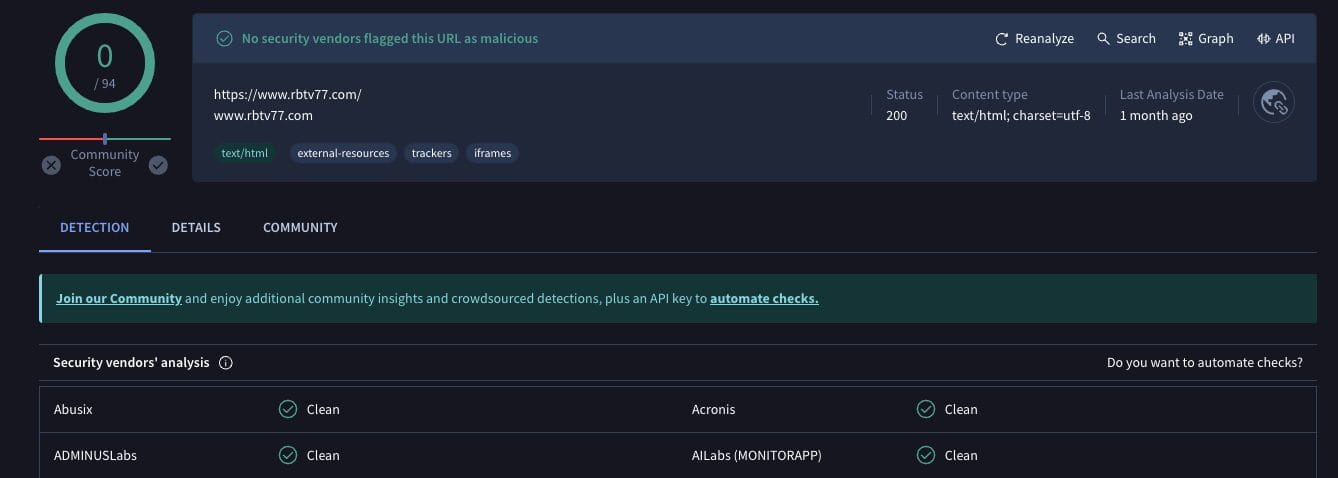
VirusTotal did not find any suspicious files with viruses/malware within this APK file. However, we should always protect ourselves when streaming content from unverified streaming platforms.
The best way to do this is with a secure VPN that will protect your identity and anonymity when using unverified apps such as this.
Best VPN for Firestick/Android TV
If you want to move away from sports websites and opt for easy-to-install/use applications, this is a great option.
RBTV77 has tons of live sports and is built for media boxes so you don’t have to fool with casting to your television.
Have you tried installing the RBTV77 APK on your device? Let us know your thoughts in the comments below!



© IPTVSub is Proudly Owned by win-design